Tools and Calendar 113
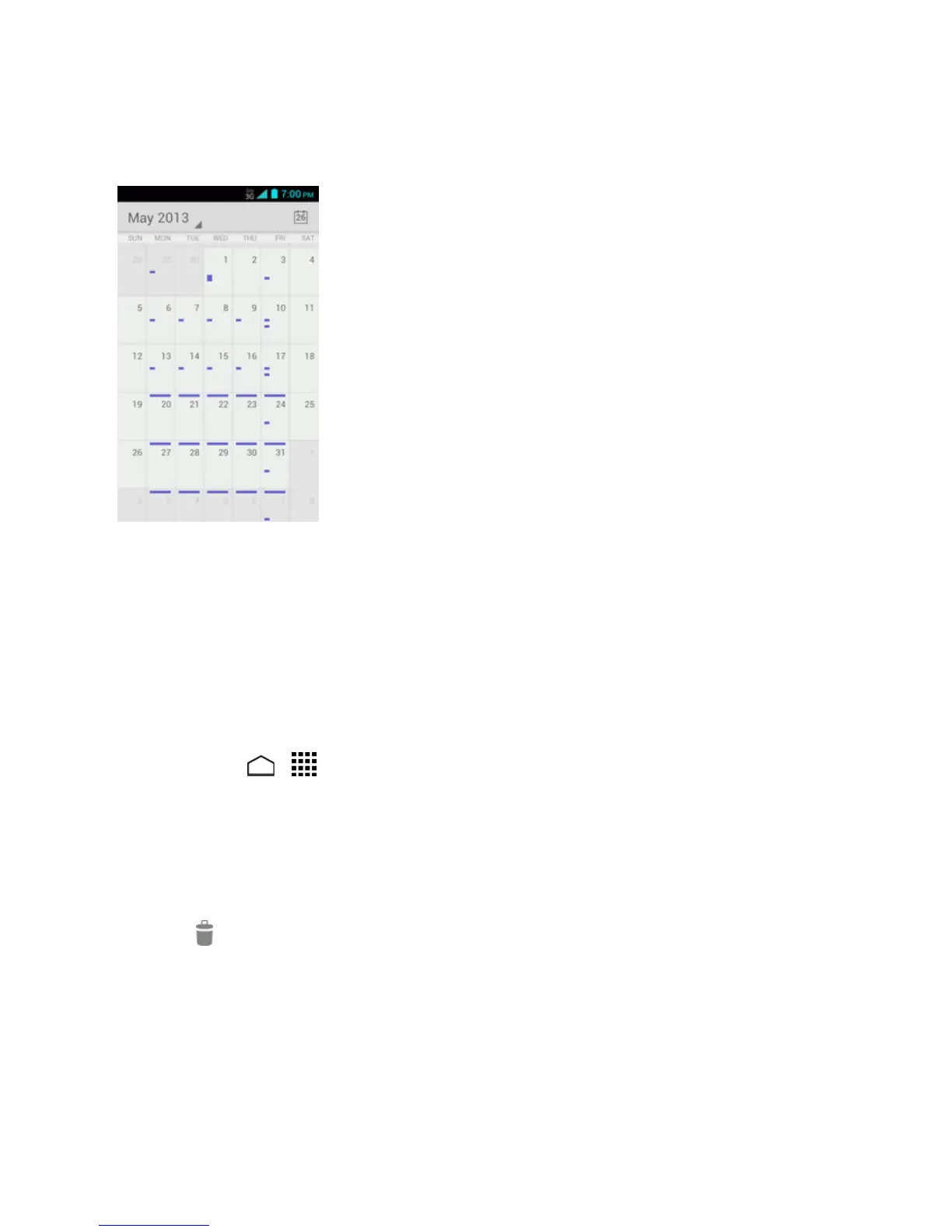
Month View
InMonthview,you’llseemarkersondaysthathaveevents.
WheninMonthview:
n Touchthetodayicononthetoprighttohighlightthecurrentday.
n Touchadaytoviewtheeventsofthatday.
n Slideupordownthescreentoviewearlierorlatermonths.
Erase Calendar Events
It’seasytoerasescheduledeventsfromyourcalendar.
1.
TouchHome > >Calendar.
2. Openthecalendareventdetails:
l InAgenda,Day,andWeekviews,touchthecalendareventyouwanttodelete.
l InMonthview,touchthedatewherethecalendareventoccurs,andthentouchthe
calendarevent.
3.
Touch .
4. TouchOK.
–or–
Ifthecalendareventisrecurring,selectOnly this event,This and future events,orAll
eventsandtouchOK.


 To Next Page
 Loading...







