Phone Basics 12
Rotate
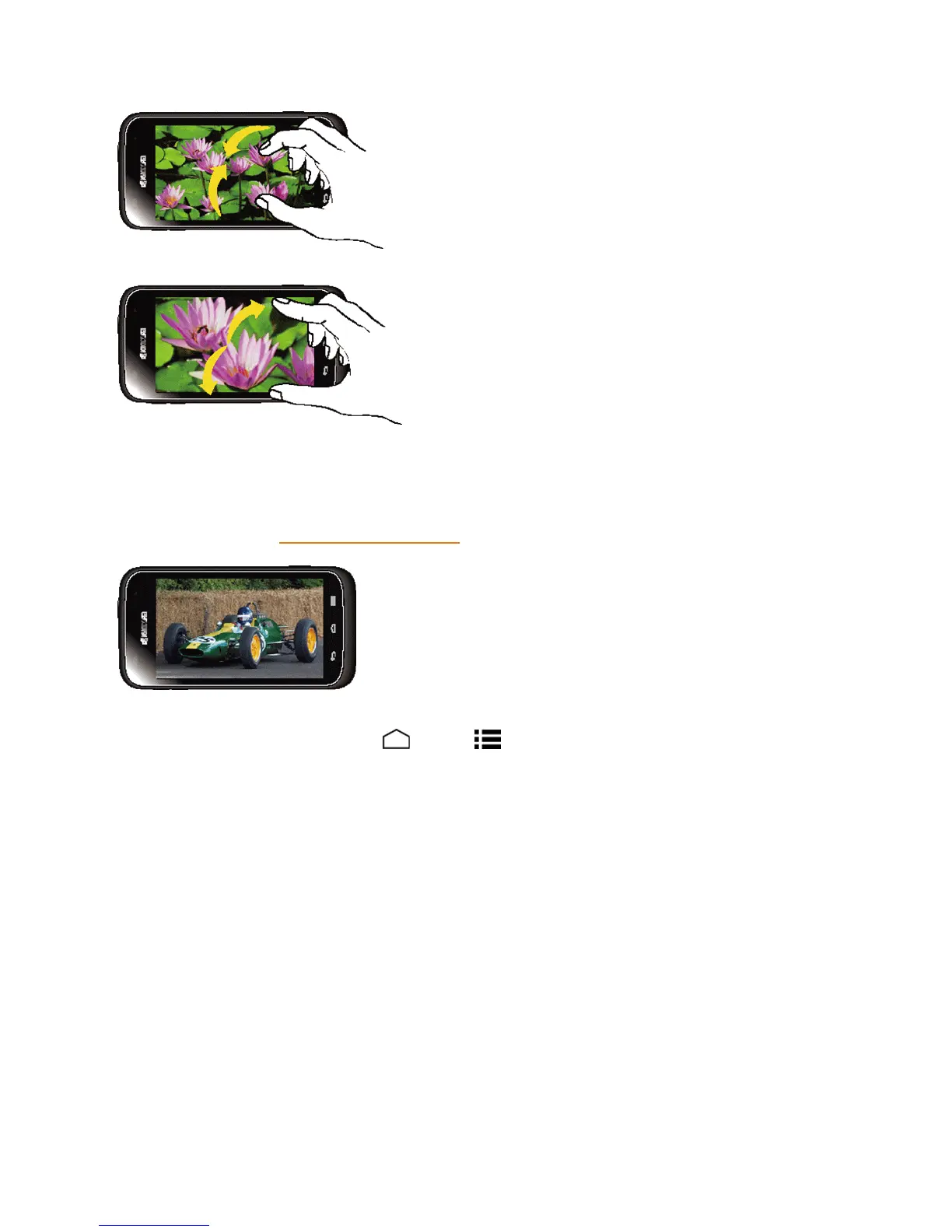
Formostscreens,youcanautomaticallychangethescreenorientationfromportraittolandscape
byturningthephonesideways.Whenenteringtext,youcanturnthephonesidewaystobringupa
biggerkeyboard.SeeTouchscreenKeyboardsformoredetails.
Note: TheAuto-rotate screencheckboxneedstobeselectedforthescreenorientationto
automaticallychange.TouchHome >Menu >System settings>Display>Auto-rotate
screen.
Your Home Screen
Thehomescreenisthestartingpointforyourphone’sapplications,functions,andmenus.Youcan
customizeyourhomescreenbyaddingapplicationicons,shortcuts,folders,widgets,andmore.
Home Screen Overview
Yourhomescreenextendsbeyondtheinitialscreen.Swipethescreenleftorrighttodisplay
additionalscreens.


 To Next Page
 Loading...







