Phone Basics 9
Note: Forinformationonhowtoadjustthetimebeforethescreenturnsoff,seeSleep.
Turn the Screen On and Unlock It
1. Toturnthescreenon,pressthePowerbutton.
2.
Touchandholdthescreenandthekeyicon appearsunderyourfinger.
3.
Flick toward:
l Unlocktounlockthescreen.
l PhonetounlockthescreenandopenthePhoneapp.
l MessagingtounlockthescreenandopentheMessagingapp.
l CameratounlockthescreenandopentheCameraapp.
YoucandisabletheflicklockorenableamoresecureonefromtheSettingsmenu.SeeScreen
Lock.
Touchscreen Navigation
Yourphone’stouchscreenletsyoucontrolactionsthroughavarietyoftouchgestures.
Warning:Donottouchwithapenorstylus.Itmaydamagethetouchscreen.
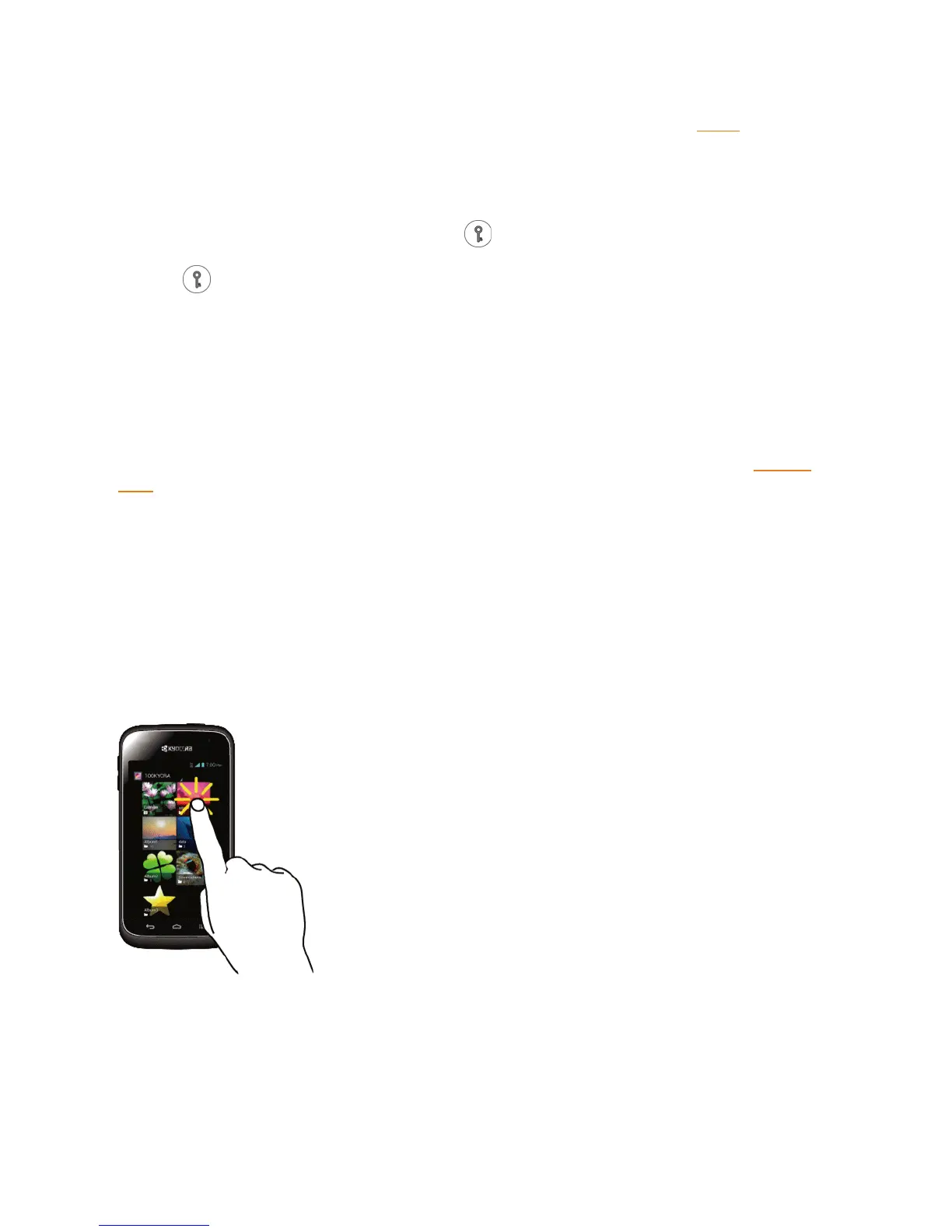
Touch
Touchthescreenwithyourfingertoselectorlaunchamenu,option,orapplication.Alighttouch
worksbest.


 To Next Page
 Loading...







