2WA/2NJ/2RK
6-141
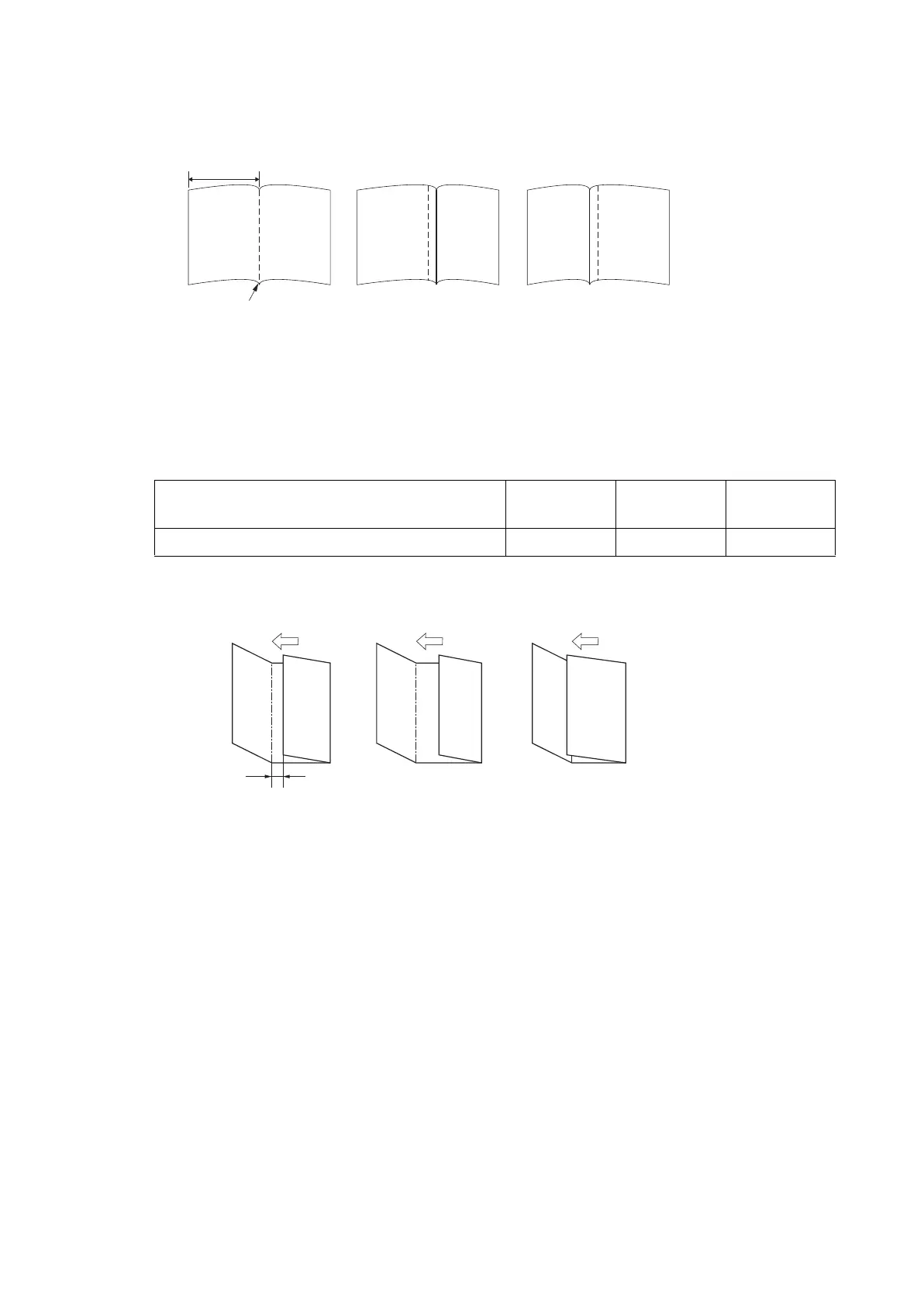
Refer ence value A: A4, Letter: Length of paper × 1/2 ± 2 mm
A3, Ledger, B4: Length of paper × 1/2 ± 3mm
Figure 6-18
3.Press the [Start] key to set the setting value.
Setting: Three Fold
1.Select [Three Fold].
2.Change the setting value by using [+] [-] key or the numeric keypad.
* :Increase the set value if the tri- folding position is shifted to the right side (sample 1).
Decrease the set value if the tri- folding position is shifted to the left side (sample 2).
Refer ence value A: 7.0 ± 2mm
Figure 6-19
3.Press the [Start] key to set the setting value.
Completion
Press the [Stop] key.
* :The screen for selecting a maintenance item No. is displayed.
Content to adjust Setting
range
Data varia-
tion
Initial setting
Adjustment of tri- folding position -15 to 15 0.32mm 0
Sample 2
Sample 1
A
Center line
A
Sample 1 Sample 2


 To Next Page
 Loading...










