4. Installing Your LaCie Ethernet Disk
The LaCie Ethernet Disk is compatible with either 10BaseT or
100BaseTX, or Gigabit.
4.1. Connecting the LaCie Ethernet
Disk to Your Network
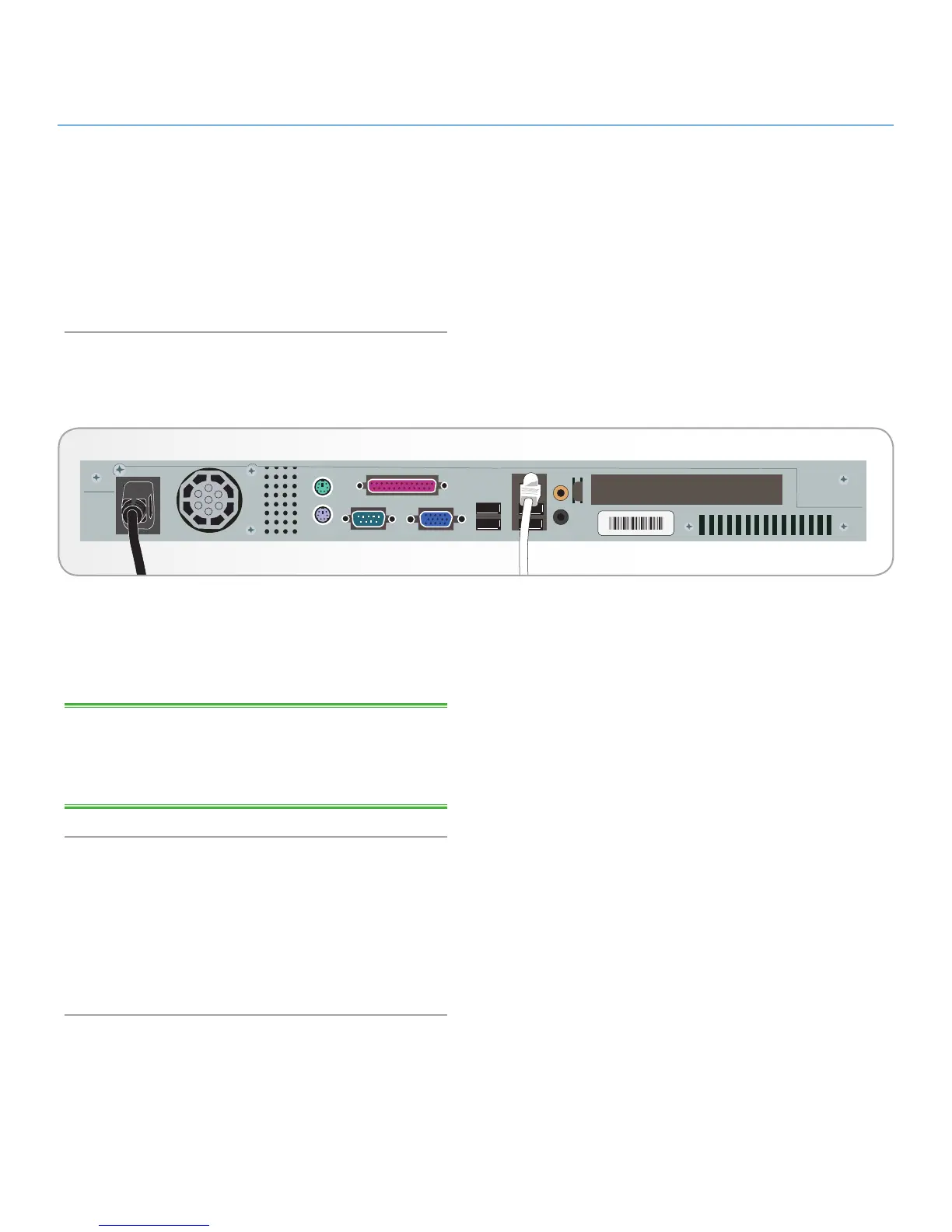
1. Connect the included AC power cord to your LaCie Ethernet
Disk, and then plug the other end to an AC wall outlet.
2. Connect to the Gigabit Ethernet port using the Ethernet cable
provided.
TECHNICAL NOTE: If your primary system is not part of a net-
work, or you want to connect the LaCie Ethernet Disk directly to
another computer, connect the LaCie Ethernet Disk using a net-
work crossover cable.
4.2. Turning On Your LaCie
Ethernet Disk
Press the power button on the front of the drive and wait for the
LaCie Ethernet Disk to start up. Once the Ready light is on and
stays lit, the LaCie Ethernet Disk will be ready to use.














 To Next Page