LaCie Ethernet Disk Managing Your LaCie Ethernet Disk
User Manual page 34
9.4. Rebooting Your Server
1. In the Web Administration Page, click on the Server tab.
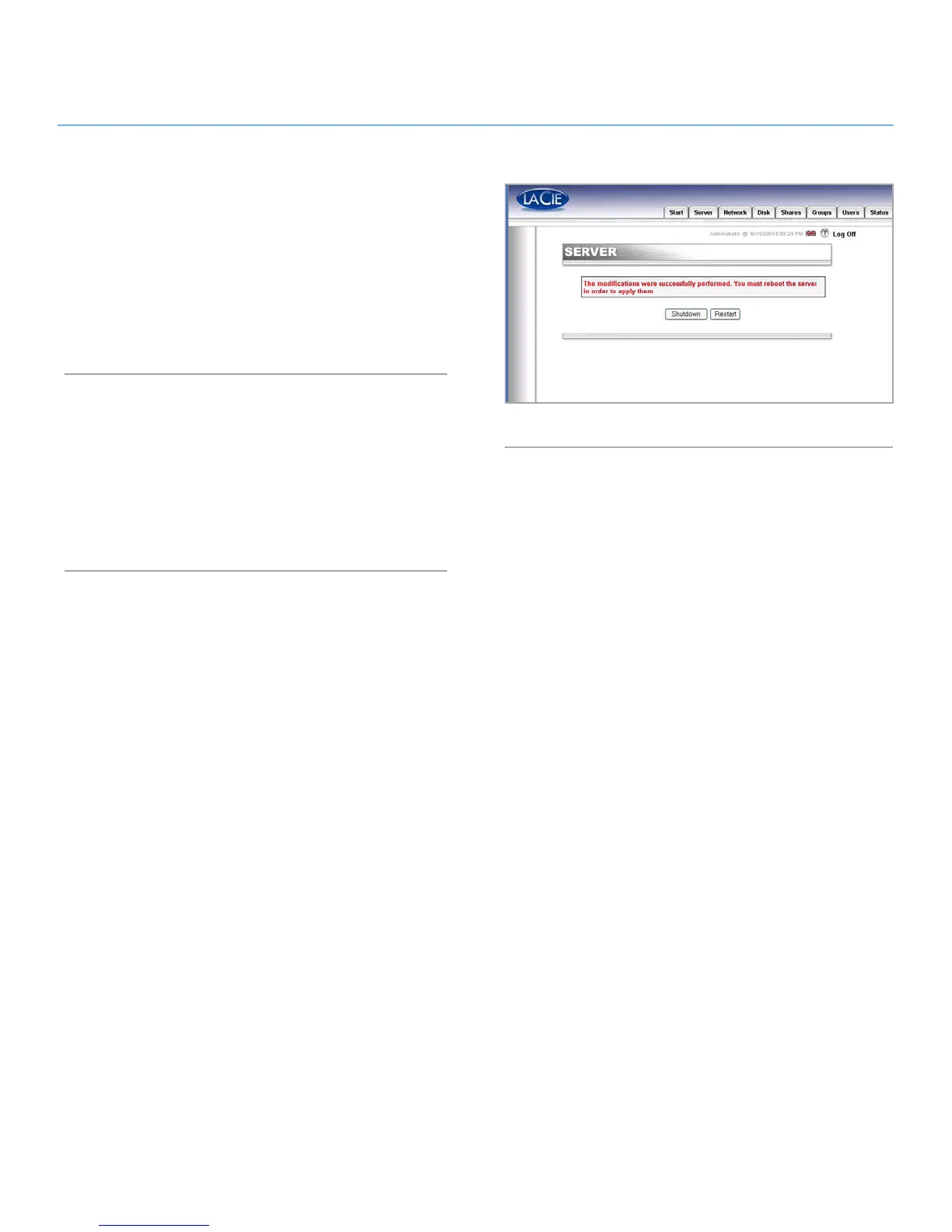
2. At the bottom of the page, click on the Reboot button (Fig.
40).
3. The server will start to reboot. It will take a little time before
it reboots.
9.5. Shutting Down Your Server
1. In the Web Administration Page, click on the Server tab.
2. At the bottom of the page, click on the Shut Down button
(Fig. 40).
3. The server will shut down shortly after.
Fig. 40














 To Next Page