LaCie Ethernet Disk Managing Your LaCie Ethernet Disk
User Manual page 32
9.1. Checking Your Server
Configuration
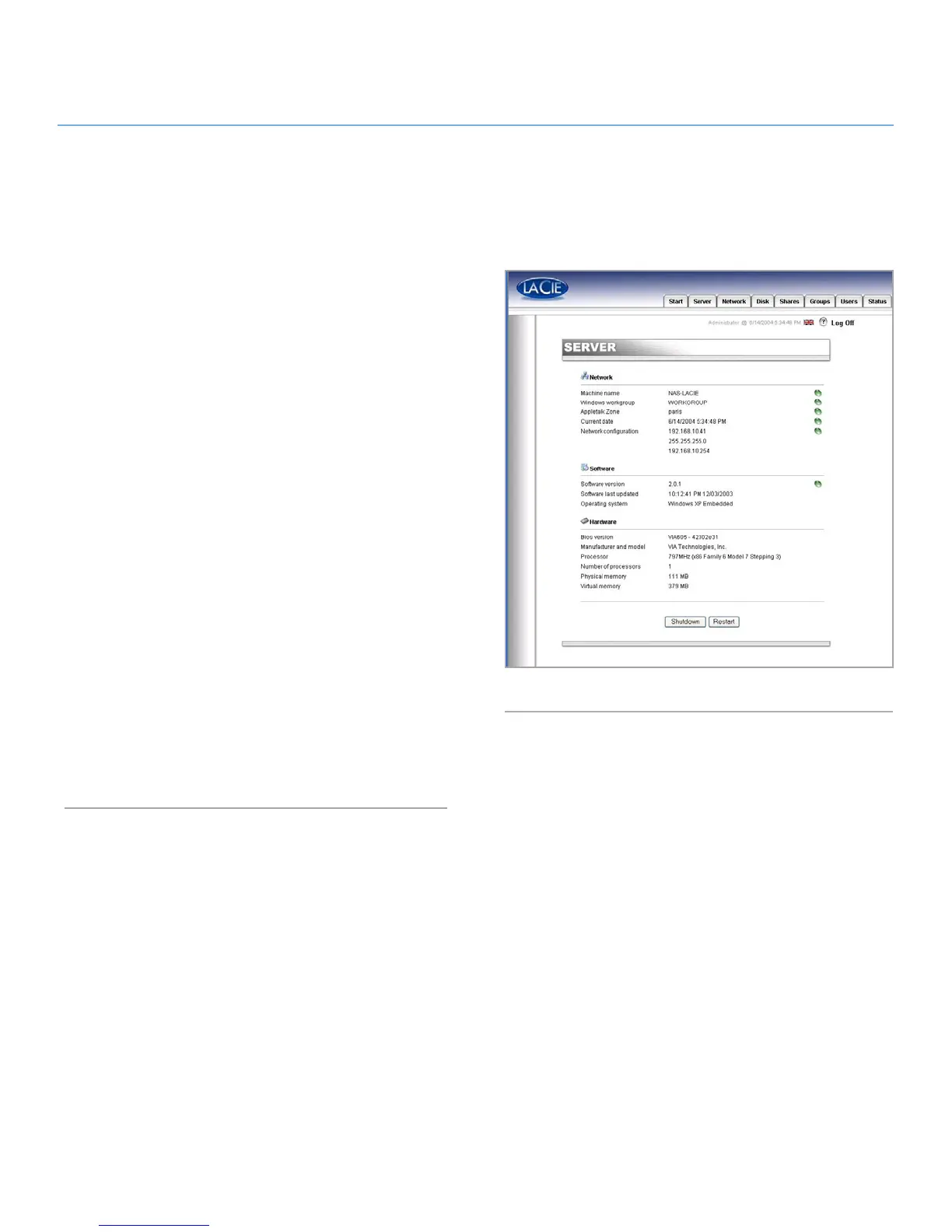
From the Web Administration Page, click on the Server tab to
find out the configuration of your LaCie Ethernet Disk (Fig. 37).
You should see:
• Machine name
• Windows domain or workgroup
• Appletalk zone
• NAS software configuration
• Operating system
• BIOS version
• Manufacturer and model
• Processor
• Number of processors
• Physical memory
• Virtual memory
From this page, you can also reboot and shutdown the server.
9. Managing Your LaCie Ethernet Disk
Fig. 37














 To Next Page