LaCie Ethernet Disk Using the Web Administration Page
User Manual page 23
7.3.2. Username
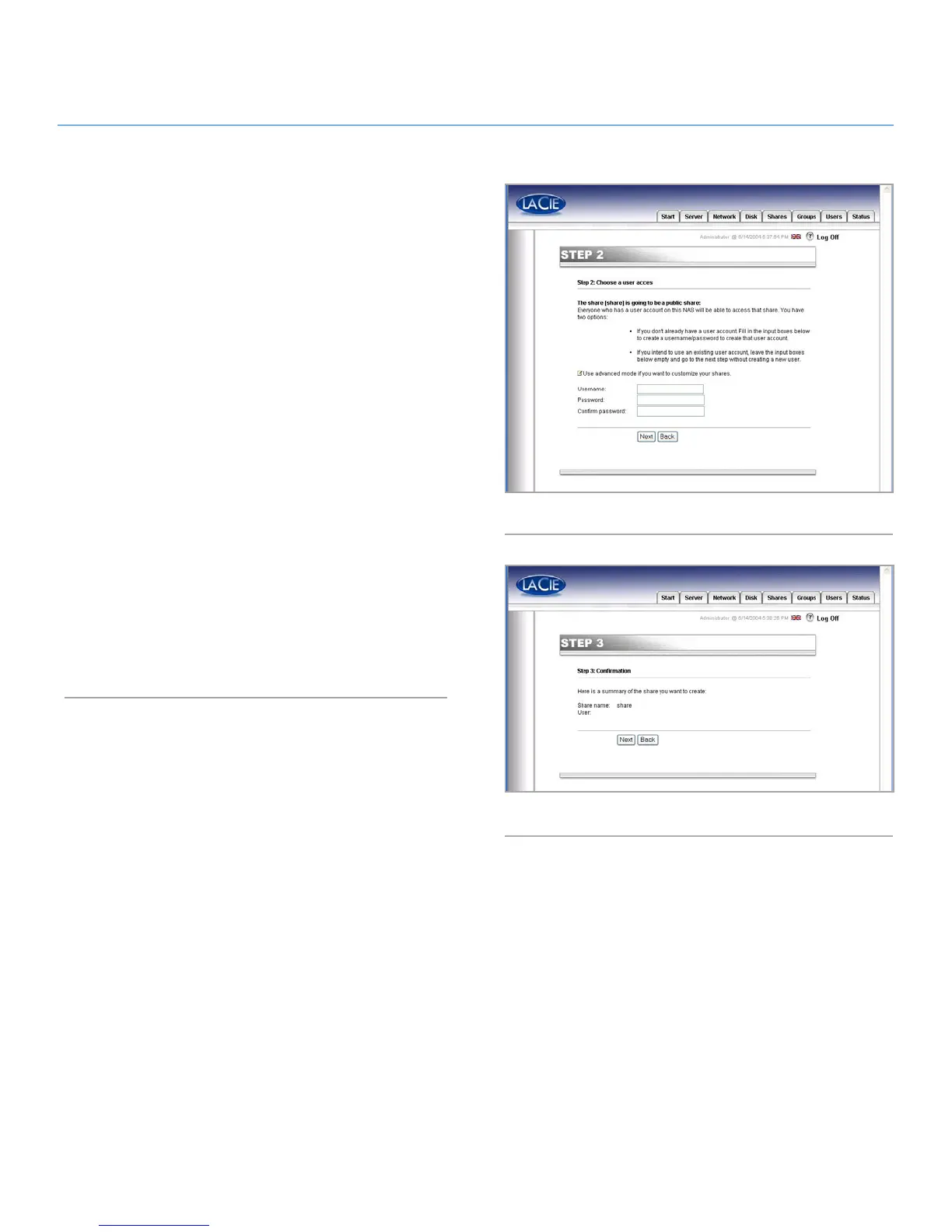
The share that you are about to create is public – this means that
anyone who has an account on the LaCie Ethernet Disk will be
able to access it. To limit access, you have to create users. If you
already have user accounts, you may skip this step and click on
the Next button (Fig. 23). If you want to add a user, please fill in
the input boxes and then press Next.
7.3.3. Confirmation
This step gives you a summary of the actions that are going to
be performed by the Wizard. Use the Back button to go to the
previous screens and to change the settings. Once all settings
are how you would like them, press the Next button (Fig. 24).
Fig. 23
Fig. 24














 To Next Page