LaCie Ethernet Disk Using the Web Administration Page
User Manual page 26
7.4.3. Sharing Your LaCie Ethernet Disk in
Advanced Mode
Your LaCie Ethernet Disk works like a typical file sharing system:
you create users and/or groups that have access to use and
share data, then create a share and assign the users and/or
groups rights to that share.
Creating Users
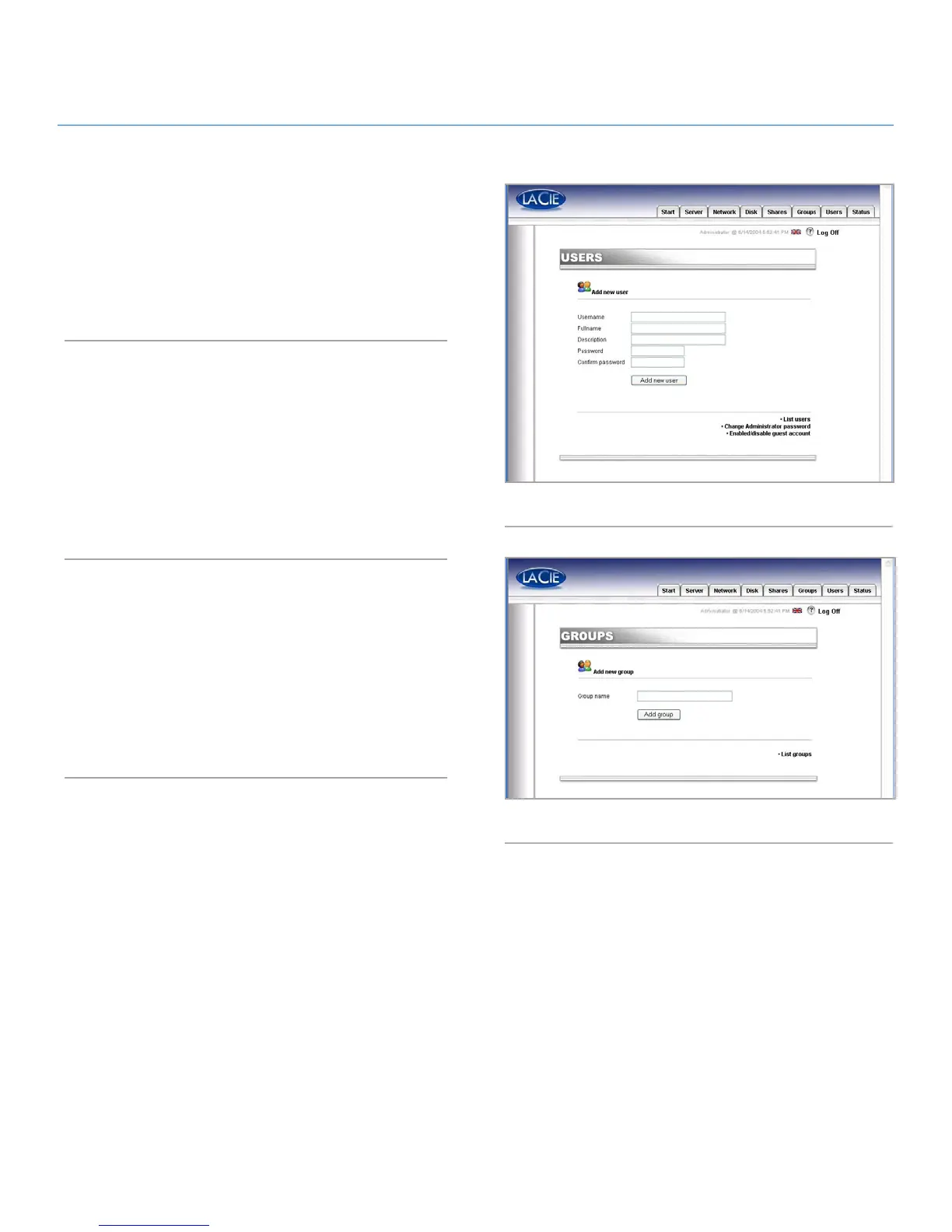
Click on the Users tab and press the Add a user icon (Fig. 29).
Enter the username* and all the necessary information in the text
fields, then press the Add new user button.
*Username must be unique and contain at least 4 characters.
Do not use any of the following characters:
? [ ] \ / = + < > ; : “ , | *
Creating Groups
Click on the Groups tab and press the Add a group icon (Fig.
30). Enter a group name* and a description for the group in the
text fields and press the Add group button.
*The group name must be unique and contain at least 4 charac-
ters. Do not use any of the following characters:
? [ ] \ / = + < > ; : “ , | *
Fig. 29
Fig. 30














 To Next Page