LaCie Ethernet Disk Using the LaCie Shell
User Manual page 49
11.5. Diagnostics
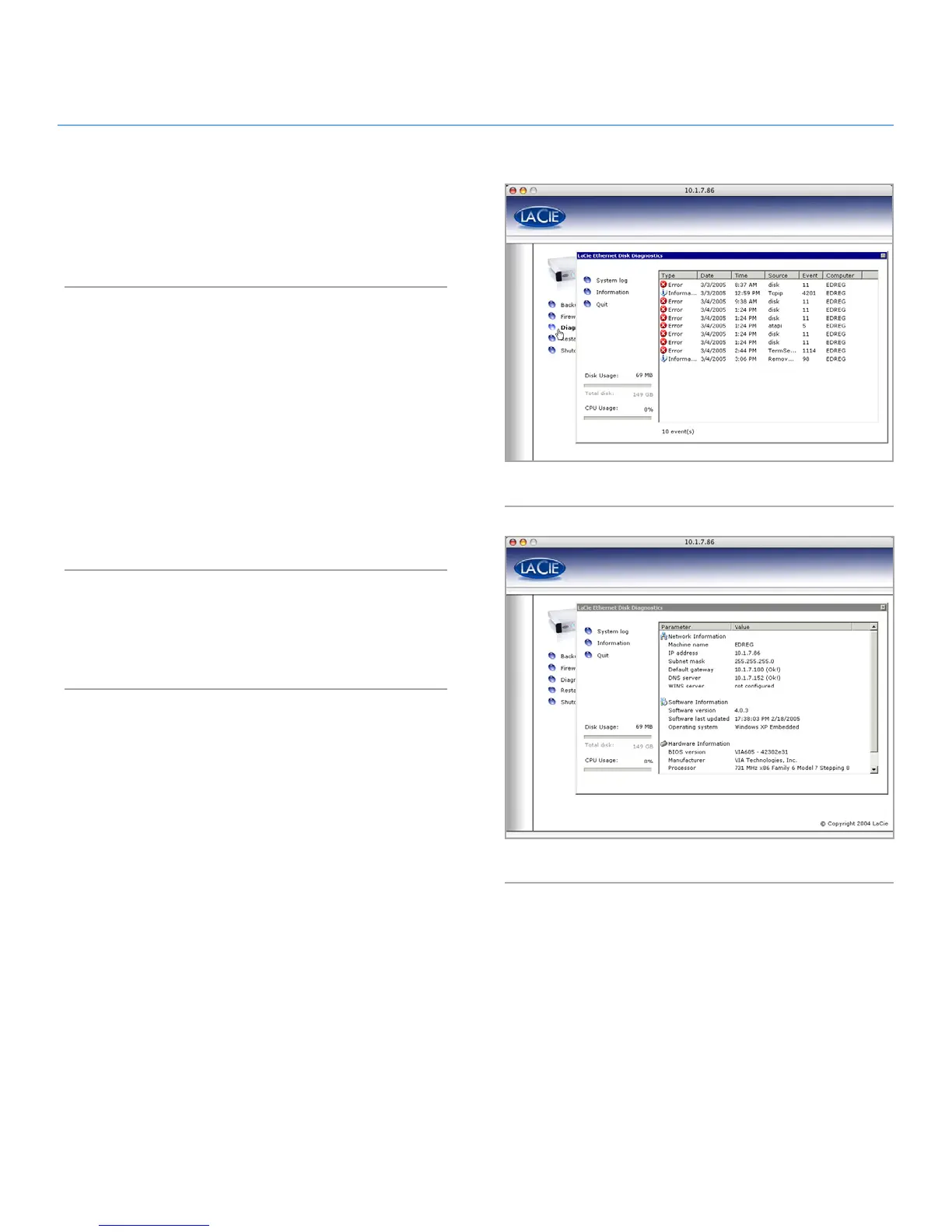
When you click on the Diagnostics button it displays the System
Log (Fig. 69).
11.5.1.
Click on the System Log button to display system messages and
errors. If you are unfamiliar with Windows error messages, or
have any questions about errors you see here, contact LaCie
Technical support.
There are three types of messages: errors, warnings, and infor-
mation. For each event the date, time, source, and an ID are
given.
The System Log is also available from the Status tab in the web
Administration application.
11.5.2.
Click on the Information button to display the current settings of
the Ethernet Disk (Fig. 70).
Fig. 69
Fig. 70














 To Next Page