LaCie Ethernet Disk Managing Your LaCie Ethernet Disk
User Manual page 33
9.2. Changing the Administrator’s
Password
By default, the administrator’s password is admin. You should
change this password as soon as possible, for security reasons.
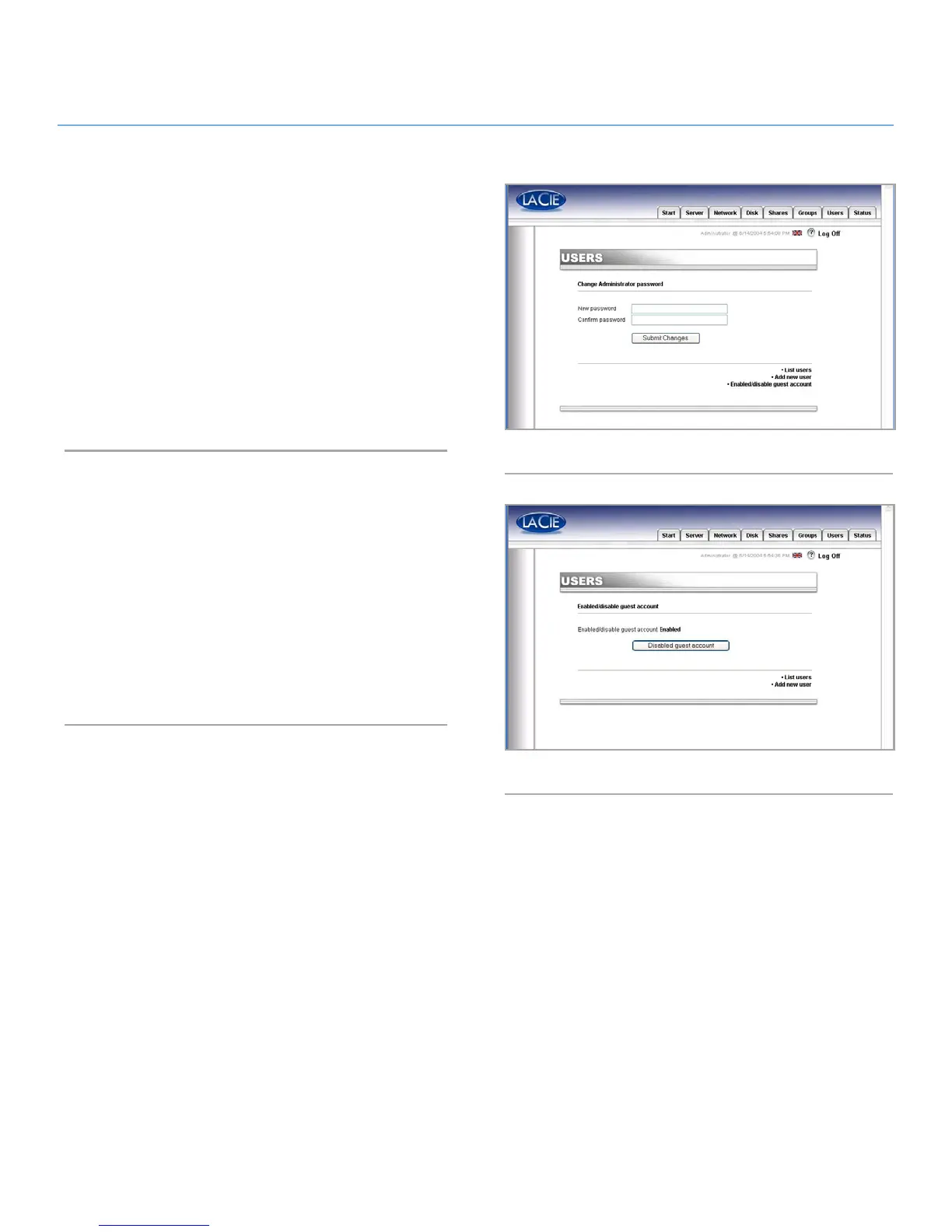
1. In the Web Administration Page, click on the Users tab.
2. Click on Change Administrator Password button (Fig. 38).
3. Enter your new password and confirm it.
4. Press Submit changes.
9.3. Enabling/Disabling Guest
Accounts
Enabling guest accounts allows people to connect to shares
without authenticating (Fig. 39). However, there are some limita-
tions. For instance, under Windows, you will not be allowed to
connect to protected shares unless you map the share as a drive,
and there are also security issues. Some problems may also oc-
cur under the Mac OS, as well. Therefore, it is recommended
that you not enable guest accounts unless you have a high-level
of technical expertise and know exactly what you are doing.
Fig. 38
Fig. 39














 To Next Page