LaCie Ethernet Disk Advanced Management of Users, Groups and Shares
User Manual page 29
8. Advanced Management of Users, Groups and Shares
IMPORTANT INFO: By default, a user belongs to the Users
group. If you want a user to become an administrator, add that
user to the Administrators group.
8.1. Listing Local Users
A user is any individual with a valid username and password
who, once authenticated, has access to those shares on the La-
Cie Ethernet Disk to which (s)he is allowed.
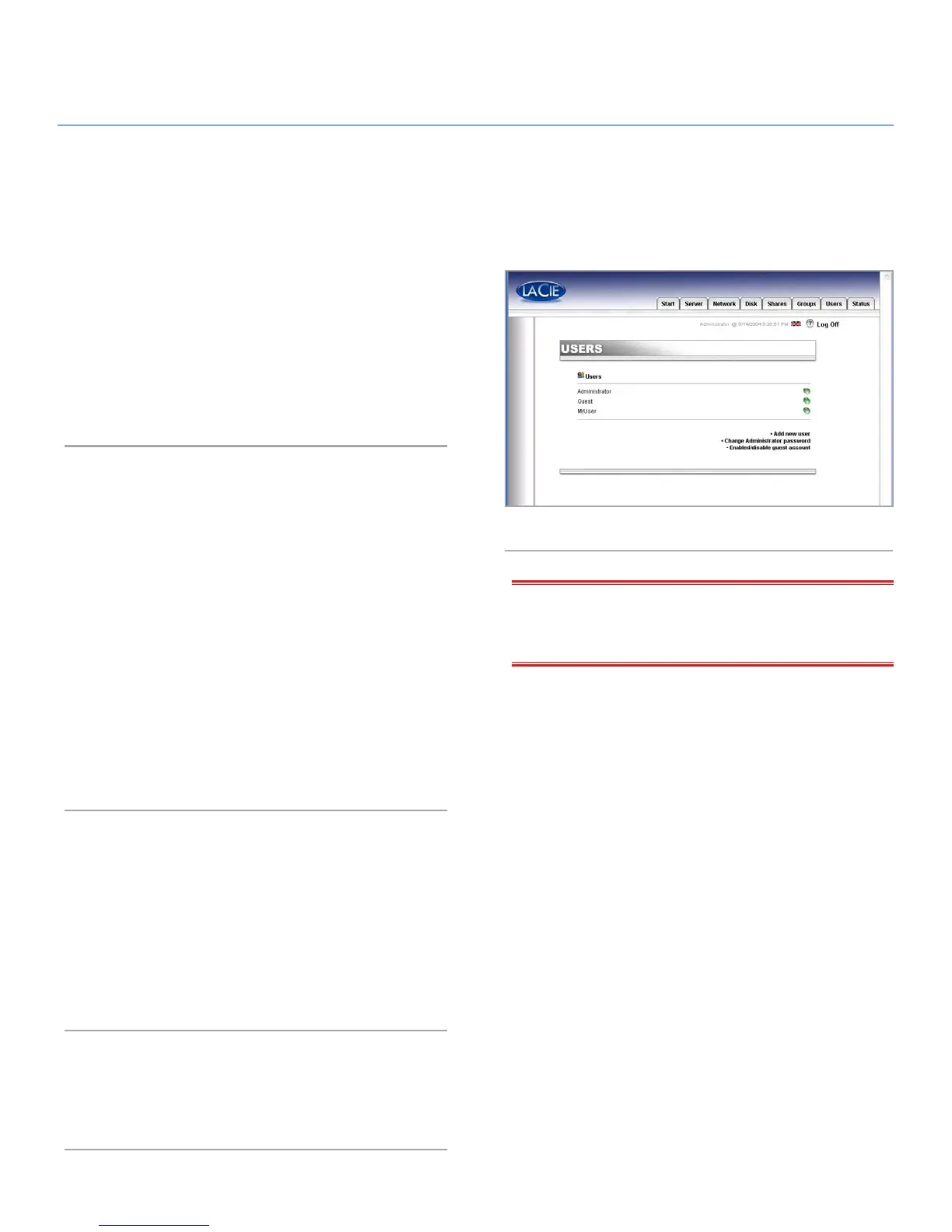
In the Web Administration Page, click on Users to have access
to the list of the local users on your LaCie Ethernet Disk (Fig. 34).
8.1.1. Creating a User
In the Web Administration Page, click on the Users tab. From the
lower-right corner of the page, click on Add a user to create
a new user (please refer to 7.4. Using the Advanced Mode for
more information):
1. Enter the new username. It must be unique to the local ma-
chine.
2. Enter a description.
3. Enter a password and confirm it.
4. Press the Create the user button.
5. Your new user has been created, and by default, it will belong
to the Users group.
8.1.2. Editing a User
1. From the list of local users, click on the button next to the
username that you wish to edit.
2. Edit the username, password and description as you like.
3. Assign groups to the user.
4. Submit the changes.
8.1.3. Deleting a User
Edit the user, then, from the bottom of the page, click on the
Delete button.
Fig. 34














 To Next Page