LaCie Ethernet Disk Using the LaCie Shell
User Manual page 51
11.6. Logging Off the System via
Remote Desktop (Windows
and Macintosh)
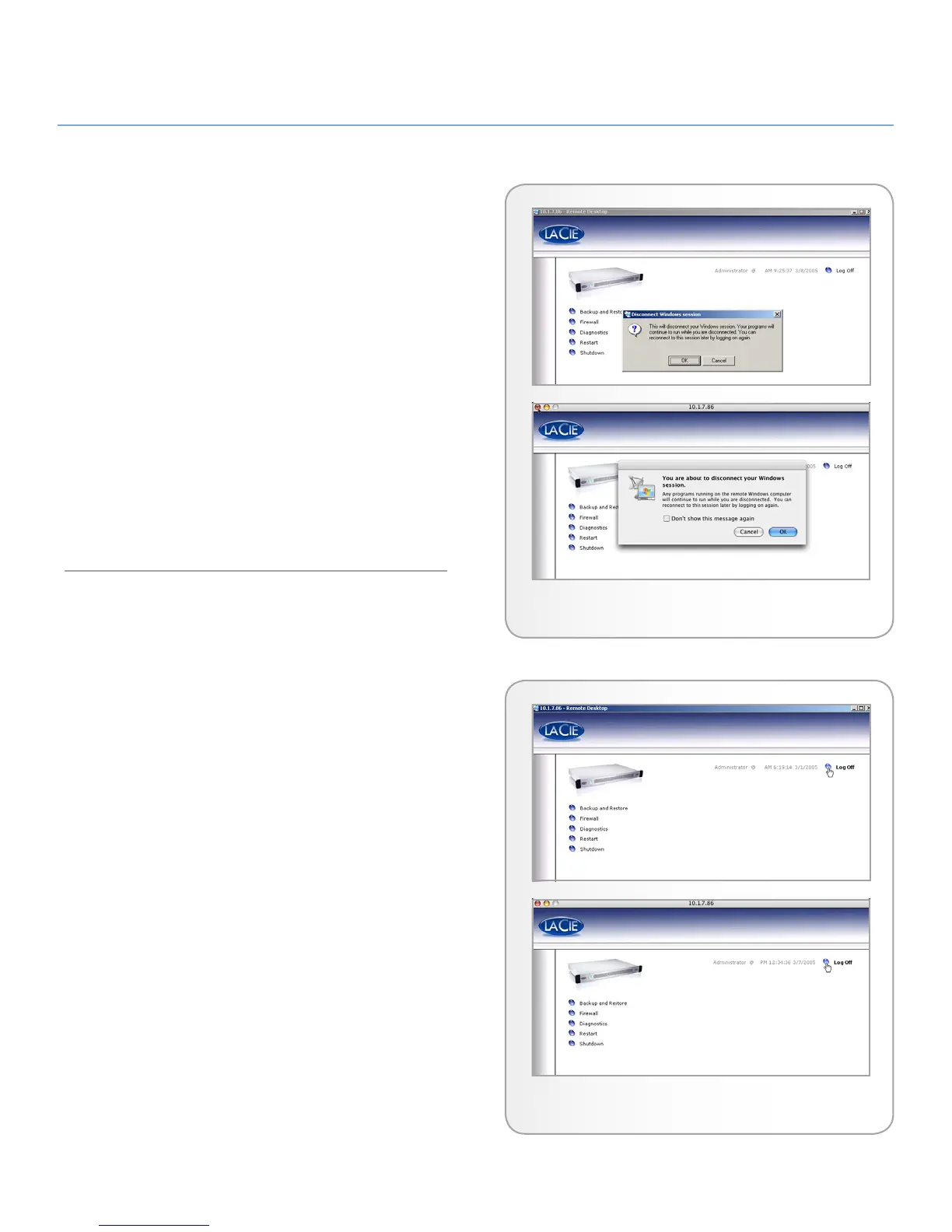
If you click the Close button of the Remote Desktop window,
you’ll be prompted to disconnect from the remote system (Fig.
72).
It’s important to understand that disconnecting is not the same
as logging off the computer. When you disconnect, any applica-
tions you have open on the screen will still be running on the
remote system. This means that you can reconnect at a later time
and pick up where you left off last time. So to log off the system,
click the Log Off button on the screen (Fig. 73). Doing so will
have the same effect as logging off your system normally and
will terminate any applications you may have opened. This is the
most secure way of ending a Remote Desktop session, and is the
recommended way to log off the system.
Fig. 72
Fig. 73














 To Next Page