LaCie Ethernet Disk Using the LaCie Shell
User Manual page 50
11.5.3.
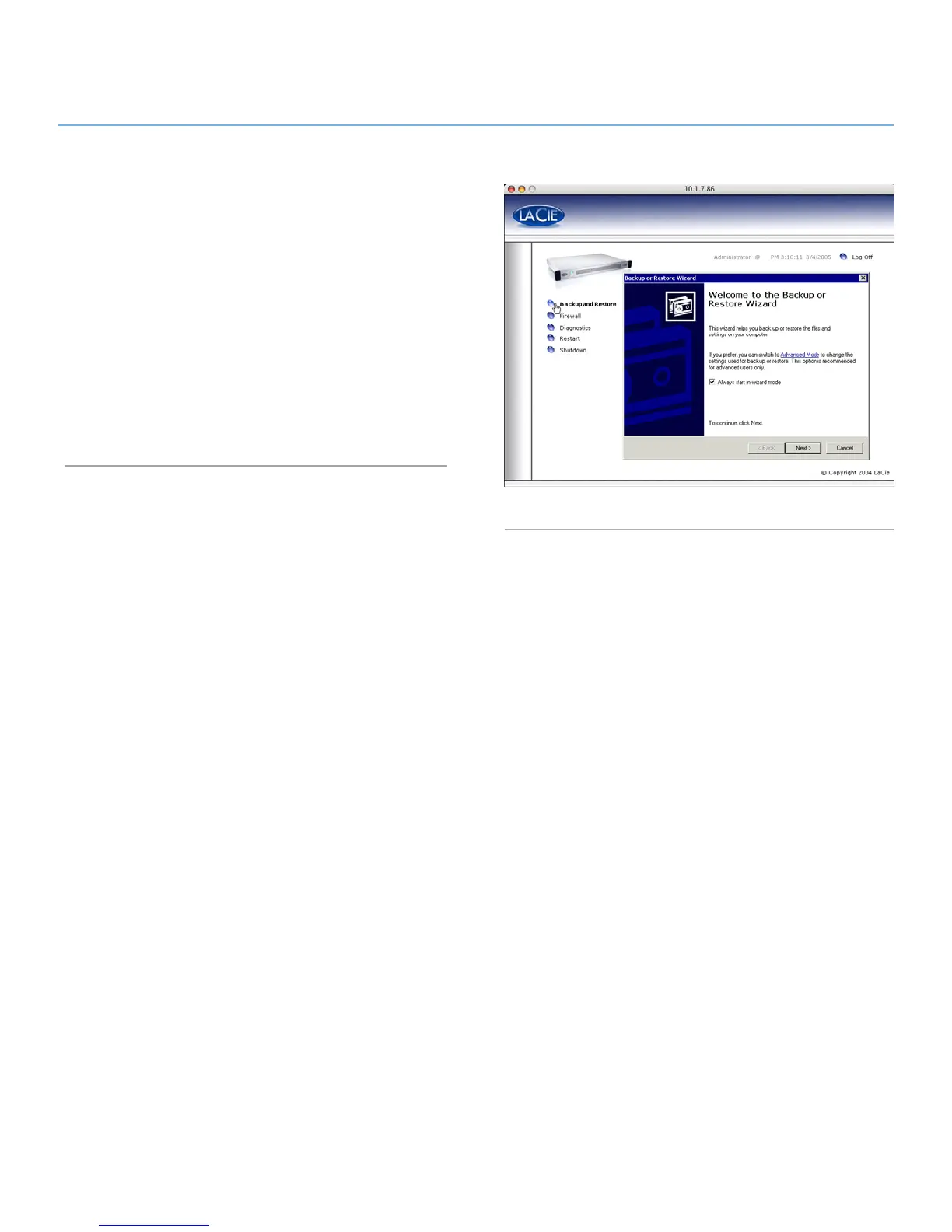
Clicking on the Backup and Restore button displays the stan-
dard Windows Backup and Restore Wizard (Fig. 71). LaCie rec-
ommends that you use the Web Administration Backup options
described in sections 9.9. Backing Up LaCie Ethernet Disk Using
the Built-In Backup Engine and 9.10. Backing Up Disks Using
Third-party Software Programs.
Please contact LaCie Technical Support before attempting any
restore of the Ethernet Disk, they will advise you whether to use
this Wizard, or the one of the methods described in section 9.12.
Restoring Your LaCie Ethernet Disk or section 14. Restoring Your
Ethernet Disk Using the LaCie Restore CD.
Fig. 71














 To Next Page