LaCie Ethernet Disk Adding Additional Storage Space
User Manual page 43
You can add additional storage space to your LaCie Ethernet
Disk by connecting an external hard drive using a Hi-Speed USB
2.0 port.
1. Connect the hard drive to the LaCie Ethernet Disk using one
of the Hi-Speed USB 2.0 ports.
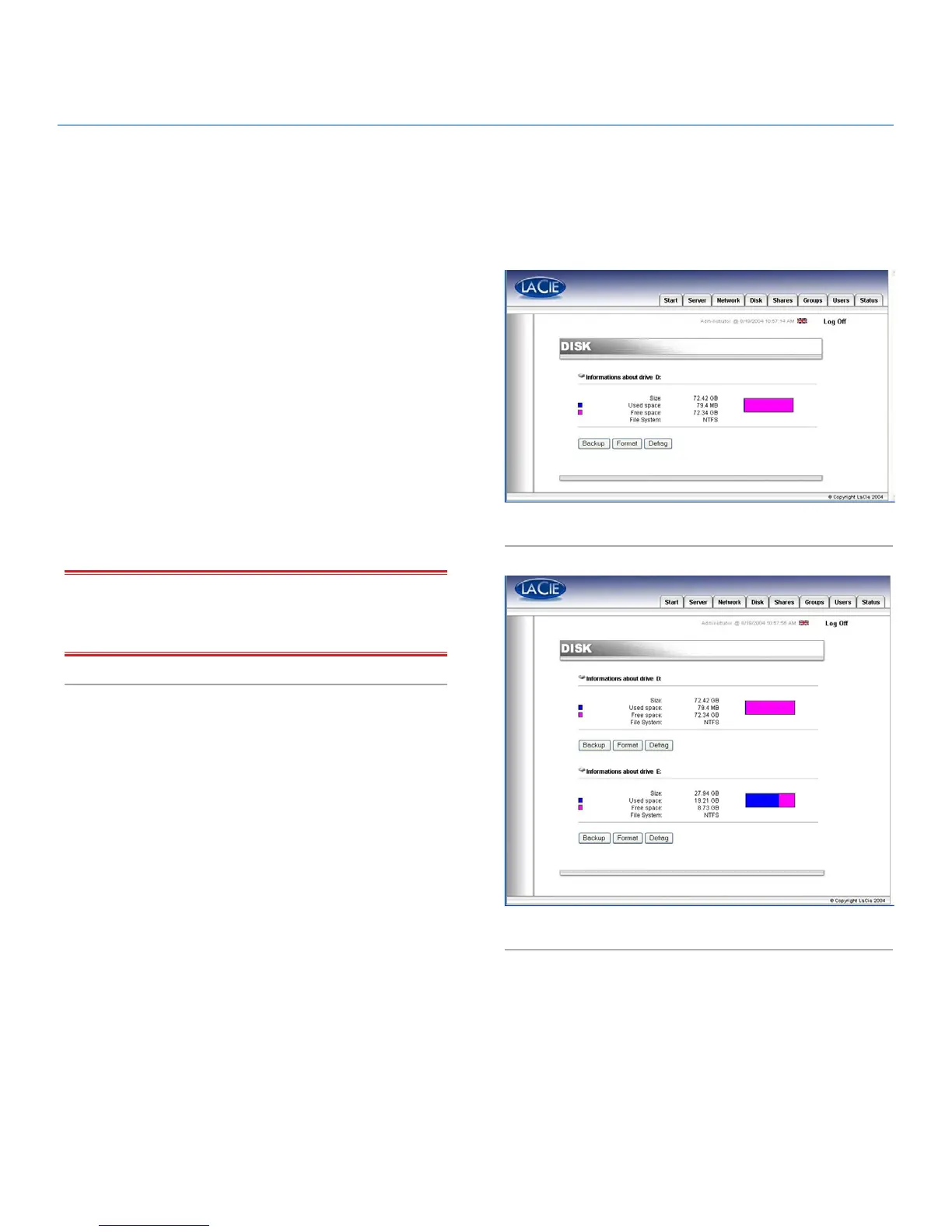
2. In the Web Administration Page, click on the Disk tab (Fig.
53).
3. Refresh the page if necessary (under Windows in either Inter-
net Explorer or Netscape Navigator, right-click in the frame
and click on Refresh or Reload).
4. A second drive should then be listed, and you can now create
shares on these drives (Fig. 54).
IMPORTANT INFO: Only NTFS formatted disks are fully sup-
ported. Disks formatted in FAT32 can only be used for backup.
Any other format is not supported.
10. Adding Additional Storage Space
Fig. 53
Fig. 54














 To Next Page