LaCie Ethernet Disk Using the Web Administration Page
User Manual page 25
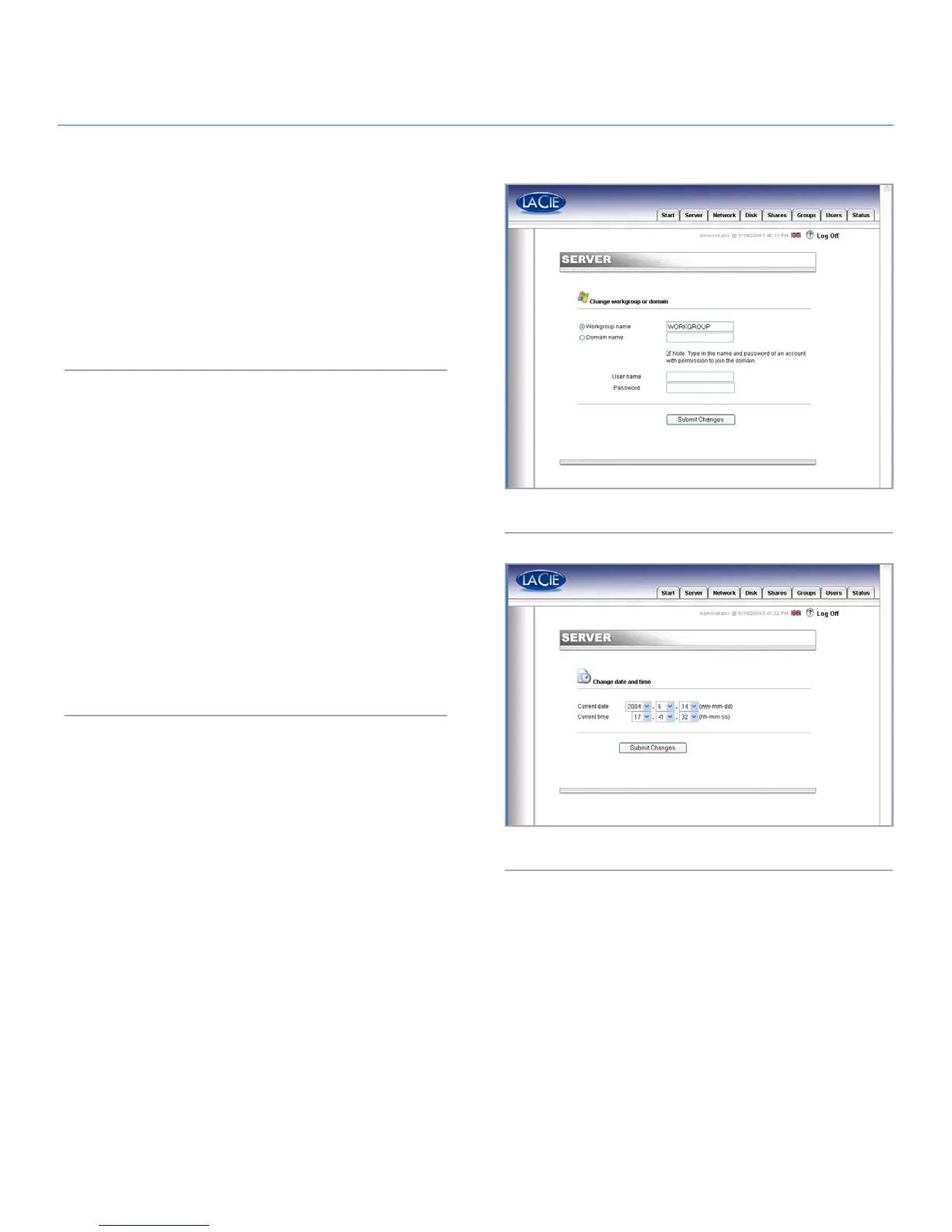
Moving From A Workgroup To A Domain
Windows Users: You can choose whether or not your LaCie Eth-
ernet Disk should belong to a Workgroup or a Domain (Fig. 27).
By default, your LaCie Ethernet Disk will belong to the workgroup
named WORKGROUP. You can also set your LaCie Ethernet
Disk into a Windows domain. An administrator domain user
name and password will be required, though. Please ask your
system administrator for more information.
7.4.2. Setting the Date and Time
You can set the date and time of your LaCie Ethernet Disk in
the Web Administration Page, under the Server section (Fig. 28).
Click on the button next to the current time, which brings you to
the Edit system time page. Set the date and time, and then press
the Set time and date button.
Fig. 27
Fig. 28














 To Next Page