LaCie Ethernet Disk Managing Your LaCie Ethernet Disk
User Manual page 40
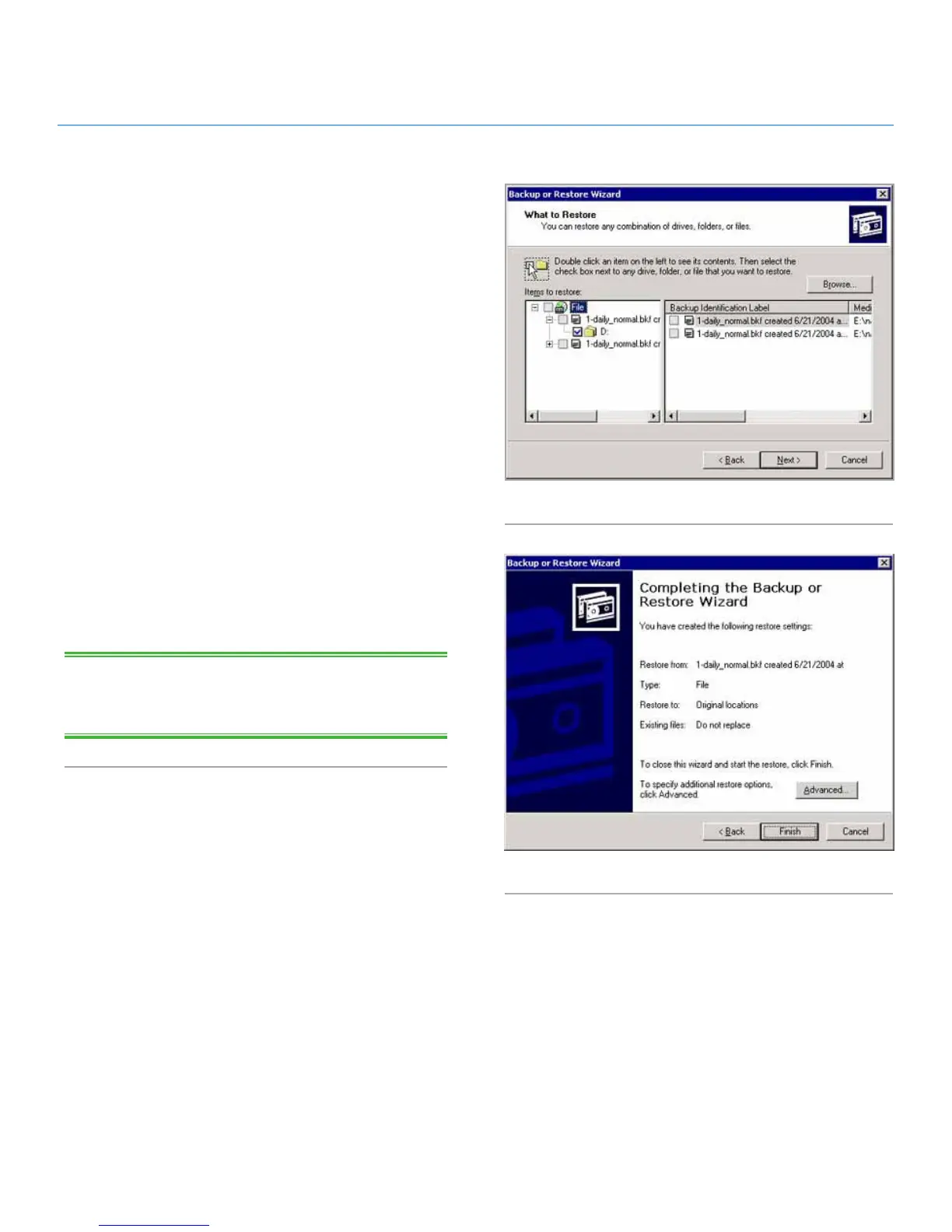
5. Select the file(s) or folder(s) you want to restore (Fig. 49).
6. Click the Next button.
7. Click the Finish button (Fig. 50).
8. The restore progress dialog will appear.
When then restore is complete click the Close button.
TECHNICAL NOTE: Clicking on the Advanced... button will al-
low you to specify additional restore options. (i.e. Alternate loca-
tion or Single folder).
Fig. 49
Fig. 50














 To Next Page