LaCie Ethernet Disk Restoring Your LaCie Ethernet Disk
User Manual page 57
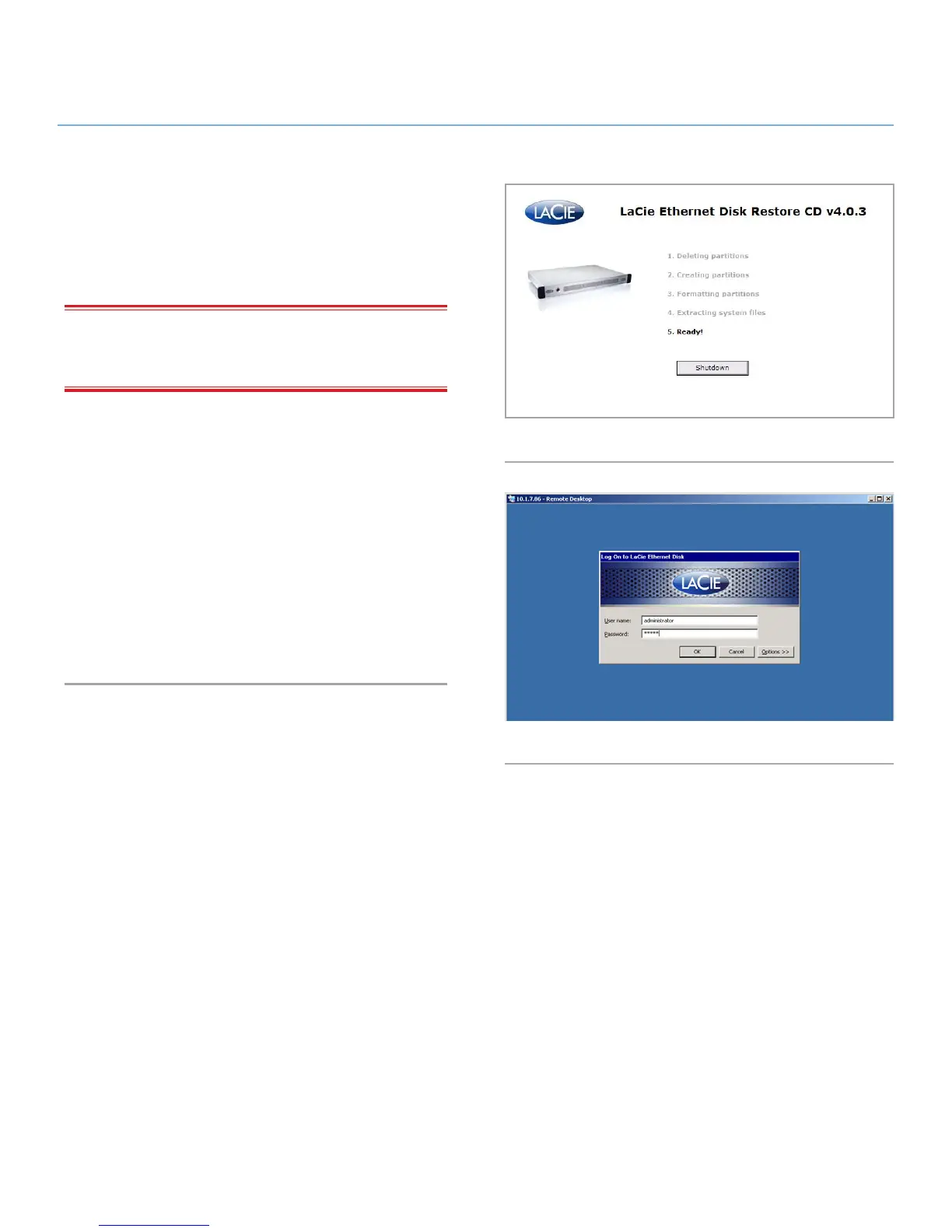
6. When you see the words “5. Ready” displayed in bold, click
Shutdown (Fig. 75).
7. When prompted, disconnect the USB CD-ROM drive, and
restart the system by pressing the power button on the front
of the Ethernet Disk.
IMPORTANT INFO: The system will put itself through a num-
ber of reboots; DO NOT interrupt the system during these re-
boots.
After the final reboot the system will display the
LaCie Ethernet Log On Screen (Fig. 76).
When the Ready Light on the front of the Ethernet Disk comes on,
the restore process is complete.
8. Use the LaCie Network Assistant to configure your Ethernet
Disk.
9. Using a Web browser access the Ethernet Disk and apply any
LaCie Ethernet Disk software updates needed to restore the
Ethernet Disk software up to the latest version.
10. Finally, restore your data from backup.
Fig. 75
Fig. 76














 To Next Page