LaCie Network Space MAX • DESIGN BY NEIL POULTON Accessing & Transferring Files
User Manual page 26
3.4.1. STEP 1: Turn On the Drive
IMPORTANT INFO: You must allocate space to USBShare before
connecting the drive to your computer. See 4.9. Dashboard: Drive
Information.
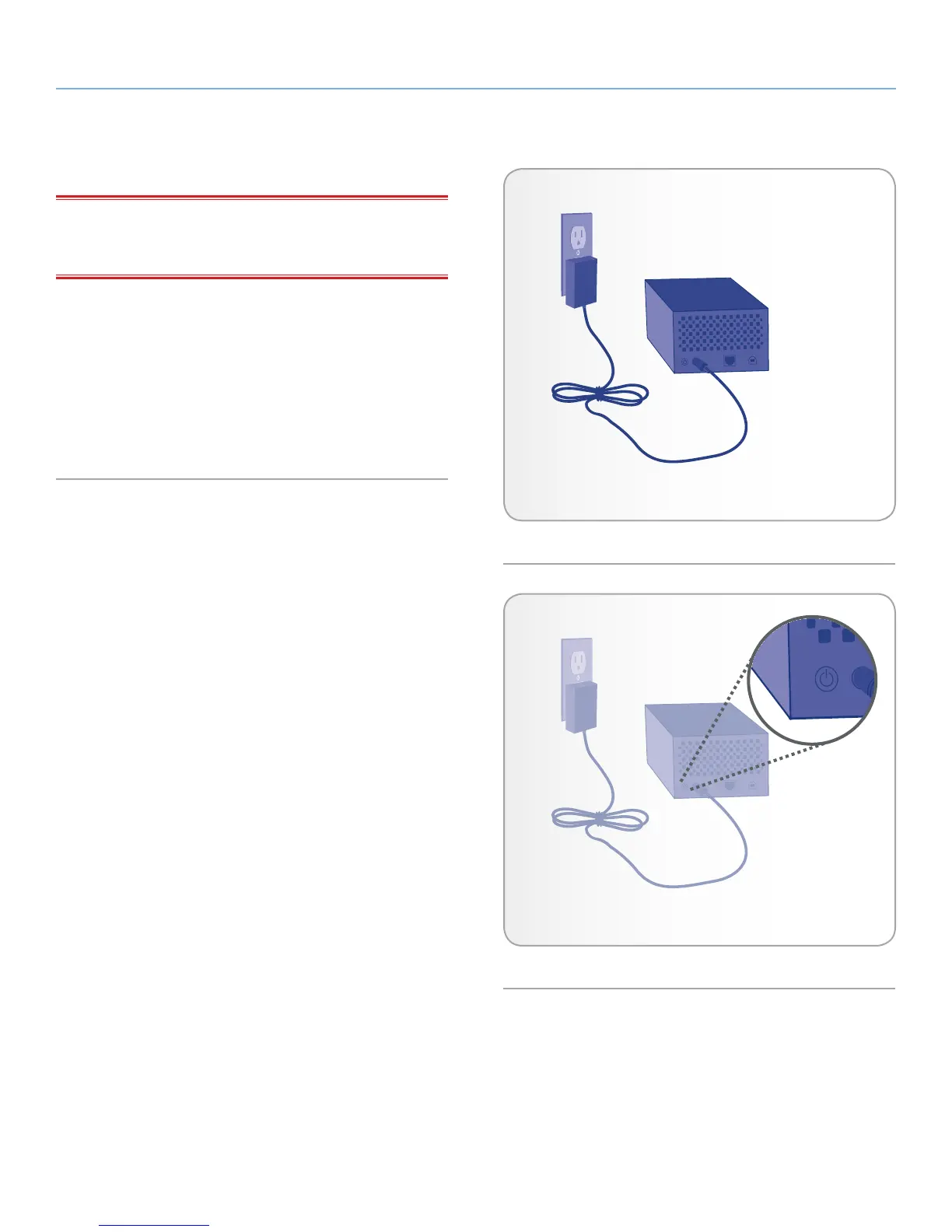
1. Connect the power supply to a wall outlet and to the LaCie
Network Space MAX (Fig. 31).
2. Turn on the drive by pressing the power button on the back of
the drive for two seconds (Fig. 32). The LED will turn on and
begin to blink.
3. Move on to the next step, 3.4.2. STEP 2: Connecting the USB
cable.
Fig. 31
Fig. 32














 To Next Page