LaCie Network Space MAX • DESIGN BY NEIL POULTON Accessing & Transferring Files
User Manual page 32
3.7.1. Multimedia Server: iTunes
The Network Space MAX can act as an iTunes Music server, stream-
ing audio files (stored on OpenShare only) to a computer on the
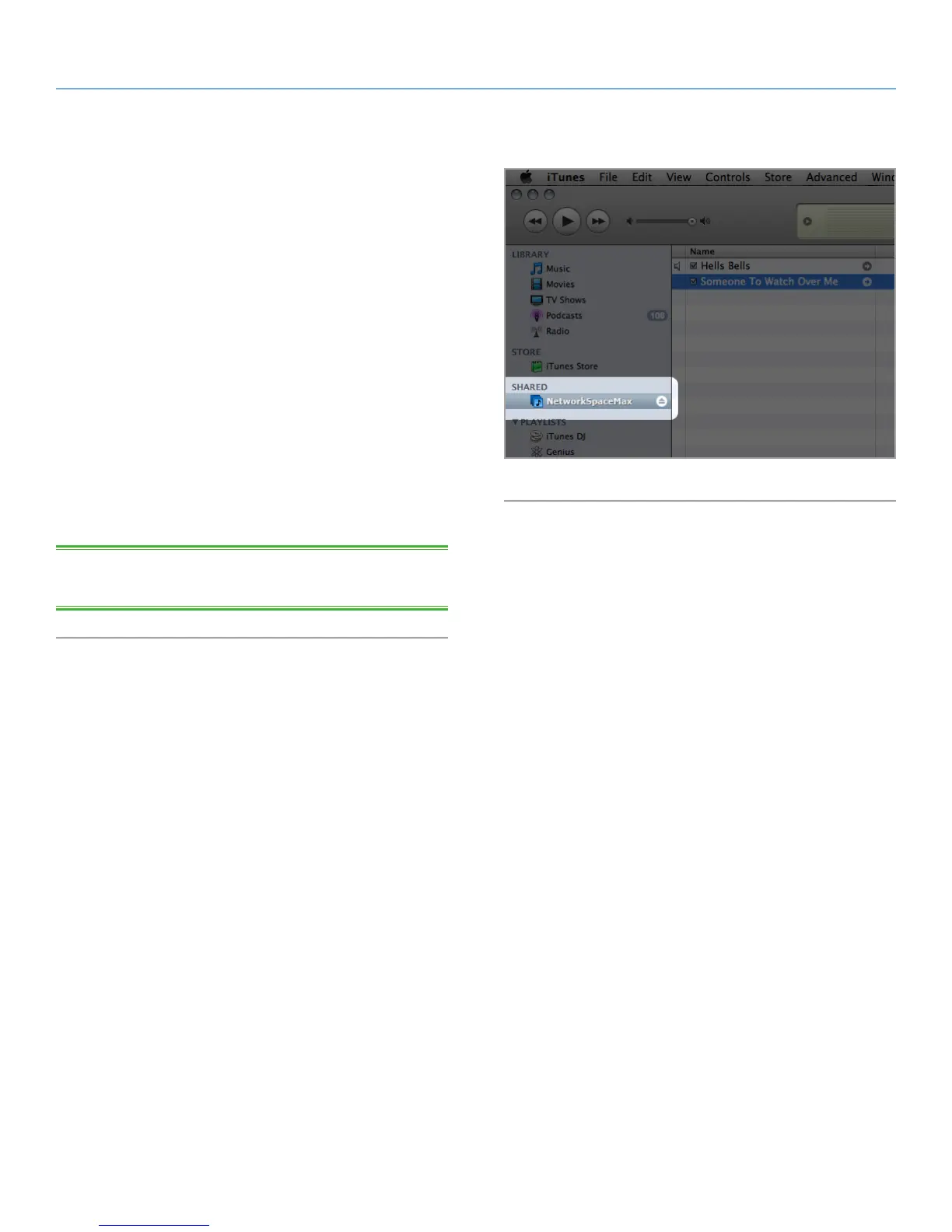
network running iTunes. Once configured, a playlist bearing the
machine name of your Network Space MAX (by default Network-
SpaceMAX) will appear in the Shared category within iTunes, and
audio files stored on the Network Space MAX will be listed in this
playlist. Follow these steps:
1. Make sure the Network Space MAX is properly connected to
your home network as described in section 2. Connecting to a
Network.
2. Enable Multimedia server on the Network Space MAX Dash-
board (see section 4.6. Dashboard: General Settings) (Fig. 42).
3. In iTunes, make sure Library sharing is enabled in Preferences >
Sharing > Look for shared libraries.
4. Access the shared playlist in iTunes (Fig. 43).
TECHNICAL NOTE: The iTunes Server Service supports the follow-
ing file types: .mp3, .wav, .aac, .pls, and .m3u.
Fig. 43














 To Next Page