LaCie Network Space MAX • DESIGN BY NEIL POULTON Administering Your LaCie Network Space MAX
User Manual page 52
4.15. Dashboard: RAID Management
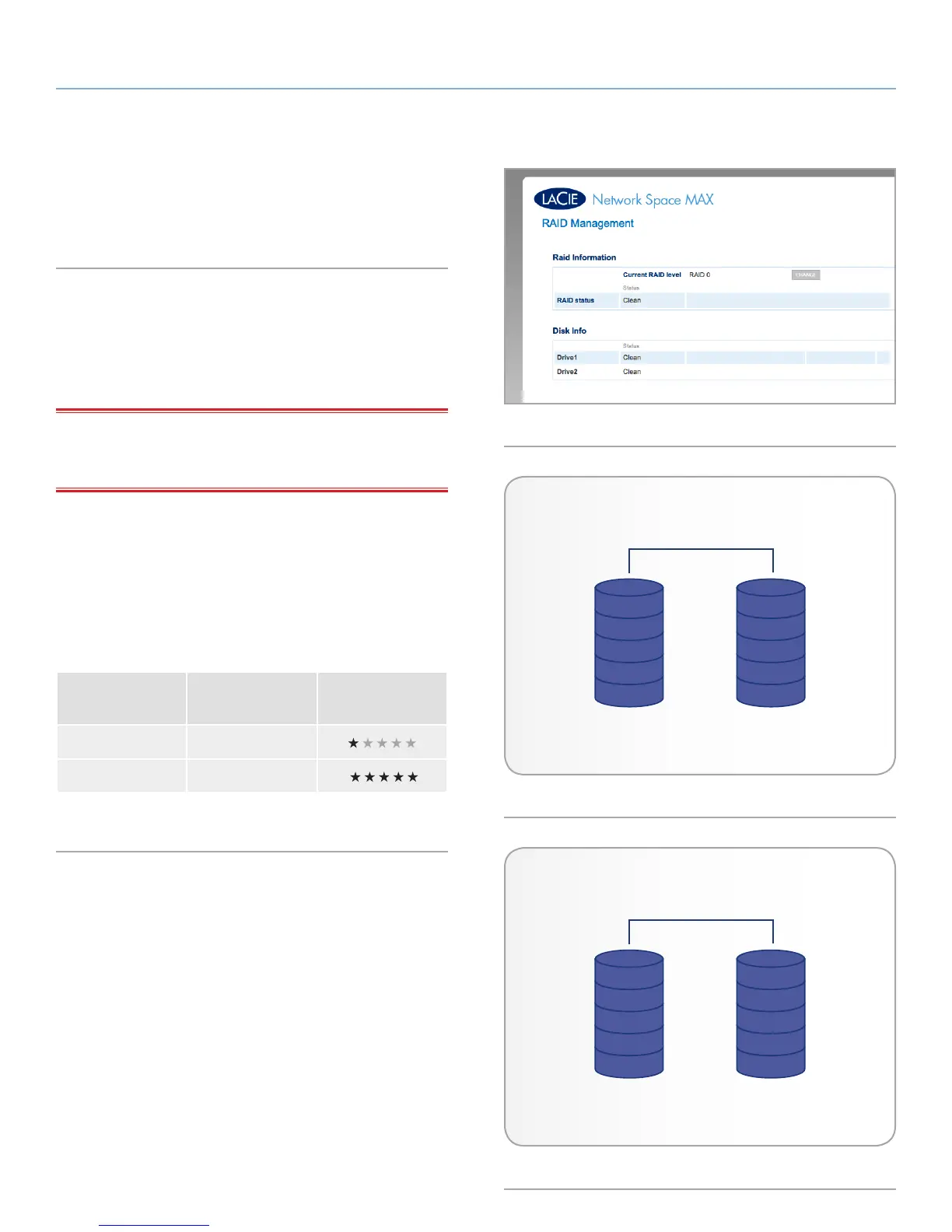
This page will allow you to monitor and change the RAID array (Fig.
82).
4.15.1. About RAID Modes
RAID0: RAID 0, is the fastest RAID mode. In a RAID 0 array, the
available capacities of each disk are added together so that one
logical volume mounts on the computer (Fig. 83). It offers the best
performance but no protection in the case that a disk fails.
IMPORTANT INFO: If one physical disk in the array fails, the data
of all disks becomes inaccessible because parts of the data have
been written to all disks.
RAID1: RAID 1 is a secure RAID mode that requires at least two
drives (Fig. 84). RAID 1 provides maximum data safety since all data
is written to each disk at the same time. In the event of a single disk
failure, data remains available on the other disk. Due to the time it
takes to write the data twice, performance is slightly reduced. RAID
1 is a good choice when safety is more important than speed. How-
ever RAID 1 also reduces the available disk space by 50% due to the
need to write each bit of data on each hard drive.
RAID Mode
Available
Capacity Protection
RAID 0 100%
RAID 1 50%
RAID 0
A1
B1
C1
D1
E1
A2
B2
C2
D2
E2
Disk 1 Disk 2
RAID 1
A1
B1
C1
D1
E1
A1
B1
C1
D1
E1
Disk 1 Disk 2
Fig. 83
Fig. 84
Fig. 82














 To Next Page