LaCie Network Space MAX • DESIGN BY NEIL POULTON Administering Your LaCie Network Space MAX
User Manual page 46
4.11. Dashboard: Support
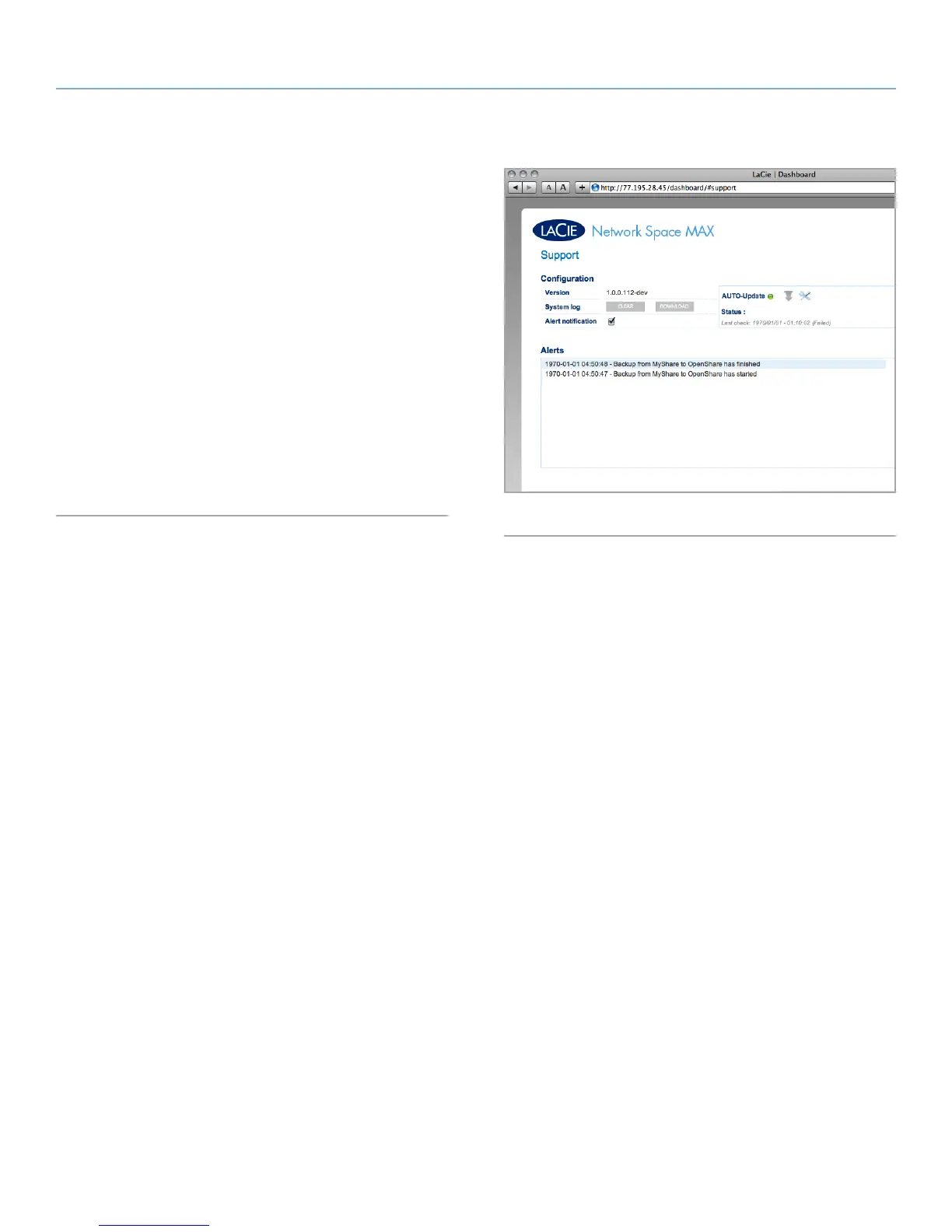
The support page will allow you to access the system log and set up
email alerts.
System log: Click the Clear button to purge the system log. Click the
Download button to save the log to your computer in case you need
to provide it to customer support.
Alert notification: If you toggle this box on, when significant events
occur with your Network Space MAX, the administrator will auto-
matically be sent an email (if he or she set an email address in the
Users page, if the drive has a connection to the internet, and the
SMTP configuration has been set up). See 4.11.1. Email Notification
Events for more information.
Auto update: For details, refer to section 4.16. Update Product Soft-
ware.
Fig. 70














 To Next Page