LaCie Network Space MAX • DESIGN BY NEIL POULTON Introduction
User Manual page 5
1. Introduction
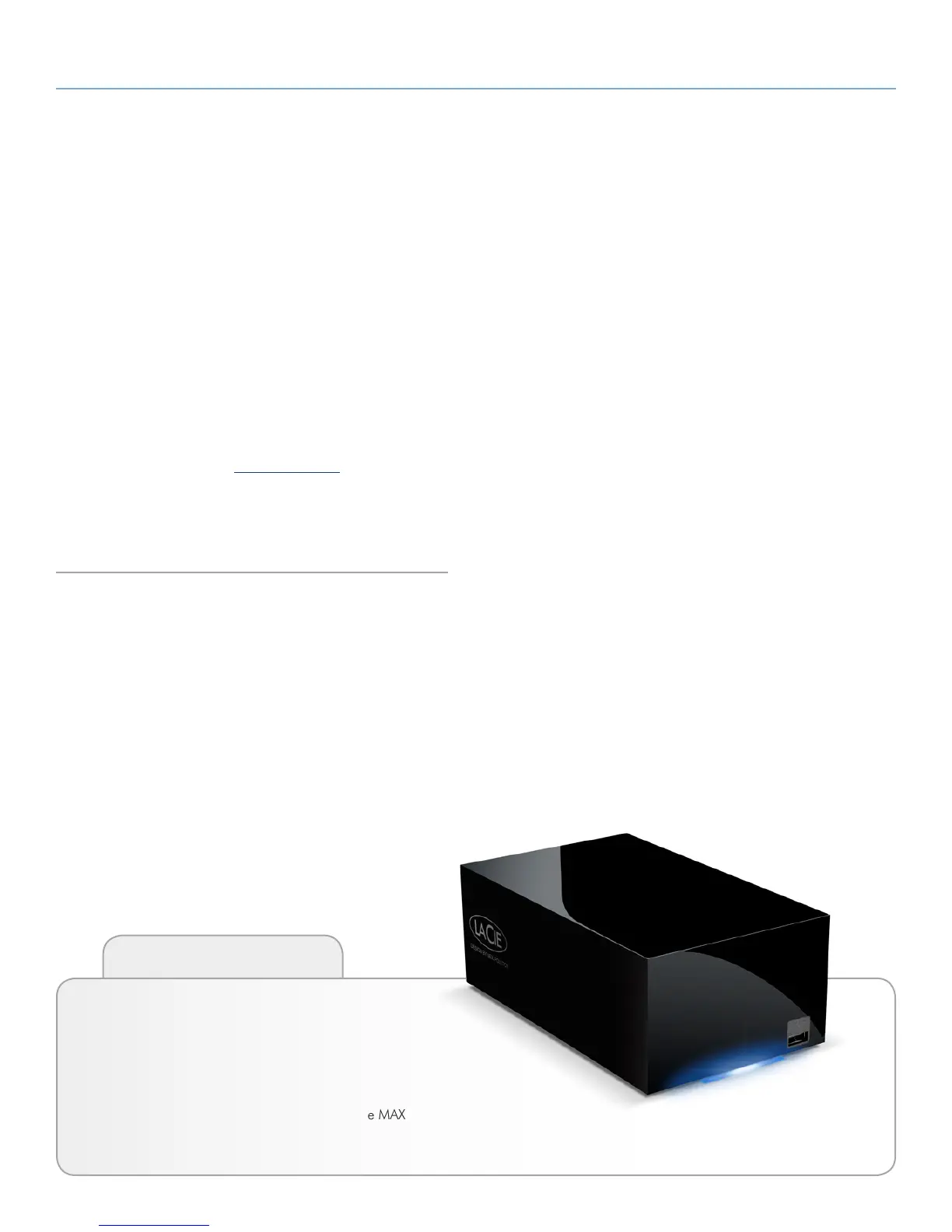
Congratulations on your purchase of a LaCie Network Space MAX.
This manual will guide you through the process of connecting your
drive to your computer and will assist you in troubleshooting any
issues that might arise.
If you encounter problems, first double-check the install steps in the
printed Quick Install Guide, then consult this manual’s more de-
tailed chapter on setup, then the troubleshooting chapter. Note that
most user problems can be resolved by resetting the product to fac-
tory conditions (see 4.17. Reset to Factory).
The next step is to check out LaCie’s support page for this prod-
uct, which contains a wealth of information, including interactive
troubleshooting. Navigate to lacie.com/support and choose your
product.
If all else fails, contact customer support (see 6. Contacting Cus-
tomer Support).
Quick Links
Click a topic:
✦ Connecting to a Network
✦ Accessing and Transferring Files
✦ Administering Your LaCie Network Space MAX














 To Next Page