LaCie Network Space MAX • DESIGN BY NEIL POULTON Accessing & Transferring Files
User Manual page 29
3.5. Remote Access
You can access your Network Space MAX when you are away from
home. You can download or upload files from any computer con-
nected to the Internet, or manage your Network Space MAX.
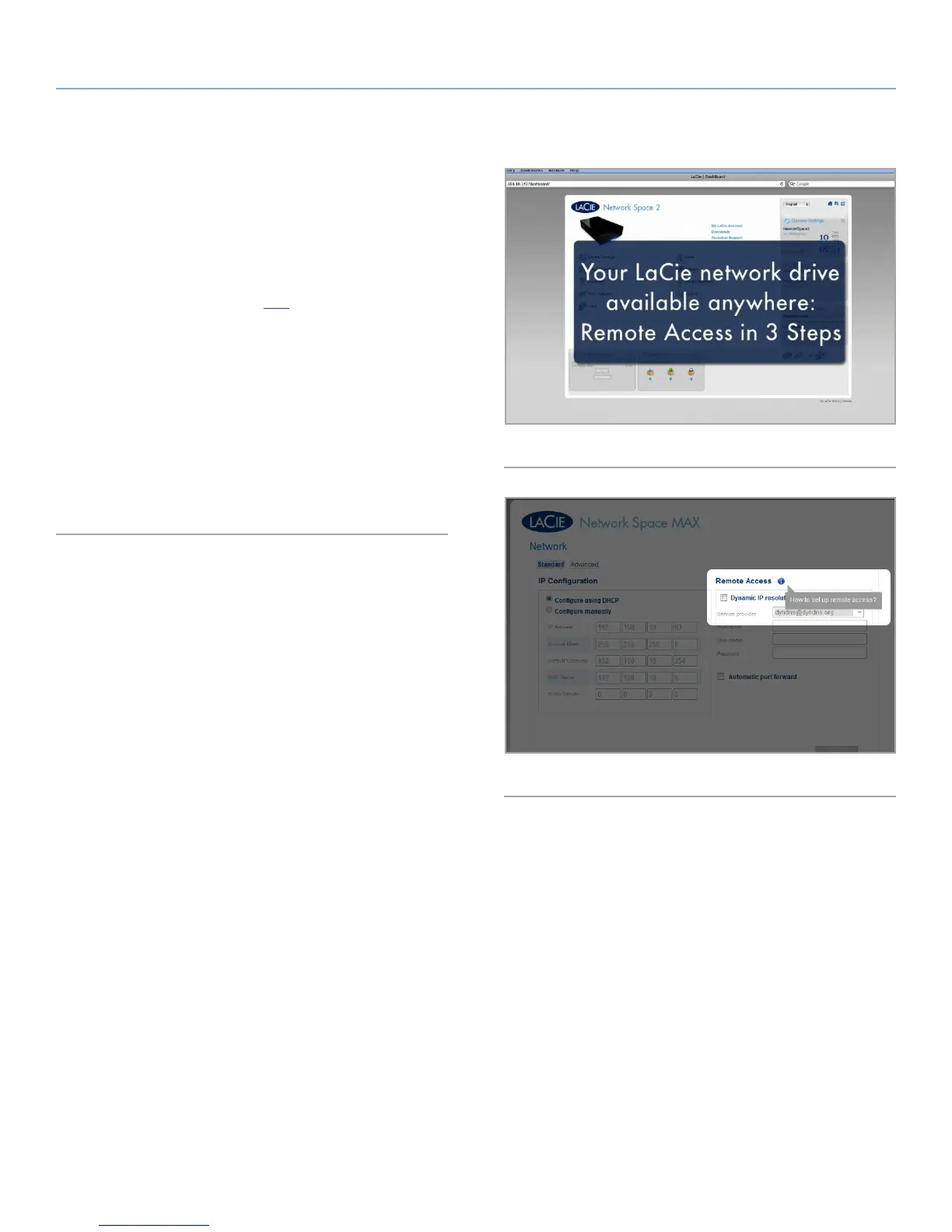
LaCie has created a screencast that demonstrates this process (see
Fig. 39 for screenshot). Either click here to follow the link, or alter-
natively, from the Dashboard > Network page, click the “i” next to
the Remote Access heading to access the screencast (see Fig. 40).
For further information on network settings, see 4.8. Dashboard:
Network.
Once connected, it is easy to access your files using the web brows-
er-based File Browser. You can upload, download, and stream most
types of multimedia files such as mp3 and flv. For more information
on the File Browser, see 3.3. Accessing Shares Using File Browser
(Dashboard).
Fig. 39
Fig. 40














 To Next Page