LaCie Network Space MAX • DESIGN BY NEIL POULTON Administering Your LaCie Network Space MAX
User Manual page 43
4.9.2. Modifying USBShare Capacity
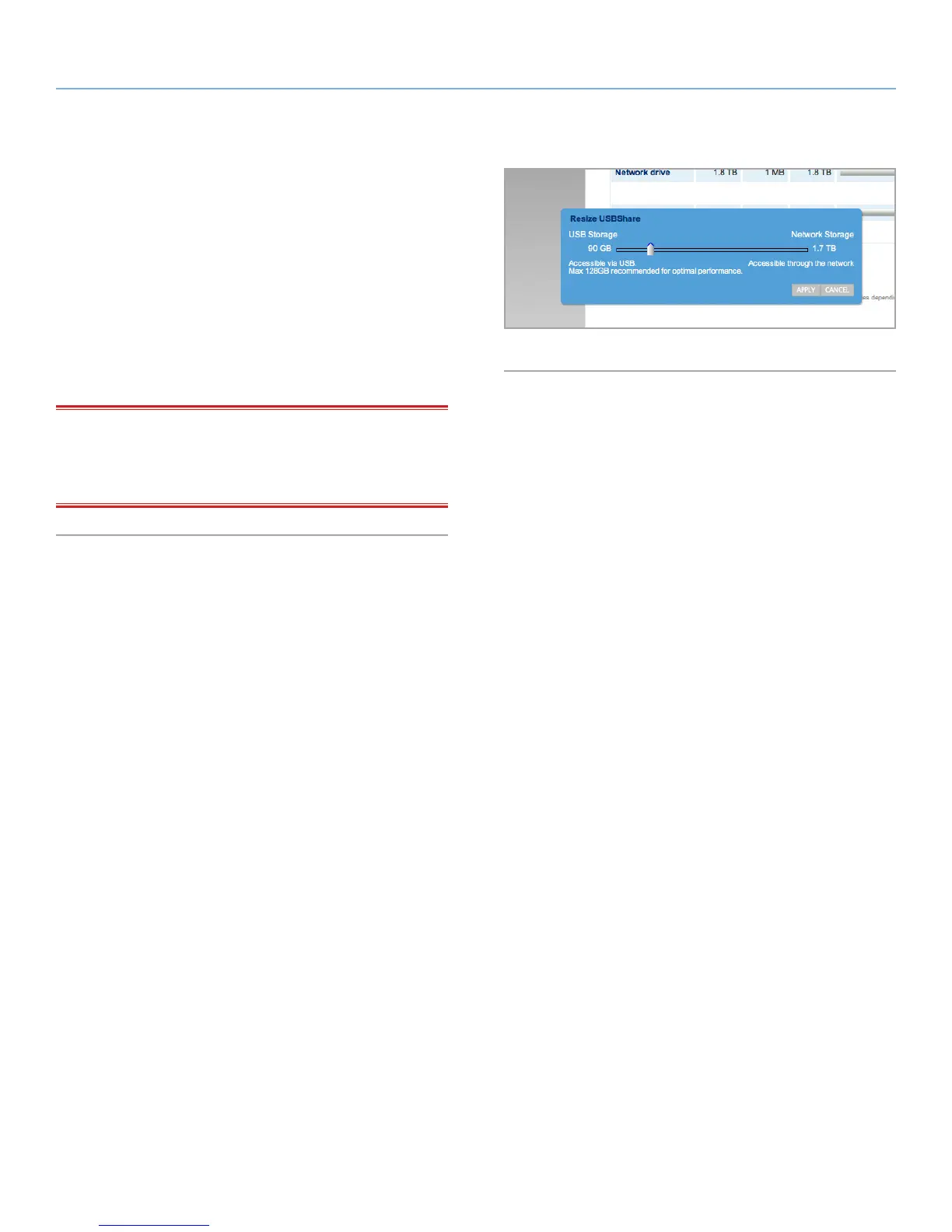
Under the heading USB Drive, click the number under the heading
Capacity to modify the amount of capacity to be allocated for the
USB access. You can modify this proportion from 0 GB to up to 500
GB (default is 0 GB) (Fig. 65).
If you choose to decrease the share size, the volume will be refor-
matted automatically and all data contained on the volume will be
erased. To proceed, confirm your choice in the popup window.
If you modify USBShare size, it is necessary to format the share by
clicking the Format button under the USB Drive heading (Fig. 63, b).
IMPORTANT INFO: LaCie strongly recommends you do not in-
crease the USBShare size to more than 128 GB unless you format
USBShare to either NTFS or HFS+ using your operating system’s
native disk utility.
Fig. 65














 To Next Page