LaCie Network Space MAX • DESIGN BY NEIL POULTON Administering Your LaCie Network Space MAX
User Manual page 54
4.15.3. Failed Disks
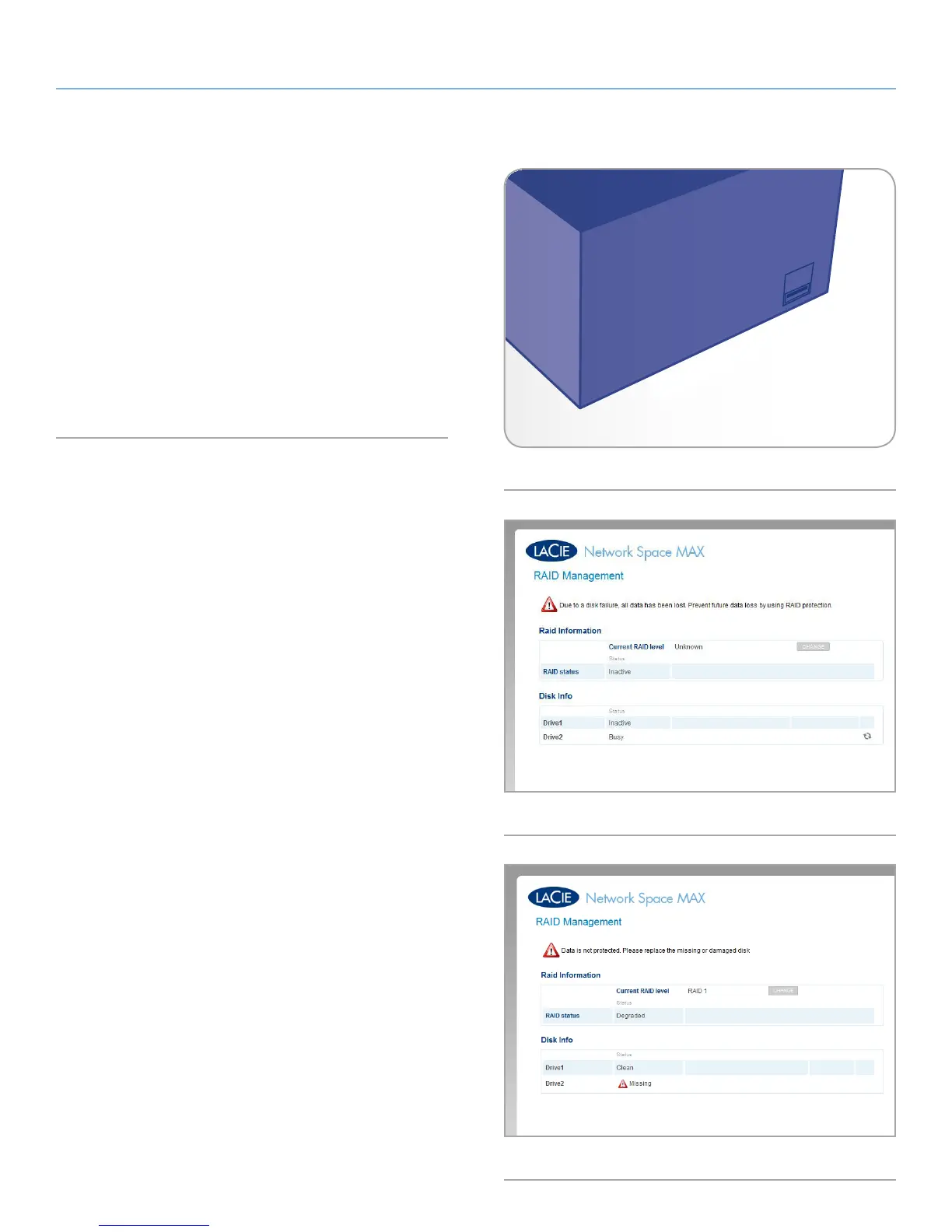
Disk failure will be indicated both by a static red front LED (Fig. 87)
and on the Dashboard > RAID page.
Failed Disk in a RAID 0 array: The array is broken and all data has
been lost (Fig. 88).
Failed Disk in a RAID 1 array: If a single disk fails, the RAID is con-
sidered degraded (Fig. 89). If you replace the defective disk, the ar-
ray can be rebuilt. If both disks have failed, the array is broken and
all data has been lost.
See 4.15.4. Installing a New Disk for details on replacing a failed
disk.
Fig. 87
Fig. 88
Fig. 89














 To Next Page