2/19/98 Log - Logging Sound Level Meter (Option 01) 6-25
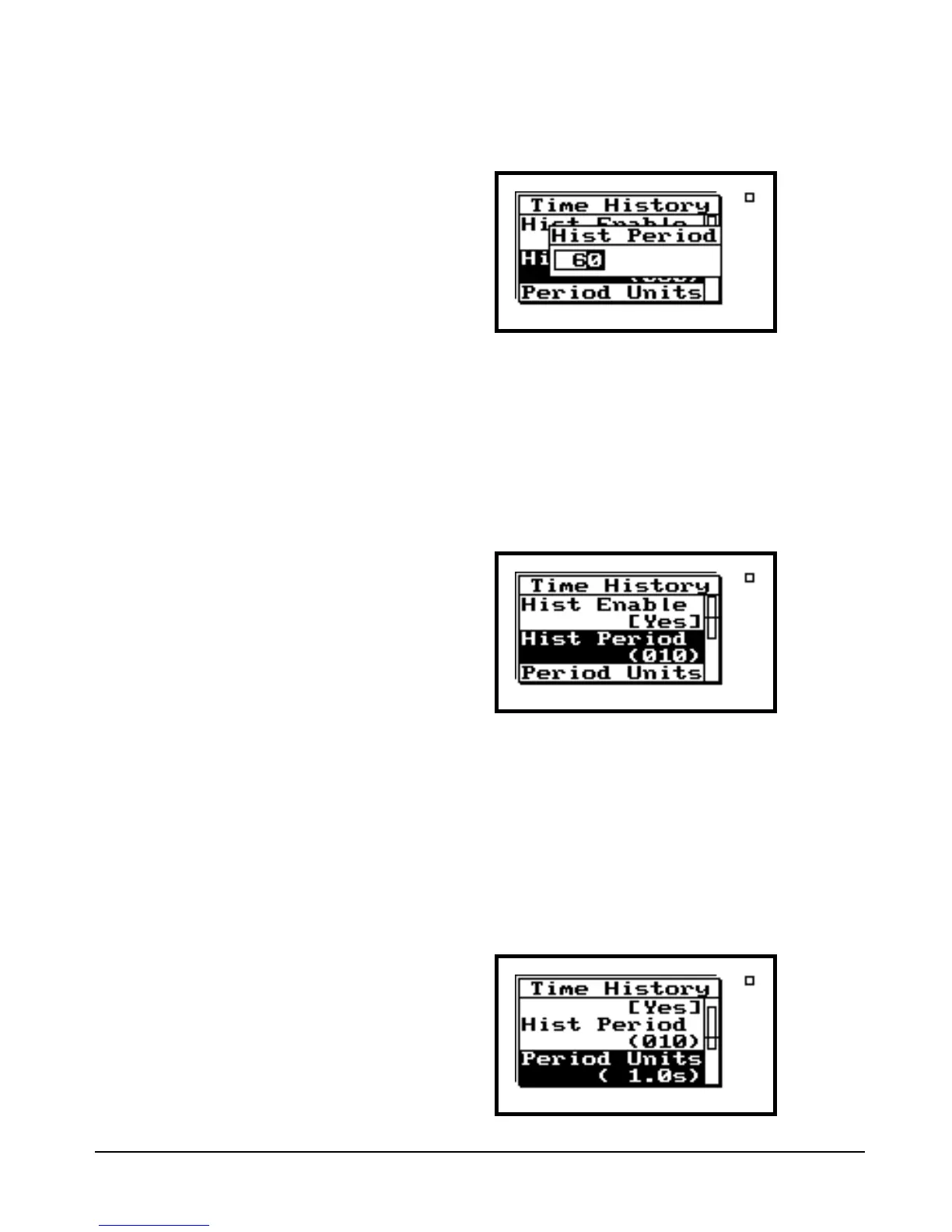
Step 8 Press c (or r) to enter the “Hist Period”
screen.
The u and d arrow keys increment through the
Period Time values, while l and r toggles
between the different numeric fields.
Step 9 Let’s set the 824 to acquire 10 second time his-
tory samples. After you have entered 10 as
the desired “Hist Period”, press c to enter
this choice.
“Period Units” lets you select a multiplier that ulti-
mately determines the duration between the Time His-
tory samples. This setting provides a lot of flexibility in
determining the Time History sample period.
Step 10 For our lesson, we will use 1.0 second units to
establish our 10 second time history sam-
pling. Press u or d to highlight “Period
Units”.


 To Next Page
 Loading...






