2/19/98 Log - Logging Sound Level Meter (Option 01) 6-39
Step 23 Press l to return to the “Interval” settings
menu.
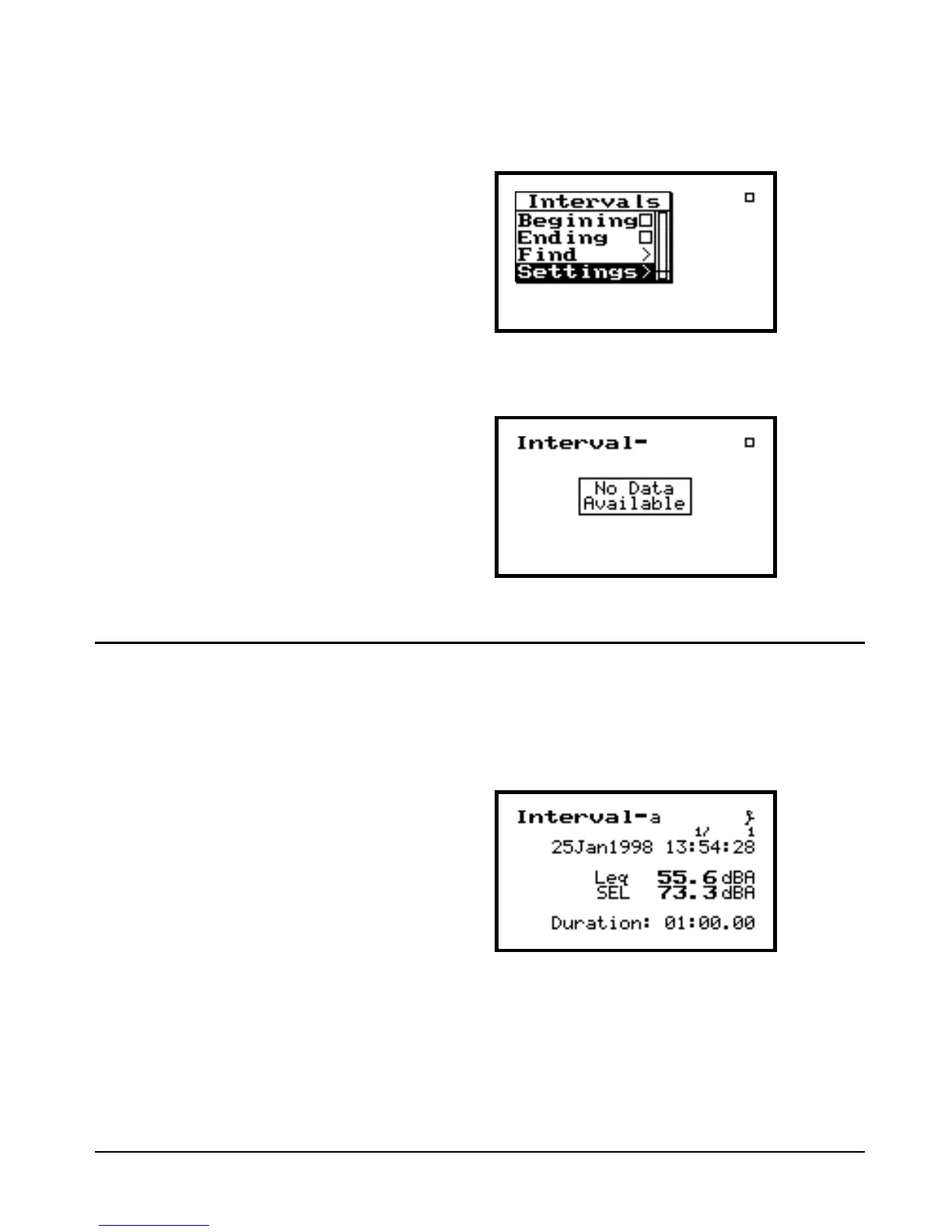
Step 24 Press l again to enter the “Interval” mea-
surement screen.
Viewing Interval Data
This is the Interval-a screen. It
shows the Leq and SEL for the first
interval, along with the date and
time of the interval. The bottom of
the screen shows the duration of the
interval (in this case 1 minute). The
“1/” at the top of the display indi-
cates the interval being displayed.
Step 1 Press RUN/STOP s to initiate the measure-
ment. After the first interval is complete (60
seconds), a display similar to the following
will be shown.


 To Next Page
 Loading...






