1. Select Settings from the Main Menu.
2. On the Tools page, select Info.
3. Press the button to scroll through the screens of available set-
tings.
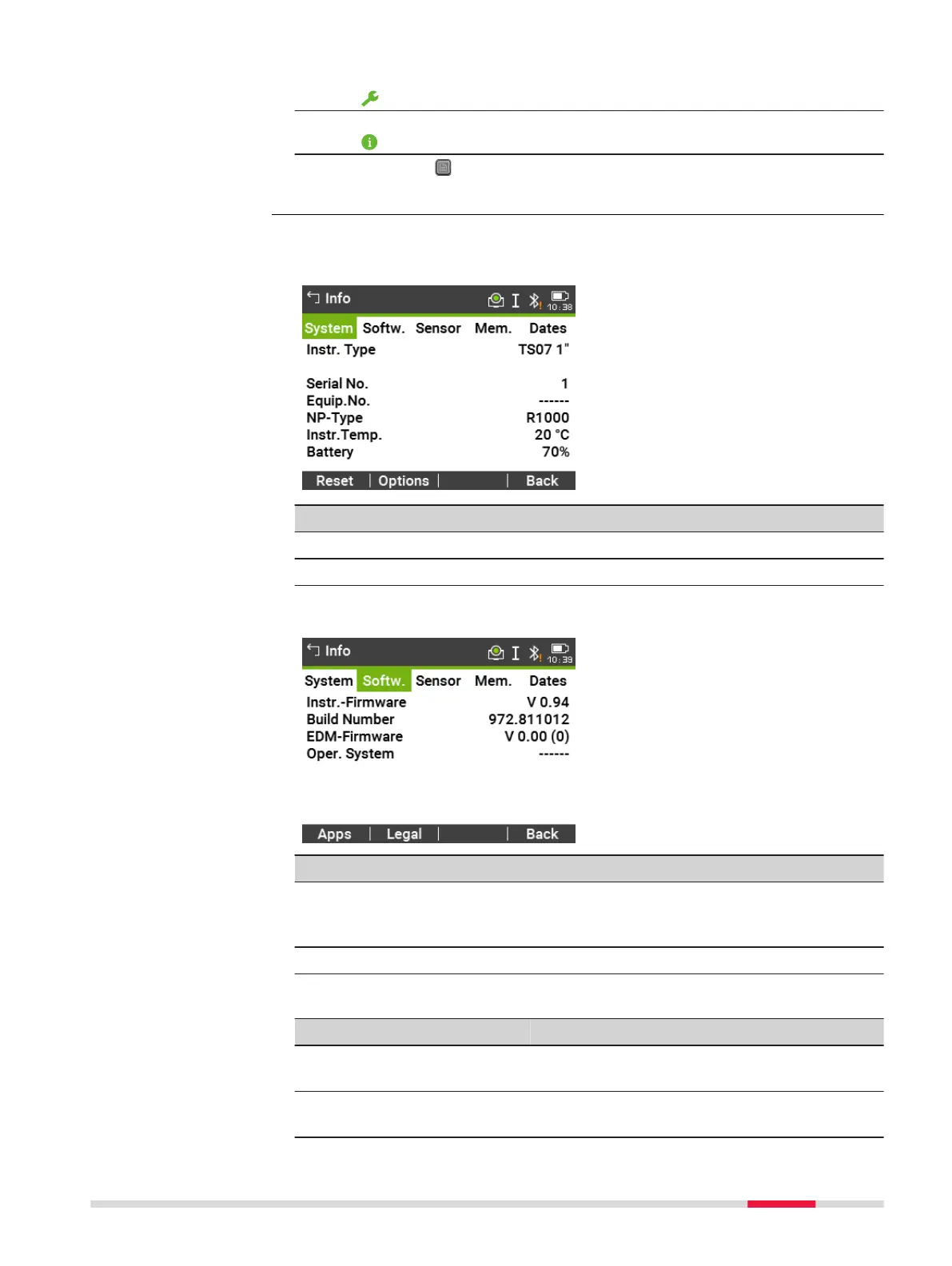
Page 1/5 or System
This screen displays information about the instrument and operating system.
Key Description
Reset To reset all settings to the system default.
Options To display hardware related options.
Page 2/5 or Softw.
Key Description
Apps To display a list of the apps available on the instrument. A
check mark is display in the check box beside each app that
is licenced.
Legal To display the Software Licence Agreement.
Description of fields
Field
Option Description
Instr.-Firm-
ware
Display only Displays the firmware version number instal-
led on the instrument.
Build Num-
ber
Display only Displays the build number of the firmware.
Access
Info
Settings 63



 To Next Page