38
Output Compressor/Limiter
Output level compressor/limiter.
Allows to keep the signal of each individual output within a set level.
Can be used effectively to protect the components of a sound system or to obtain compression effects
and to increase the signal dynamics while keeping it within certain limits.
´
Out
Lim
The following editable parameters are available:
Reaction times
Allows to choose between 3 types of Limiter reaction speed.
In fact, these are attack and release times that are optimised so that the Limiter reacts more or less
rapidly when the signal exceeds or drops below the threshold:
☞ Fast short times, suited to rapid Limiter operation. Normally more suited to outputs dedicated
to high frequencies.
☞ Normal intermediate times, suited to the majority of applications. Normally more suited to outputs
dedicated to mid frequencies or full-range systems.
☞ Slow long times, suited to avoiding rapid repeated level jumps (pump effect). Normally most
suited to outputs dedicated to low frequencies.
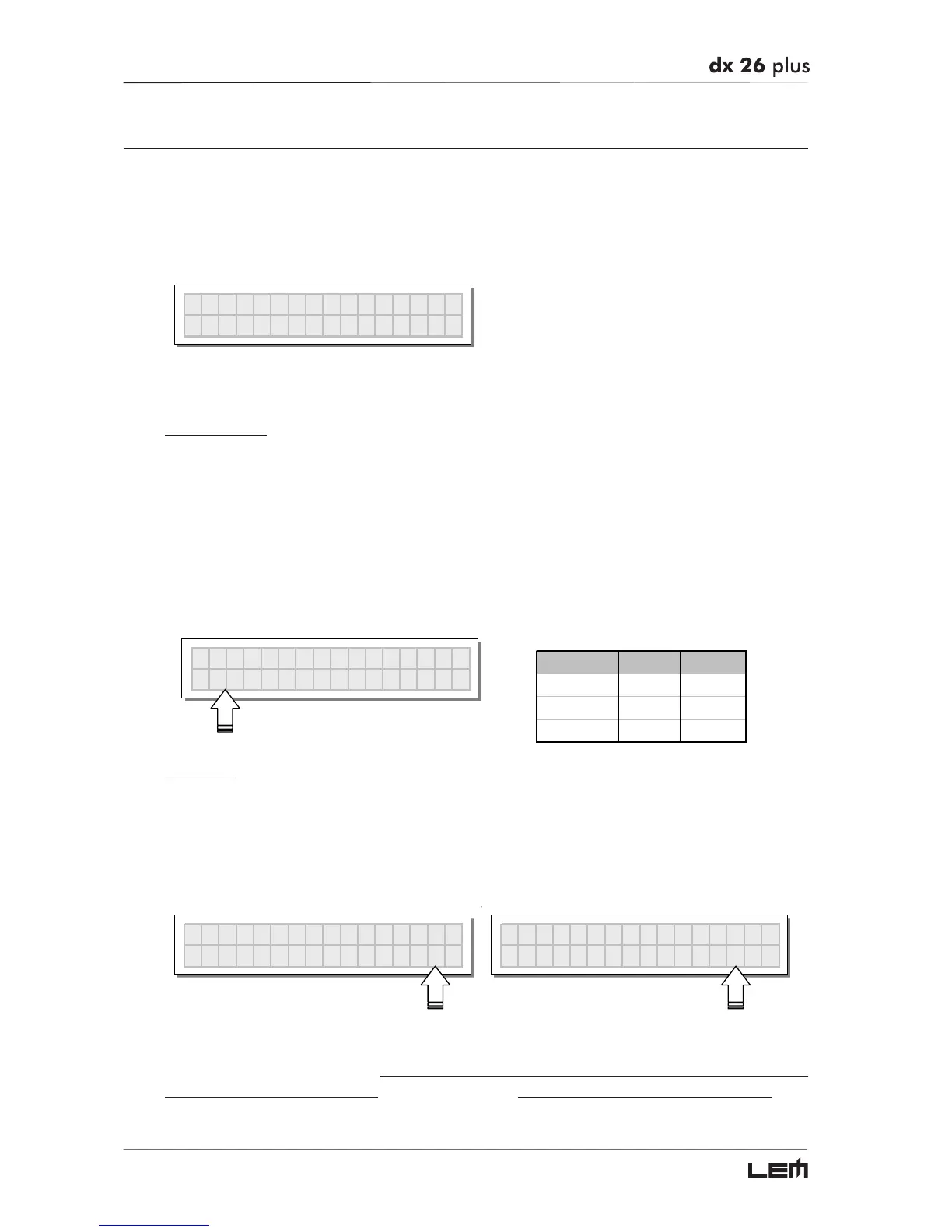
OP1 Com
Lim
Fast 3.0 Off
COMP/LIMIT ATTACK RELEASE
FAST 1 ms 10 ms
NORMAL 8 ms 80 ms
SLOW 45 ms 450 ms
Threshold
Allow to set the level above which the Compressor/Limiter intervenes (limiting the signal) and below
which it leaves the signal unchanged.
The editing values are within the following ranges: +19.8dBu ÷ -10dBu, with 0.2dBu steps
7.574V ÷ 0.245V with variable steps
The measurement unit can be chosen with the Lim. Thresh. Unit function (UTILITY menu - Units
submenu). The Off value disables the Compressor/Limiter, whereas any other value enables it.
OP1 Com
Lim
Slow 20.0 Off
IMPORTANT! Enabling the Compressor/Limiter on a specific output also changes the way in which the
level is displayed on the corresponding LED ladder: in fact, the level shown on this ladder is no longer
the “absolute” output level, but the level of the signal at -24dB, -12dB, -6dB compared to the COM-
PRESSOR/LIMITER’s threshold (orange LIMIT LED), no matter what the threshold value is
EDIT menu



 To Next Page