48
How to disable the protection
If the protection is enabled, when the system is in default status (i.e. when none menu LEDs are lit and
therefore no type of editing is enabled), the following appears on the display:
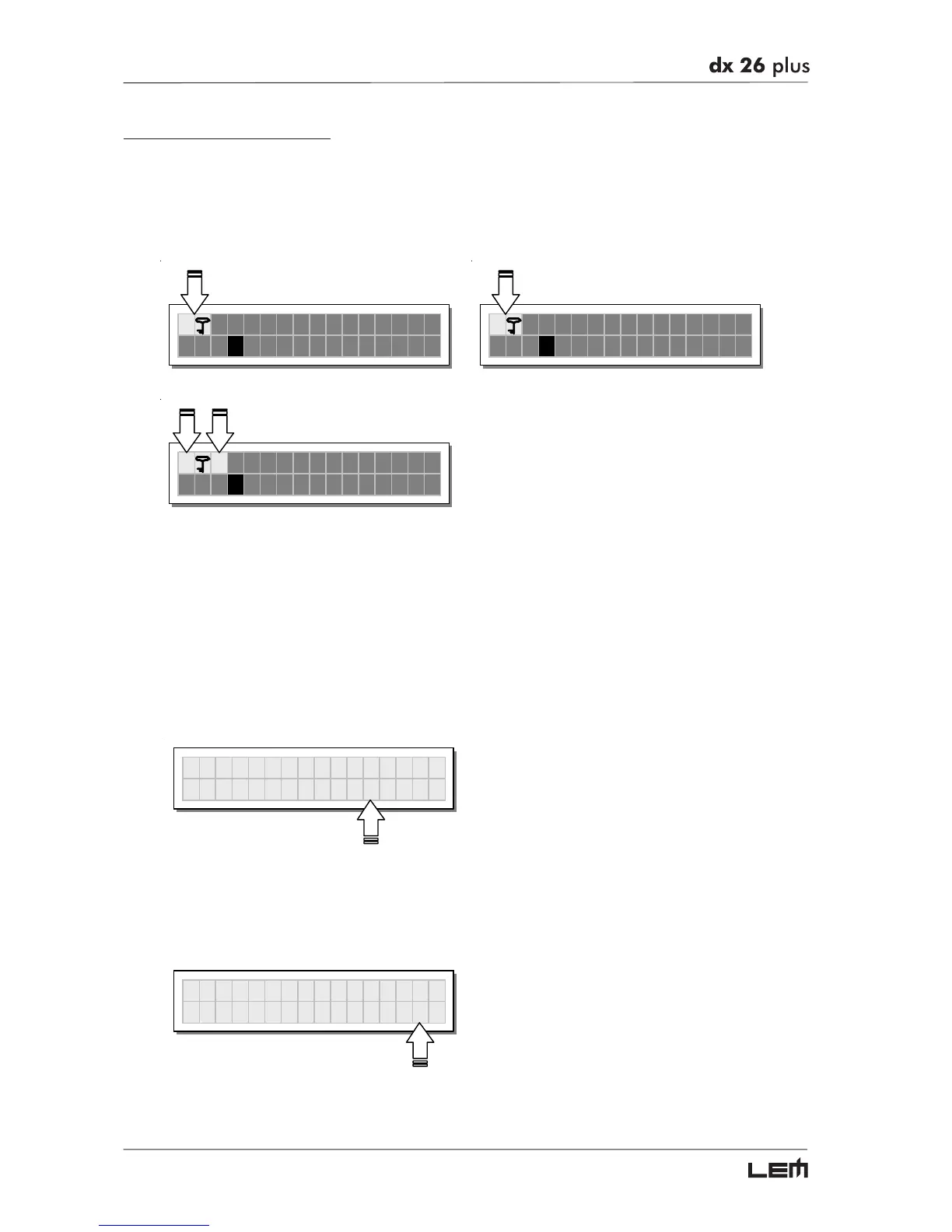
Total Protection enabled Partial Protection enabled
T A13 B24 S56
2U 2x2W+2MAX
P A13 B24 S56
2U 2x2W+2MAX
TMA13B24S56
2U 2x2W+2MAX
N.B.: alongside the symbol of Total or Partial protection, the letter M may also appear. This means that the system is
protected, but the PRESET in question has undergone one or more changes that have not yet been stored. You can
however switch the system on and off without any problems, as the current settings are kept in the buffer memory.
Nevertheless, if this is your work setup, it’s advisable to store it in a PRESET.
To unlock the protection:
☞
Access the LOCK submenu.
The display shows the prompt for entering the password to unlock the protection.
The four alphanumeric characters of the password are encrypted.
UNLOC
☞
Enter in the password using the combination of the
and
keys and the DIAL,
then press ENTER.
NB: in the event of an incorrect password, the display prompts again, encrypting all the characters again.
UNLOC



 To Next Page