22
PRESET menu
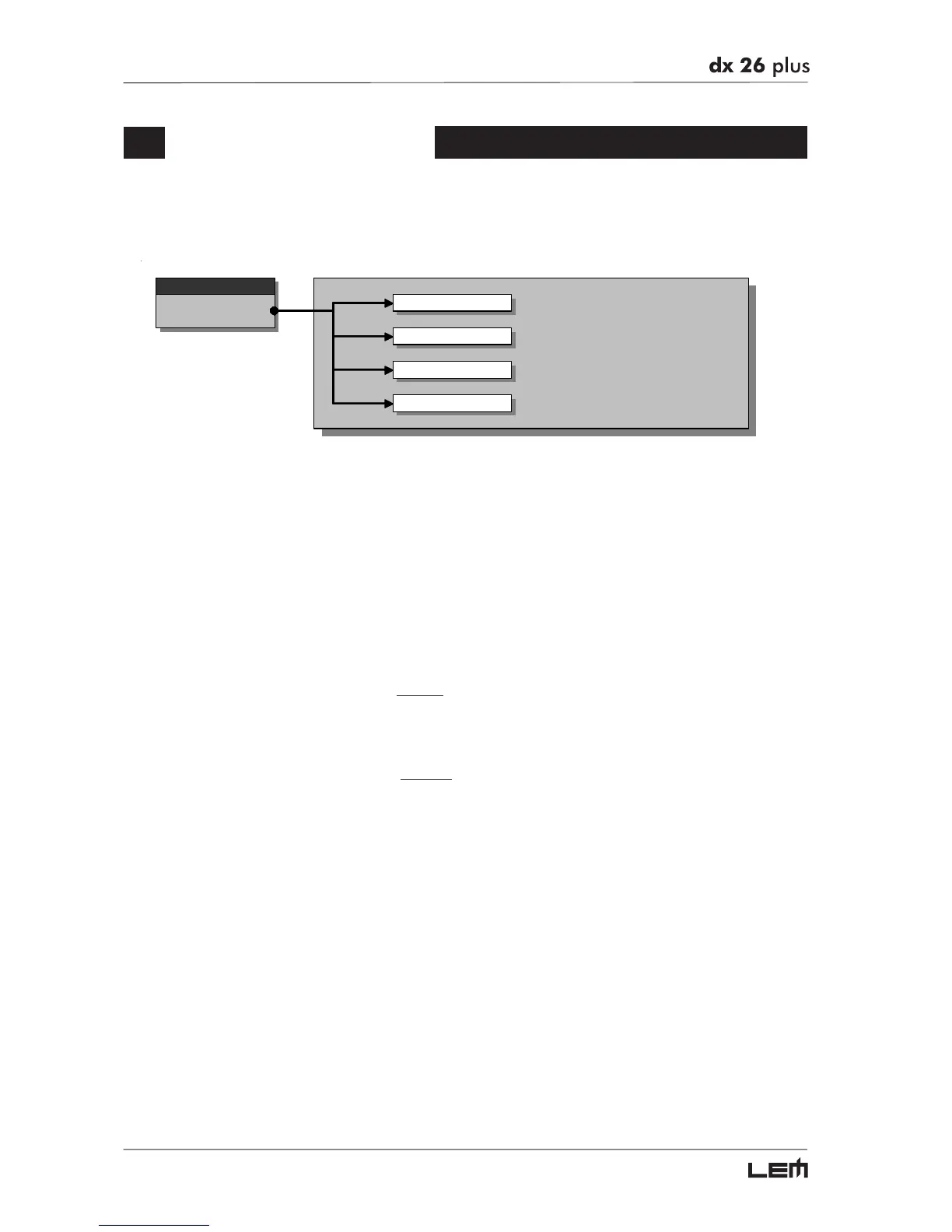
This menu allows access to the Presets’ control:
menu
PRESET
Load Preset
Store Preset
Dump Out Pre set
Incoming Dump
There are 3 distinct categories of PRESETS:
Factory PRESETS Factory-programmed storage.
Factory PRESETS can be used normally, temporarily modified, but can’t be cancelled,
overwritten or permanently modified. Factory PRESETS contain some specific set-
tings for certain types of enclosures and all the system’s usable configurations. For this
reason they’re the ideal starting point for creating custom PRESETS.
User PRESETS Stored data that can be programmed by users.
User PRESETS are internal memory areas in which your own personal settings can be
saved.
Card PRESETS Stored data which can be programmed by users on a Multimedia Memory Card.
Card PRESETS are external memory areas in which your own personal settings can
be saved.
PRESET menu



 To Next Page