49
MEMORY CARD SUBMENU
Memory Card Format Card
Allows to format the Multimedia Memory Card.
Formatting is the preparation of the memory areas of the Card. Without formatting (or without compatible
formatting) the Card can’t be used by the system.
Memor
Card
How to format the Card
☞
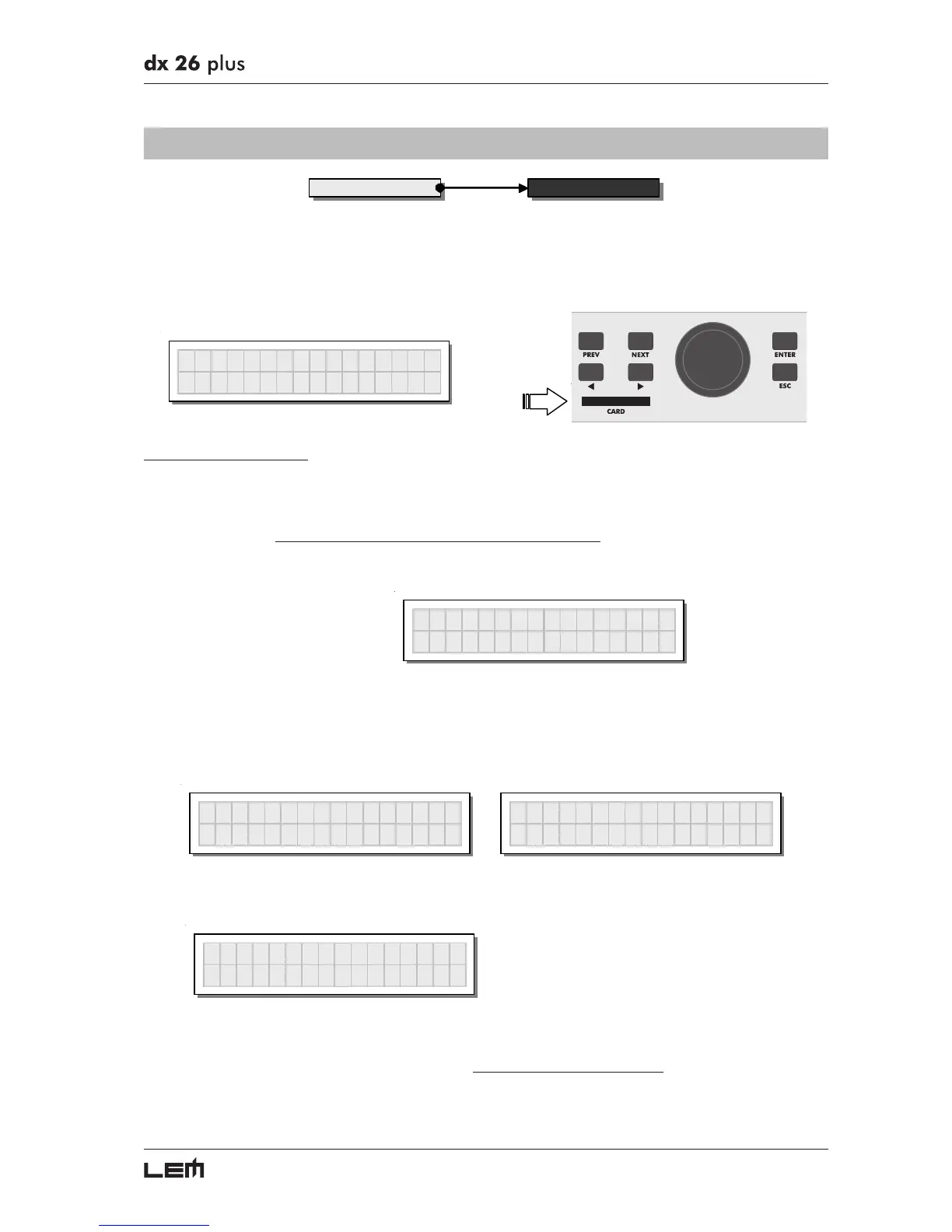
Insert a Multimedia Memory Card in the slot.
New or used Cards can be used, providing they are compatible (min 1MB).
ATTENTION! Formatting cancels any data contained in the Card.
☞
In the Memory Card submenu, press ENTER.
The Format Card page appears.
Format Card
☞
Press ENTER.
The system formats the Card until it communicates that it has completed.
This operation only requires a few seconds. The Card is ready to be used.
Format Card
Formattin
...
Format Card
Format Done !
N.B.: in the event of an error or a Card fault, if there is no Card in the slot or if the Card is removed during formatting,
the display shows the following message:
Format Card
Format Error !
During formatting, the system automatically stores the *Default* PRESET in all the 128 CARD memory
areas.
N.B.: since the system must always be configured, there are no empty memory areas. All the User and Card areas
not yet used by stored user data are automatically occupied by the *Default* PRESET, which contains a standard
start
configuration
with all the values of the various parameters at zero.
UTILITY menu



 To Next Page