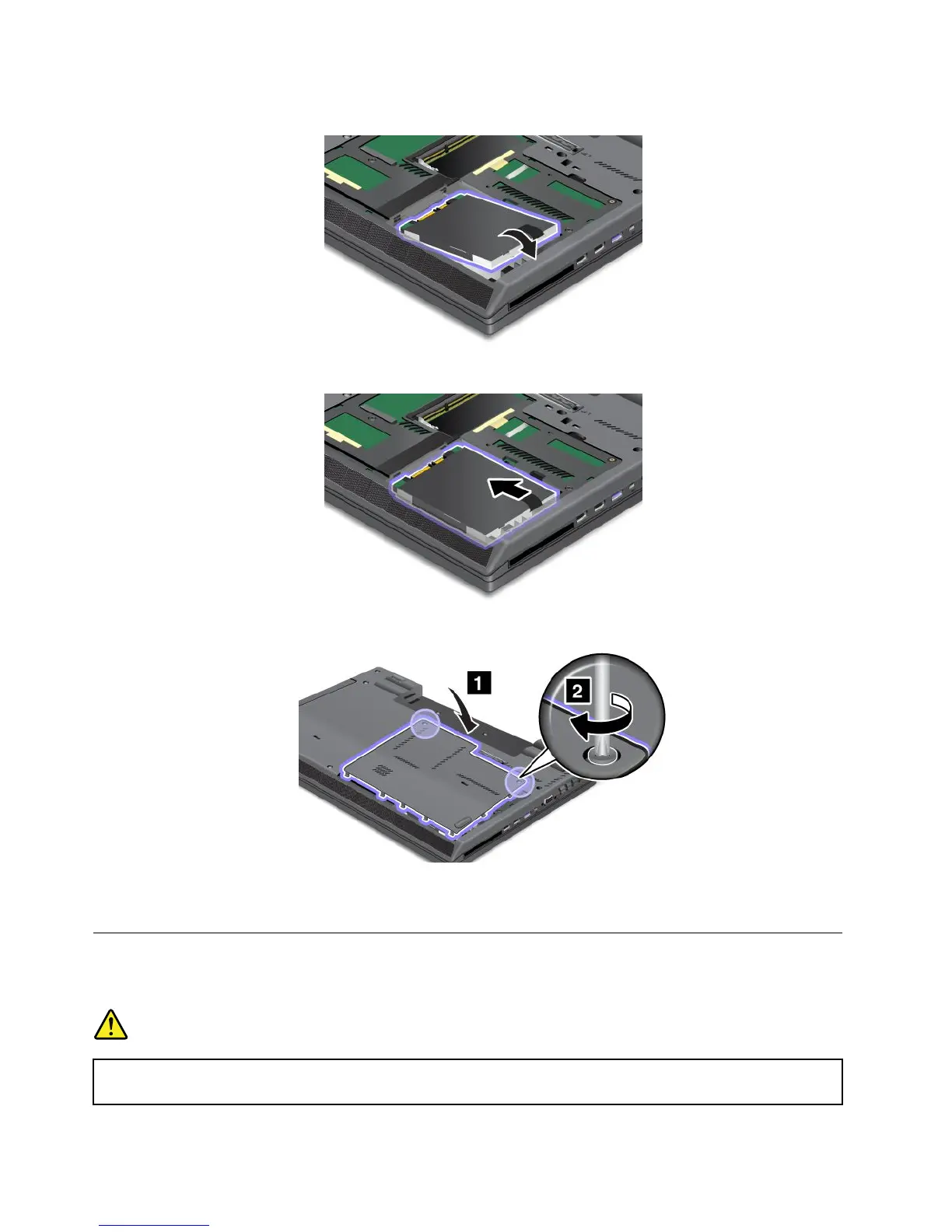
7.Inserttheharddiskorsolidstatedriveintotheslot.
8.Slidetheharddiskdriveorsolidstatedrivermlyintoplace.
9.Reinstallthecoveroftheslot,andtightenthescrews.
10.Reinstallthebatteryandturnthecomputeroveragain.Thenreconnecttheacpoweradapterand
thecables.
Replacingthekeyboard
Beforeyoustart,printtheseinstructions.
DANGER
Electriccurrentfrompower,telephone,andcommunicationcablesishazardous.Toavoidshock
hazard,disconnectthecablesbeforeopeningthecoverofthisslot.
70UserGuide

















 To Next Page