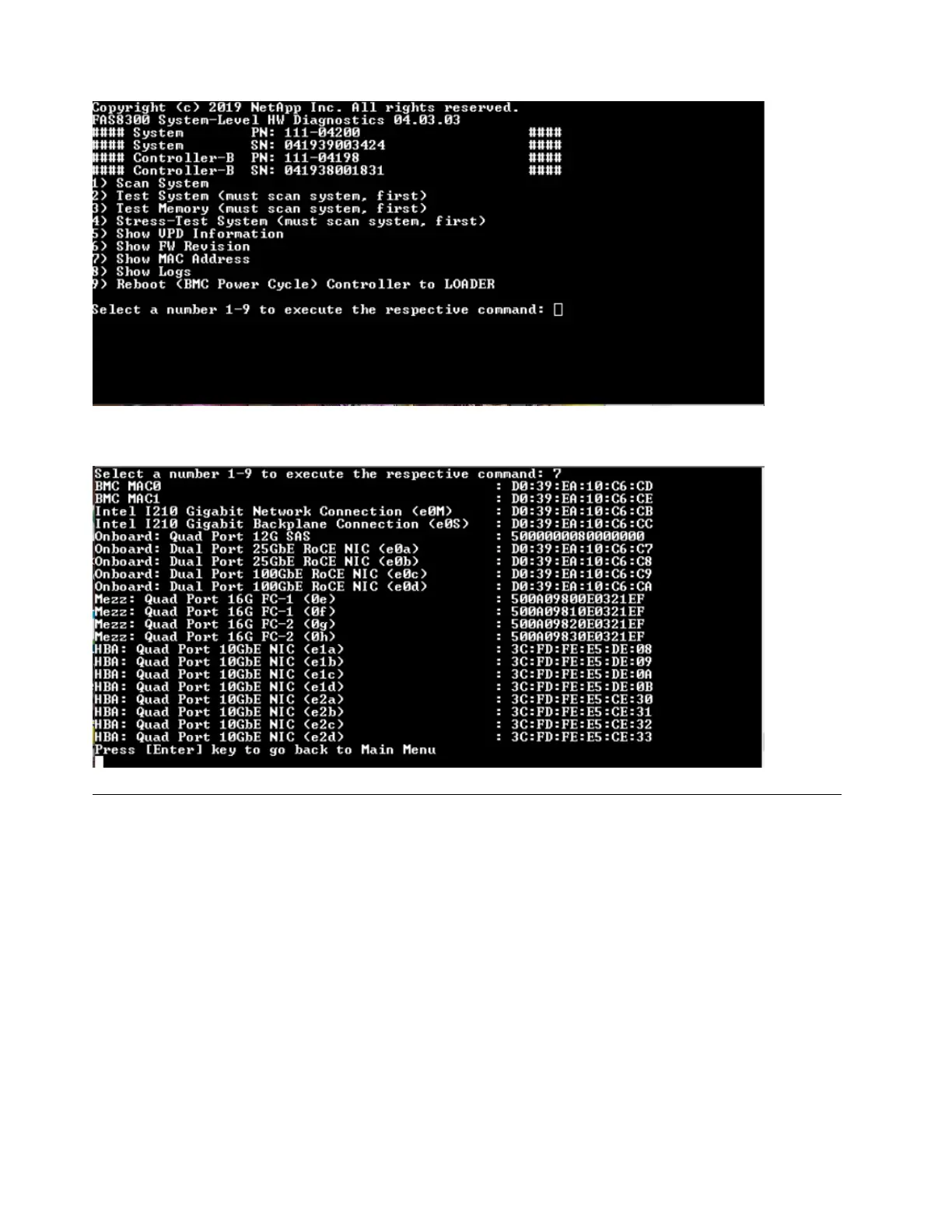
MAC address information is displayed. Press "Enter" to return to the main menu.
Show logs
The "Show logs" command displays a recorded log of previous scan and test results. System scans, system
tests and memory tests are persistently logged on the boot media. The last ten results for each scan or test
command are available for review.
To execute the "Show logs" operation, type "8" and then press "Enter" to go to the "Show Logs" page.
94
ThinkSystem DG5000 Hardware Installation and Maintenance Guide










 To Next Page