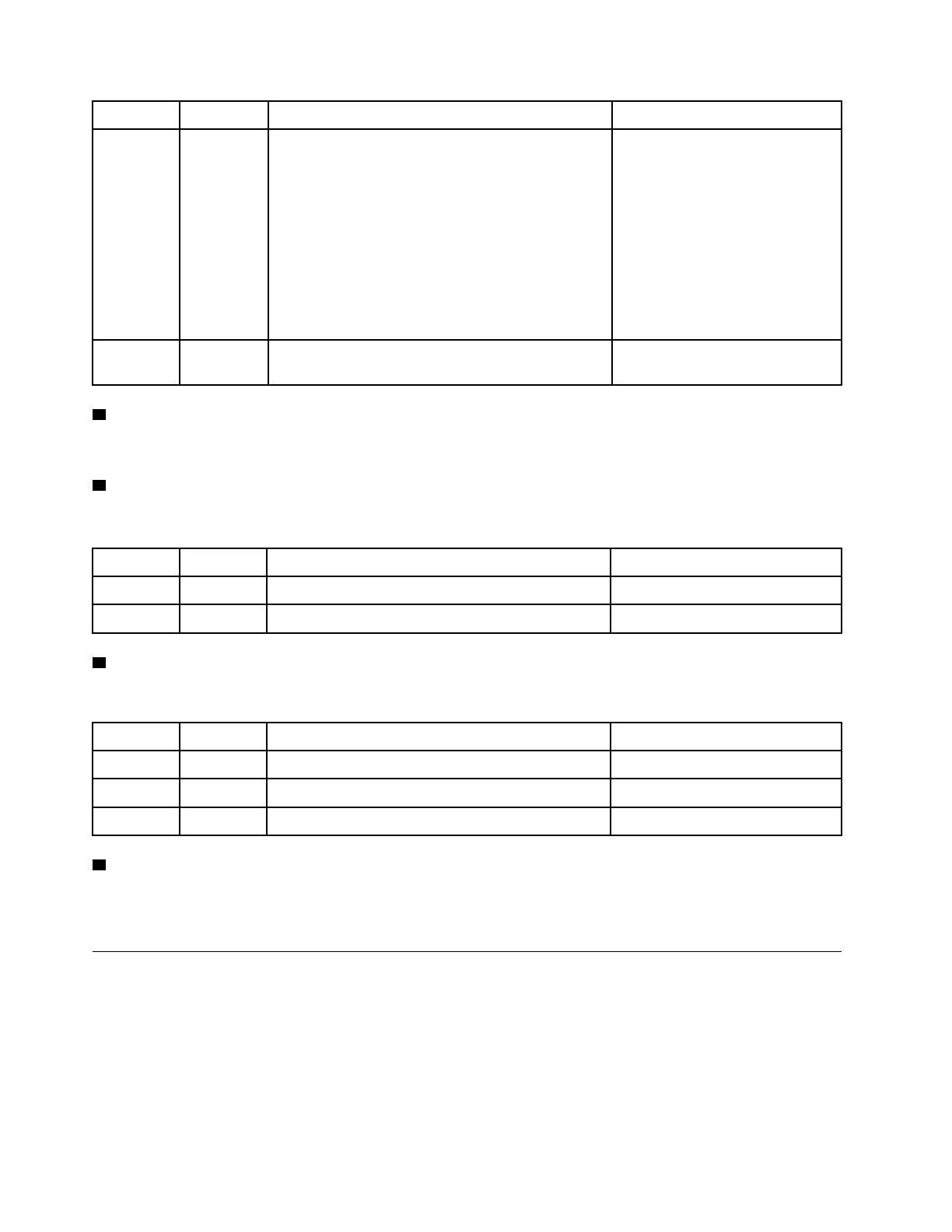
Status Color Description Action
On
Yellow
An error has been detected on the system. Causes
might include but not limited to the following errors:
• A fan failure
• A memory error
• A storage failure
• A PCIe device failure
• A power supply failure
• A port failure
• A system board error
Check the event log to determine
the exact cause of the error.
Off
None The system is off, or the system is on and working
correctly.
None.
3 Location LED
The blue system location LED is used to visually locate a system.
4 Drive activity LED
The drive activity LED is used to determine the status of a drive.
Status Color Description Action
On Green
Drive has power. None.
Blinking
Green Drive servicing IO.
None.
5 Drive fault LED
The drive fault LED is used to determine the status of a drive.
Status Color
Description Action
On Amber An error has occurred with the drive. Replace the drive.
Blinking Amber Drive rebuild action is underway. None.
Off
None The drive is working normally. None.
6 Shelf LED
The shelf ID is used to show the ID number of the shelf. Each shelf in a configuration needs to have a unique
ID.
Rear view
The rear view of the storage provides access to the system connectors and components.
6
ThinkSystem DG5000 Hardware Installation and Maintenance Guide










 To Next Page