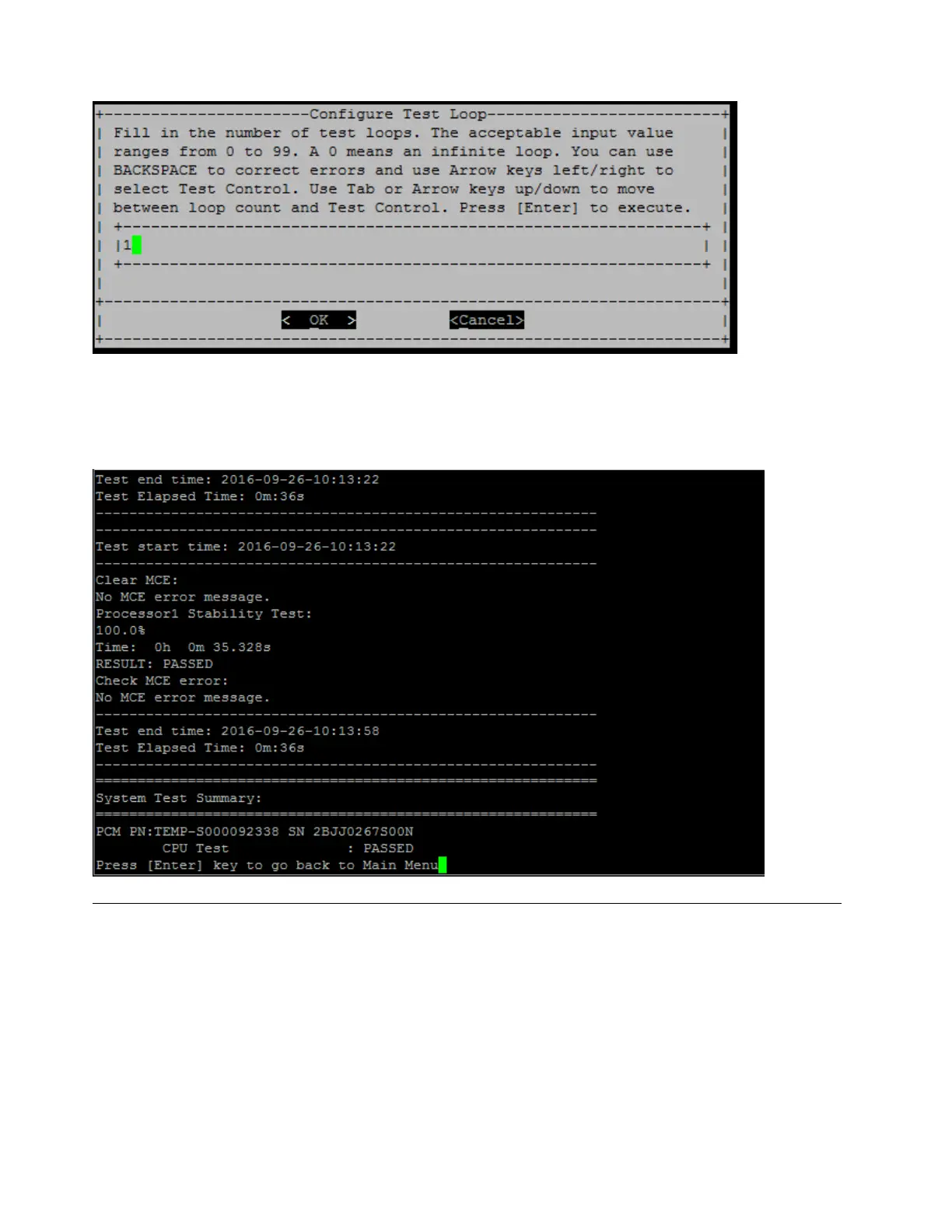
To run one test loop only, retain the default "1" value, press "Tab" to switch contexts to the control panel,
select "OK", and then press "Enter" to start the test.
The test results are displayed on the console, as shown below. Press "Enter" to return to the main menu.
Test memory
The "Test memory" command allows you to run tests on part or all of system memory. To execute the "Test
Memory" operation, type "3" and then press "Enter".
86
ThinkSystem DG5000 Hardware Installation and Maintenance Guide










 To Next Page