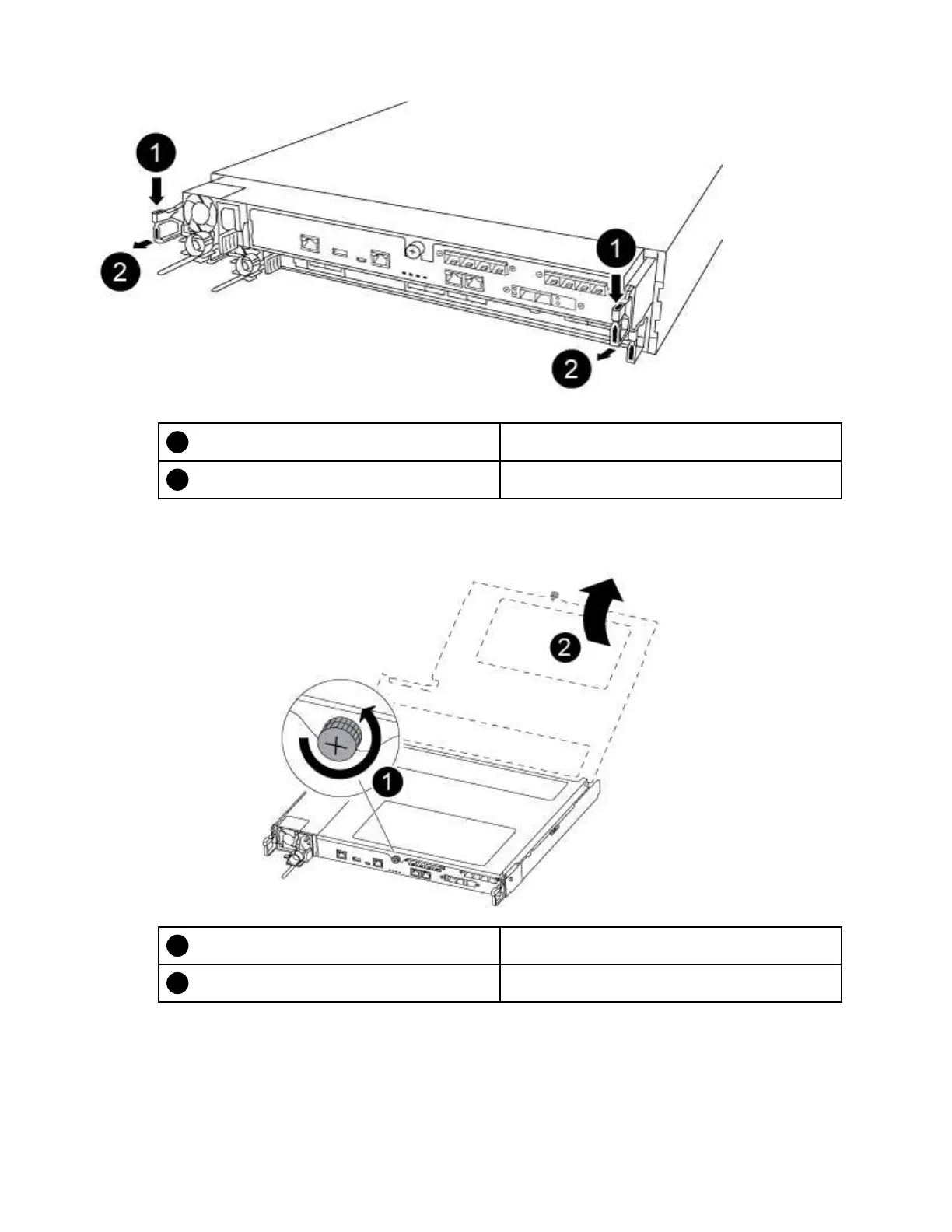
Lever
Latching mechanism
Step 6. Using both hands, grasp the controller module sides and gently pull it out of the chassis and set it
on a flat, stable surface.
Step 7. Turn the thumbscrew on the front of the controller module anti-clockwise and open the controller
module cover.
Thumbscrew
Controller module cover
Replacing a fan
To replace a fan, remove the failed fan module and replace it with a new fan module.
A video for this task is available at:
26
ThinkSystem DG5000 Hardware Installation and Maintenance Guide










 To Next Page