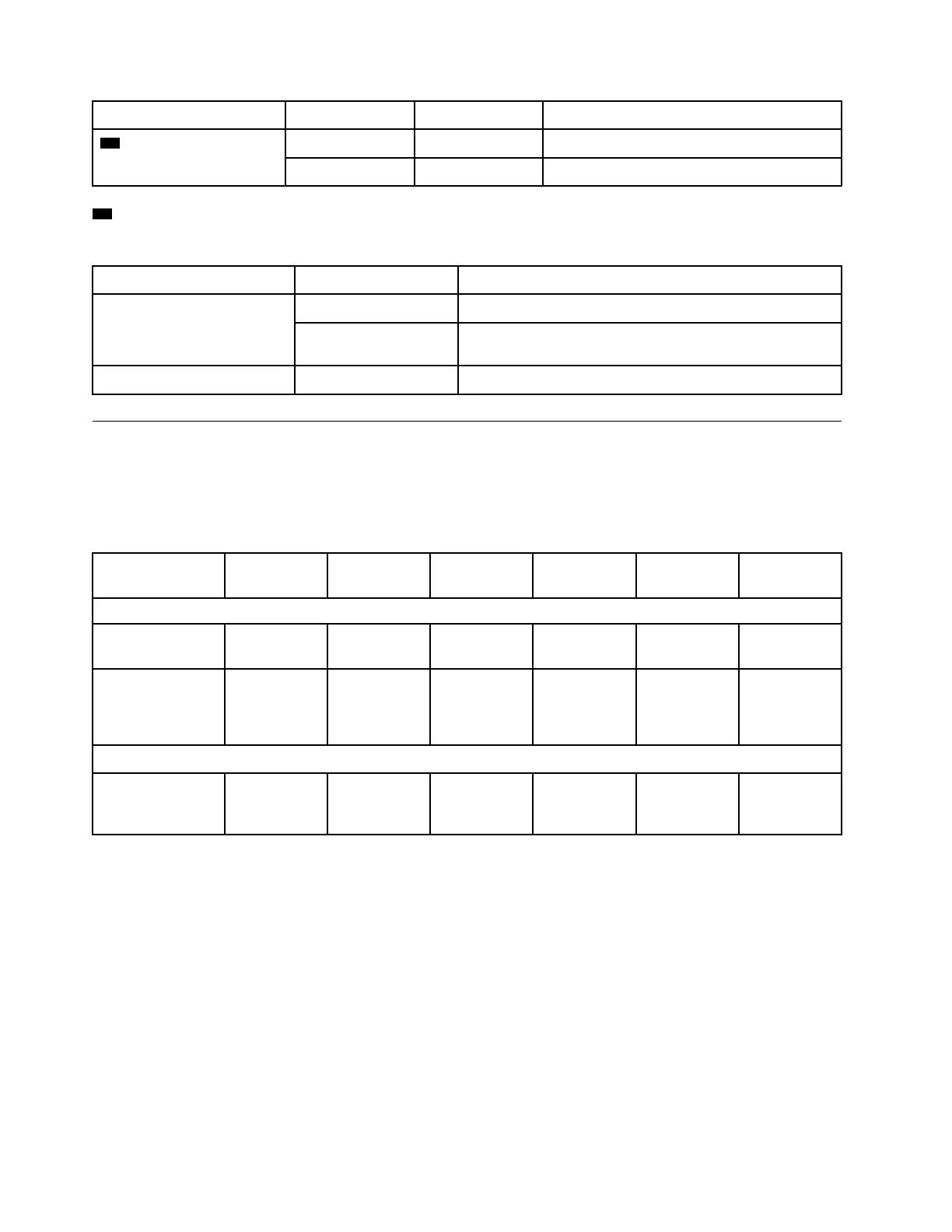
Status LED Status Color Description
10 25 GbE port attention
LEDs (2)
On
Amber The port requires attention.
Off
None The port operates normally.
11 Power supply LED
The power supply has a multi-color status LED.
Status Color
Description
On Green The power supply is connected to the AC power source.
Red The power supply is failed or the AC power source is
removed.
Off None The system is off.
PCIe slots
The DG5000 supports two (2) x16 PCIe mezzanine host interface cards (HIC) per controller. These slots are
used to add extra adapters for host, storage, or cluster connectivity. The tables below show the supported
adapters, the max number supported per controller and the adapter slot priority.
Host interface card support
Name Option PN Feature
Code
Plug Type Supported
Protocol(s)
Per
Controller
Slot Priority
Host Interface
HIC, 10/25Gb
iSCSI,4-ports
4C57A67132 BEVQ SFP28 Ethernet 10/
25Gb
2 2,1
HIC, 16/32Gb
FC,4-ports
4C57A67133 BEVP SFP+ Fibre Channel
8/16/32 Gb
NVMe/FC 8/
16/32 Gb
2 2,1
Expansion
HIC, 2x100Gb
NVMe-RoCE,2-
ports
1
4C57A67134 BEVR QSFP28 Ethernet
100Gb
1 1
1
: Used with DM240N expansion, restricted to 100 GbE only.
10
ThinkSystem DG5000 Hardware Installation and Maintenance Guide










 To Next Page