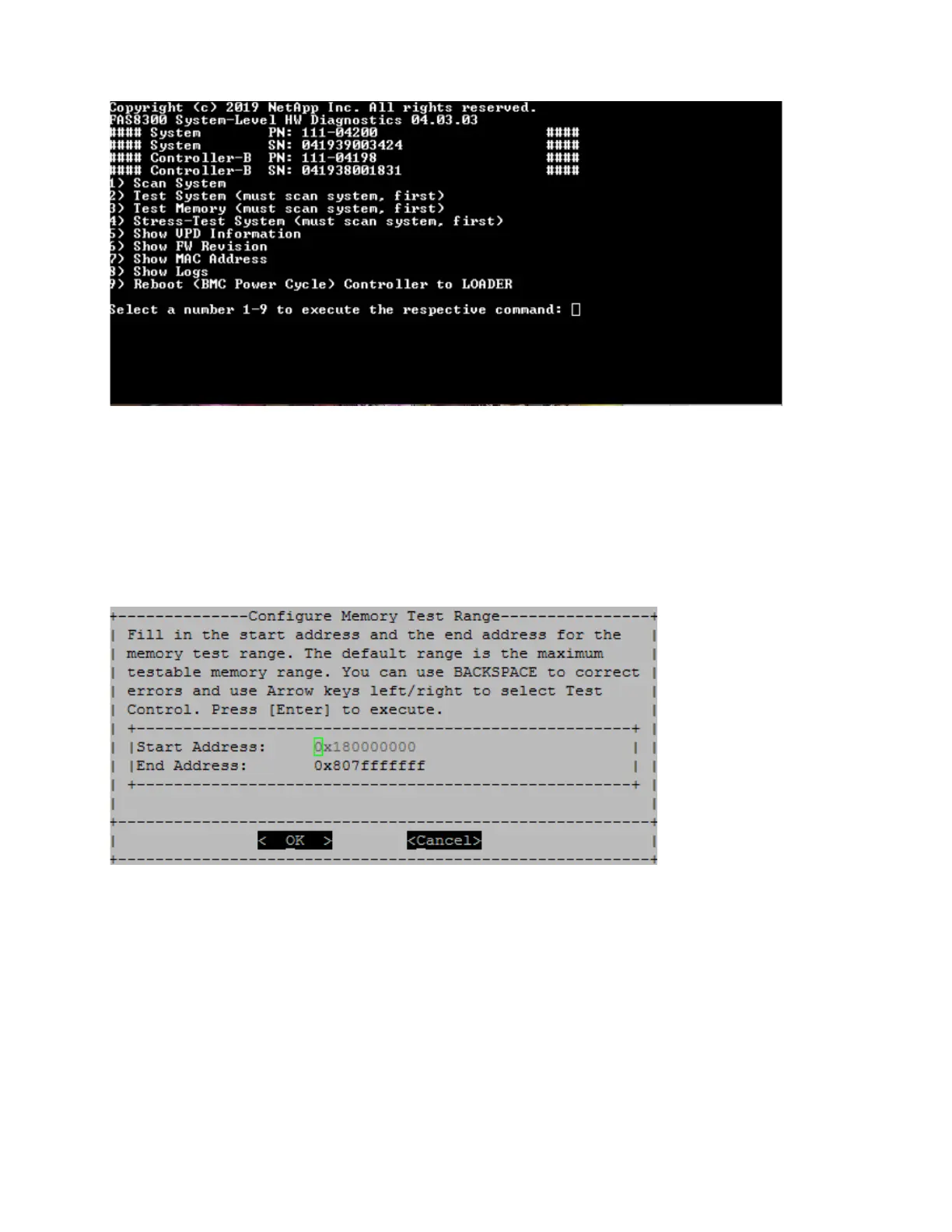
Configure Memory Test Range
Use the Configure Memory Test Range to specify the start and the end addresses for the memory tests.
• Fill in the "Start Address" and "End Address" fields with the desired memory address range (in
hexadecimal).
• Use the "Tab" key to switch the cursor between memory address input and the page control panel ("OK"
or "Cancel").
• Select "OK" in the control panel, and then press "Enter".
Memory Test Selection and Loop Count
The "Test Memory" page displays the available memory tests:
• Memory Pattern Test – Verifies system memory with a pre-determined pattern
• Memory Random Test – Verifies system memory with randomly generated patterns
Chapter 5. System level diagnostics 87










 To Next Page