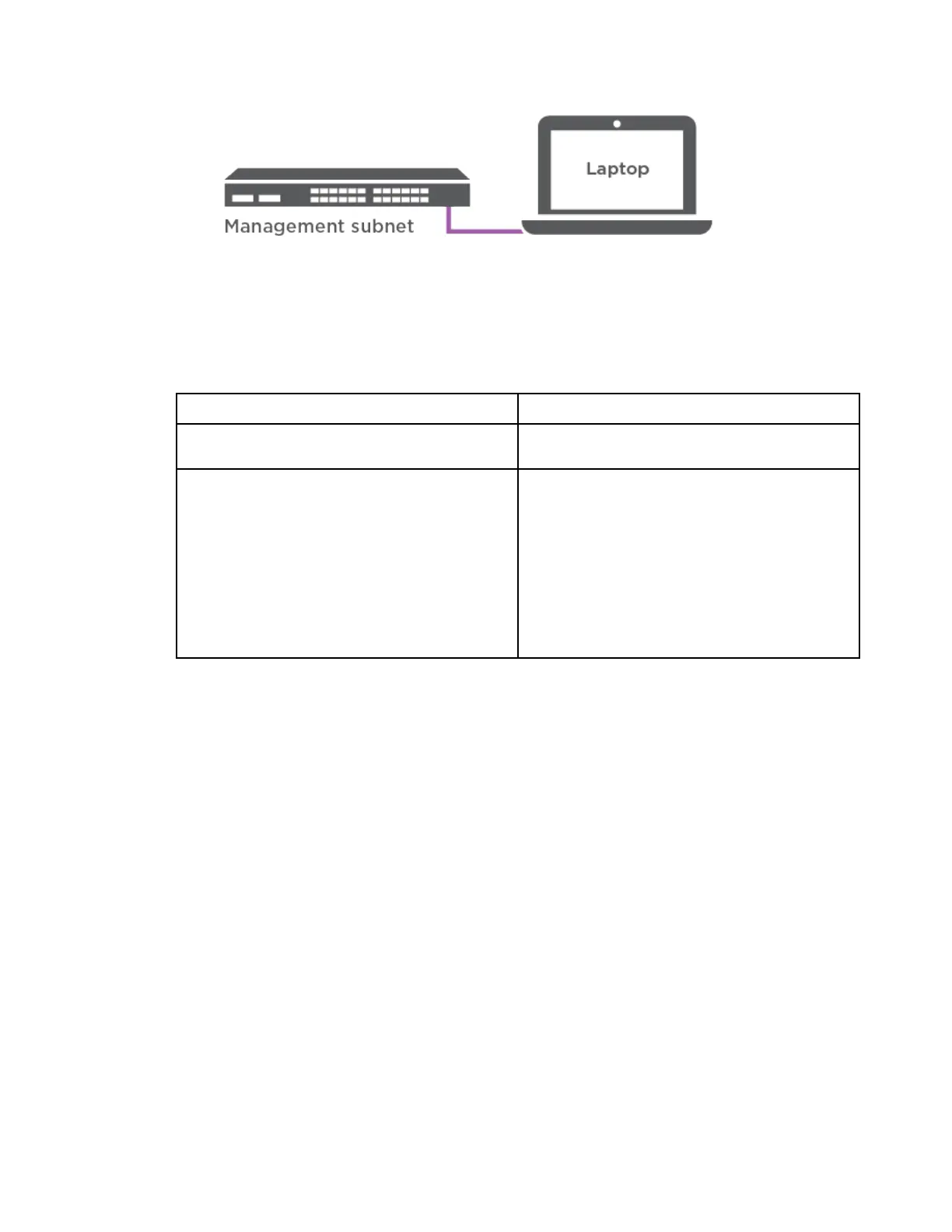
c. Assign a TCP/IP address to the laptop or console, using one that is on the management
subnet.
Step 2. Plug the power cords into the controller power supplies, and then connect them to power sources
on different circuits.The system begins to boot. Initial booting may take up to eight minutes
Step 3. Assign an initial node management IP address to one of the nodes.
If the management network has DHCP...
Then...
Configured
Record the IP address assigned to the new
controllers.
Not configured
1. Open a console session using PuTTY, a
terminal server, or the equivalent for your
environment.
Note: Check your laptop or console's
online help if you do not know how to
configure PuTTY.
2. Enter the management IP address when
prompted by the script.
Step 4. Use Storage Manager on your laptop or console, configure your cluster:
a. Point your browser to the node management IP address.
Note: The format for the address is https://x.x.x.x.
b. Configure the system using the data you collected by referring to DG5000 Installation and
Setup Instructions or Cluster Management Using Storage Manager.
DG5000 Installation and Setup Instructions
Cluster Management Using ThinkSystem Storage Manager for DM Series
Step 5. After you have completed the initial configuration, go to Resources for ONTAP and ThinkSystem
Storage Manager for DM Series
for information about configuring additional features in ONTAP.
Chapter 3. System installation and setup 21










 To Next Page