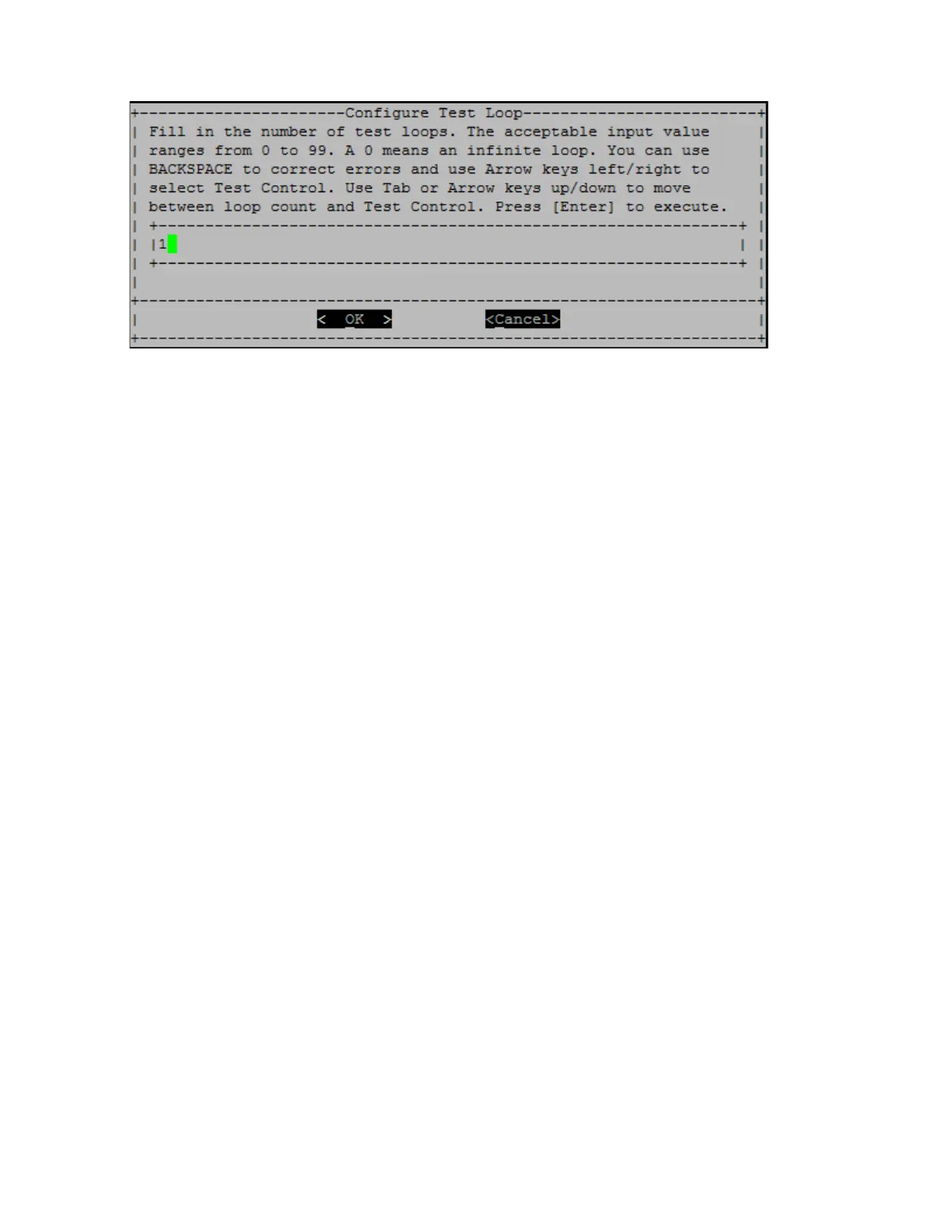
• Enter the number of test loops for the selected tests.
Note: For the "Memory Random Test", this value specifies the number of seconds spent running the test.
• Use the "Tab" key to switch the cursor between the loop input panel and the page control panel.
• Use the left and right arrow keys to select "OK" or "Cancel".
• Press "Enter" to start the tests.
The test results are displayed on the console, as shown below. Press "Enter" to return to the main menu.
Chapter 5. System level diagnostics 89










 To Next Page