Electrical installation
Common control terminals
Diagnostics
6
223
EDS84ASC552 EN 10.0
6.6.4 Diagnostics
The following can be optionally connected to the X6 diagnostic interface:
ƒ E94AZCUSdiagnostic USB adapter
ƒ EZAEBK1001 keypad
ƒ EZAEBK2001 diagnosis terminal
In combination with the Lenze PC software »Engineer«, the diagnostic adapter serves to
make comprehensive settings via dialogs, e.g. for initial commissioning.
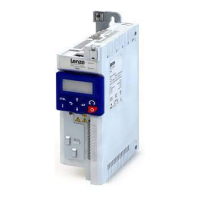
The keypad serves to check or change individual settings. It is directly plugged onto the
controller.
Using the keypad, the controller can be parameterised with regard to basic settings in a
quick commissioning menu.
The diagnosis terminal combines the keypad with a housing and a connecting cable. The
diagnosis terminal can also be used for installation, e.g. into a control cabinet door.
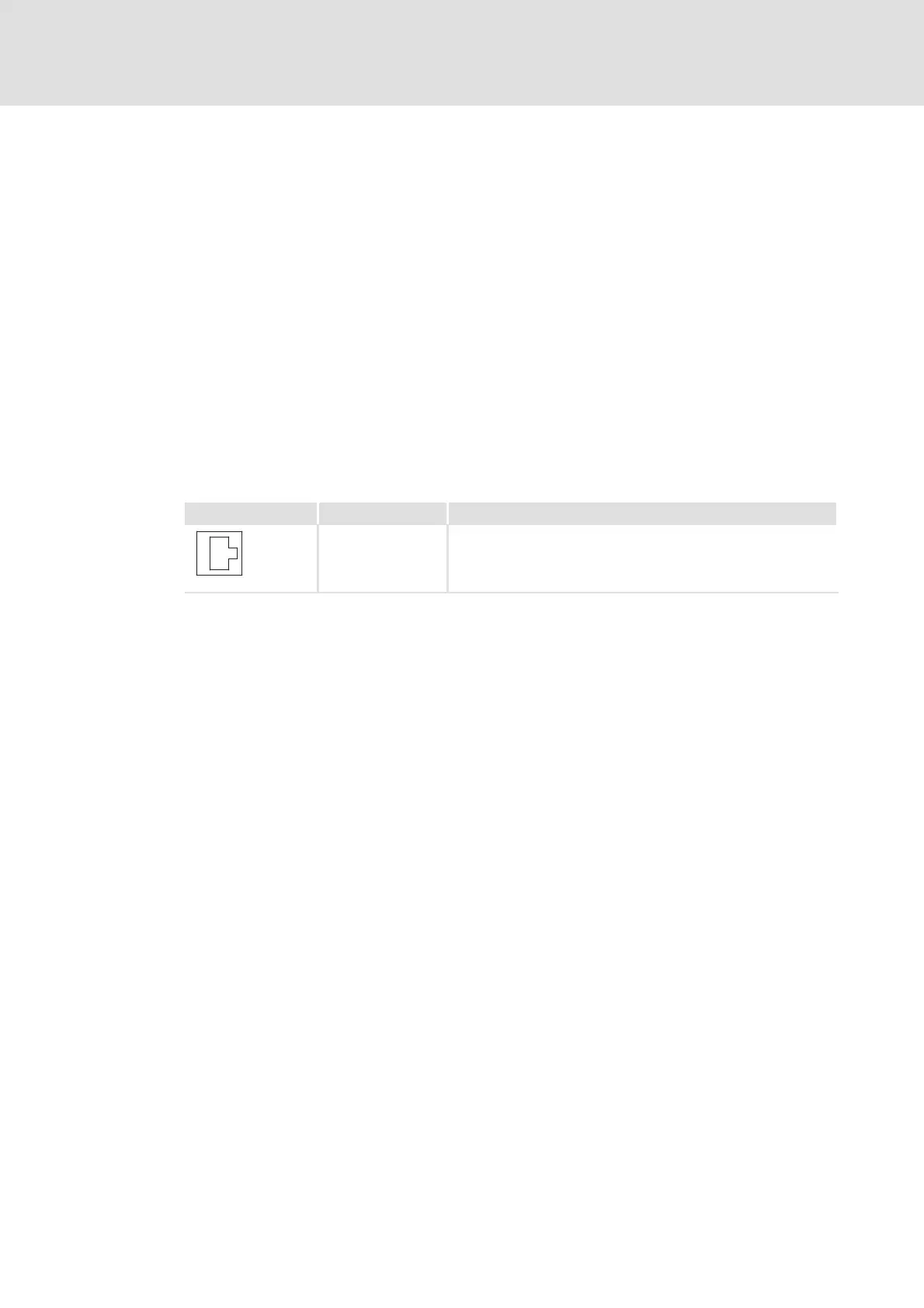
Socket X6 Labelling Description
DIAG Diagnostic interface for connection of a keypad or USB diagnostic
adapter for onlin e diagn ostics
8400HLC009


 To Next Page