Operations of AP - AP being a registrar
AP mode
Whenever users enter station’s PIN into AP’s Wi-Fi Protected
Setup page and click “Start PIN”, AP will become a registrar.
Users must start the PIN method on the station side within two
minutes.
1. From the head menu, click on WAN1.
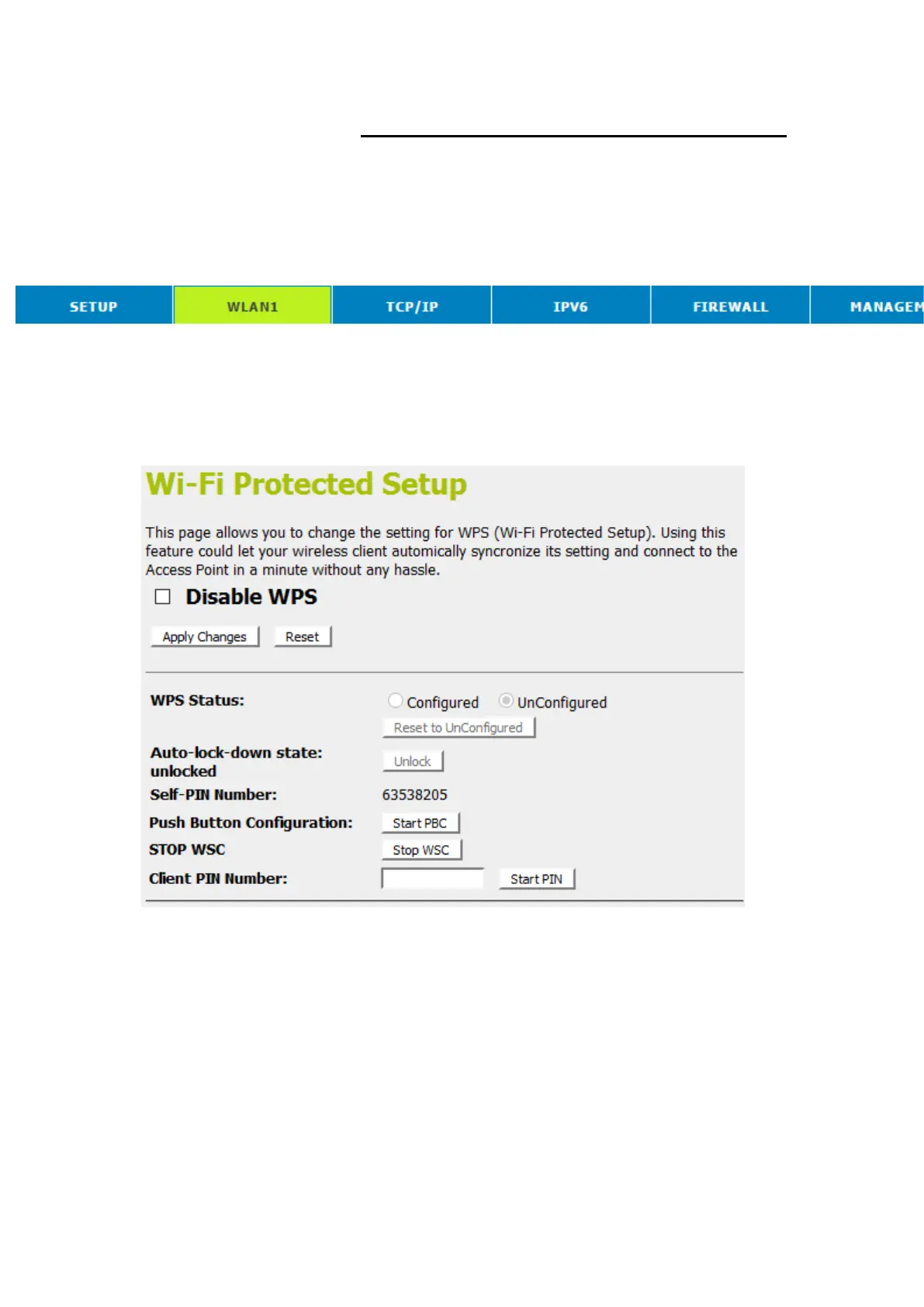
2. From the left-hand menu, click on WPS. The following page
is displayed:
3. Make sure AP is in un-configured state.
4. Enter the Client PIN Number.
5. Click Start PIN.



 To Next Page