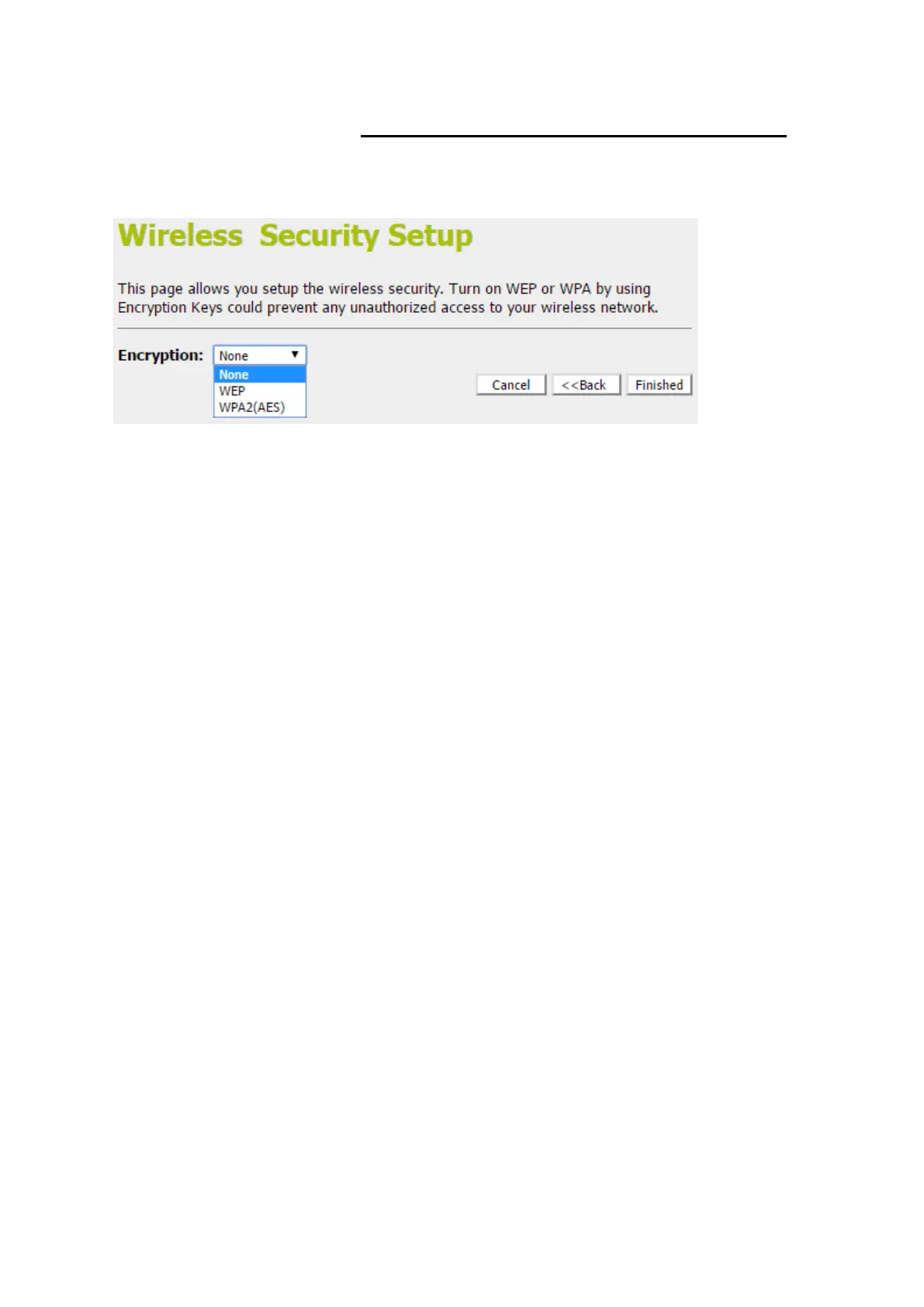
Wireless Security Setup
This page allows you setup the wireless security. Turn on WEP
or WPA by using Encryption Keys could prevent any
unauthorized access to your wireless network.
You can protect your wireless data from potential
eavesdroppers by encrypting wireless data transmissions. An
eavesdropper might set up a compatible wireless adapter within
range of your device and attempt to access your network. Data
encryption is the translation of data into a form that cannot be
easily understood by unauthorized users.
There are two methods of wireless security to choose from:
Wired Equivalent Privacy (WEP); data is encrypted into
blocks of either 64 bits length or 128 bits length. The
encrypted data can only be sent and received by users with
access to a private network key. Each PC on your wireless
network must be manually configured with the same key as
your device in order to allow wireless encrypted data
transmissions. Eavesdroppers cannot access your network
if they do not know your private key. WEP is considered to
be a low security option.
Wi-Fi Protected Access (WPA); provides a stronger data
encryption method (called Temporal Key Integrity Protocol
(TKIP)). It runs in a special, easy-to-set-up home mode
called Pre-Shared Key (PSK) that allows you to manually
enter a pass phrase on all the devices in your wireless
network. WPA data encryption is based on a WPA master
key. The master key is derived from the pass phrase and
the network name (SSID) of the device.



 To Next Page