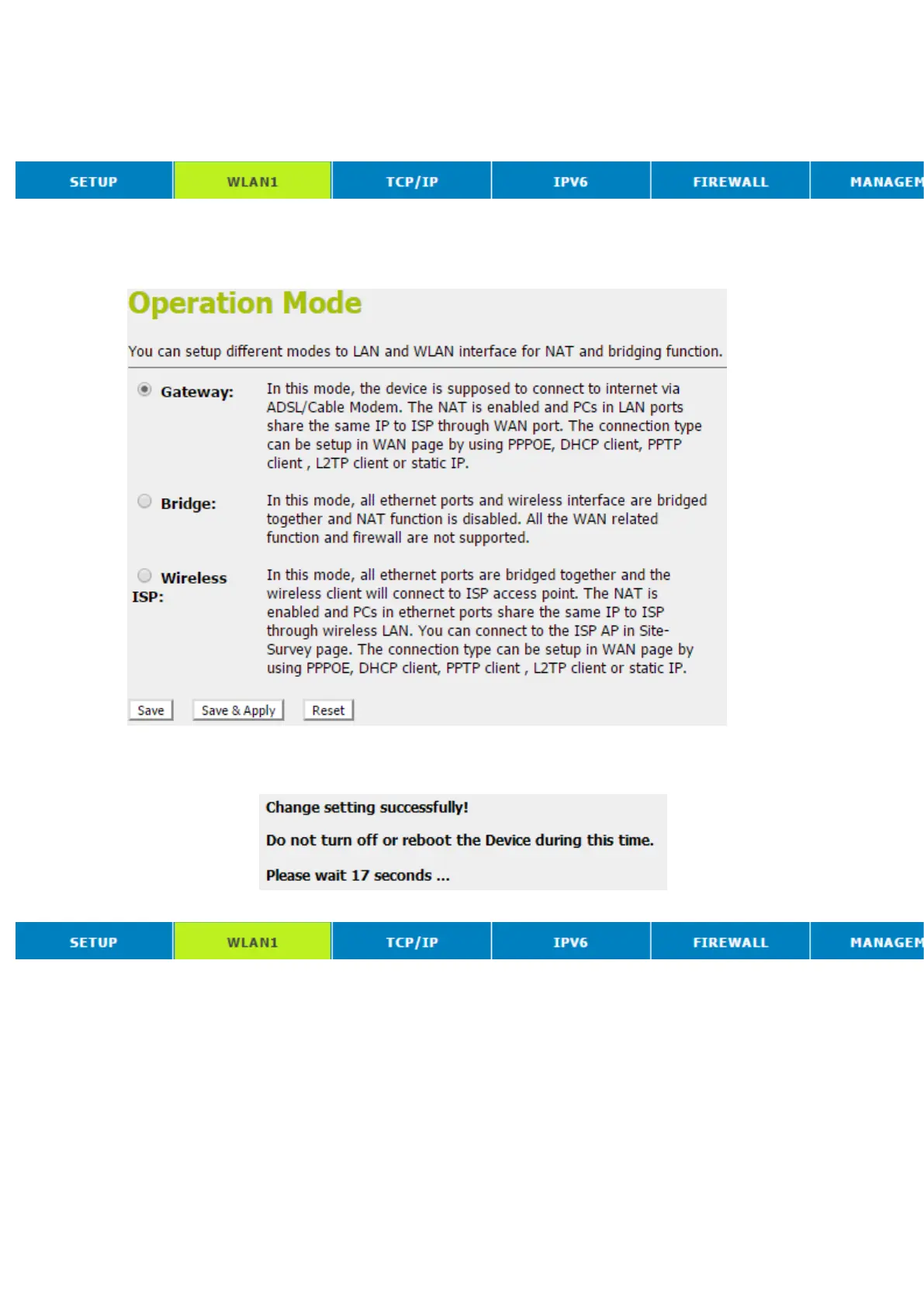
ConfigureWireless ISP + Wireless client +Site Survey
2. From the head menu, click on SETUP.
3. From the left-hand Operation Modemenu, click on Wireless
ISP Settings.
4. Config WAN Interface.
5. Click Save & Apply button.
6. Change setting successfully! Do not turn off or reboot the
Device during this time. Please wait 20 seconds ...
7. From the head menu, click on WAN1.



 To Next Page