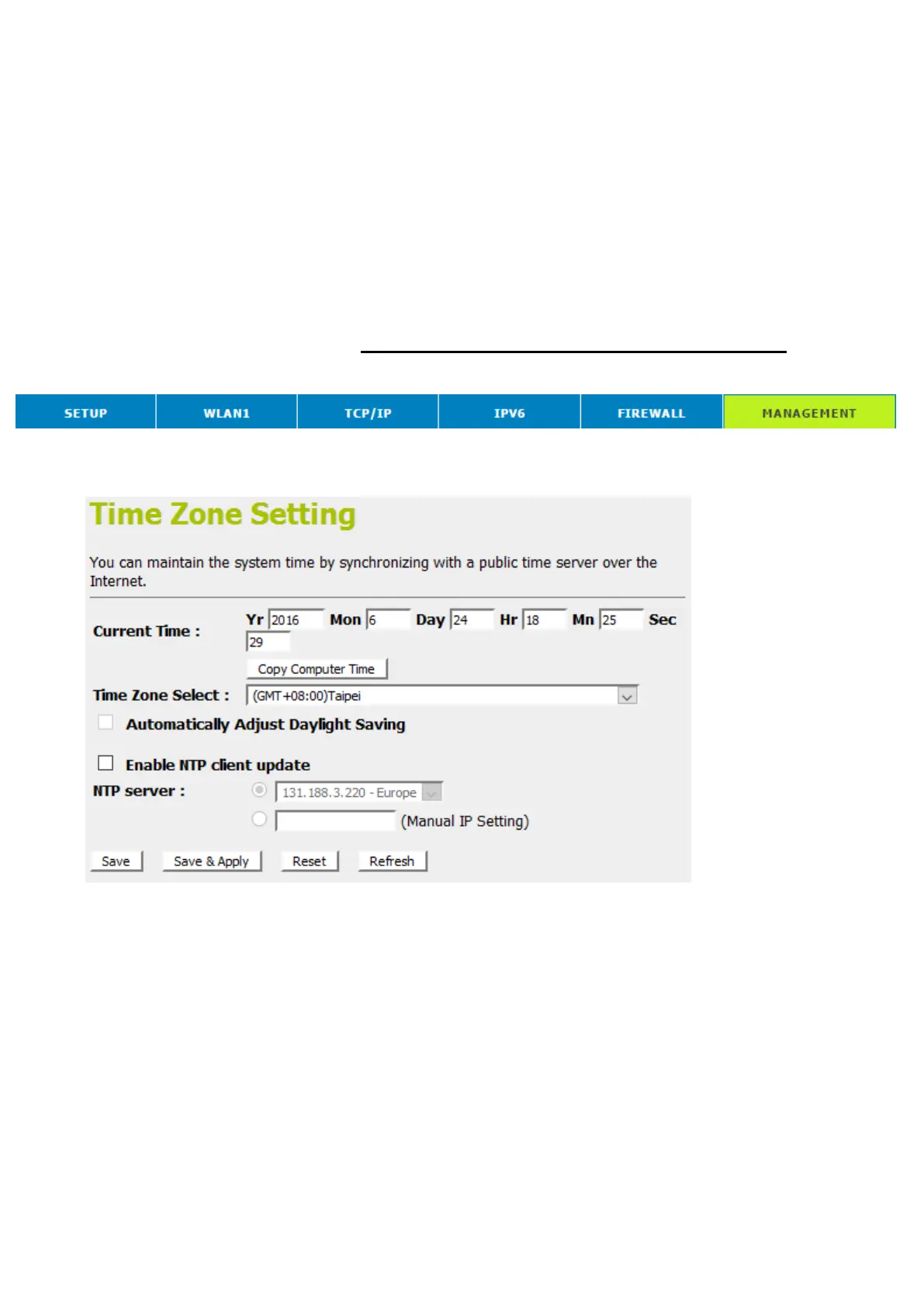
26 Time Zone Setting
Certain systems may not have a date or time mechanism or
may be using inaccurate time/day information. the Simple
Network Time Protocol feature provides a way to synchronize
the device’s own time of day setting with a remote time server
as described in RFC 2030 (SNTP) and RFC 1305 (NTP).
SNTP Server and SNTP Client Configuration
settings
1. From the head menu, click on Management.
2. From the left-hand menu, click on Time Zone Setting. The
following page is displayed:



 To Next Page