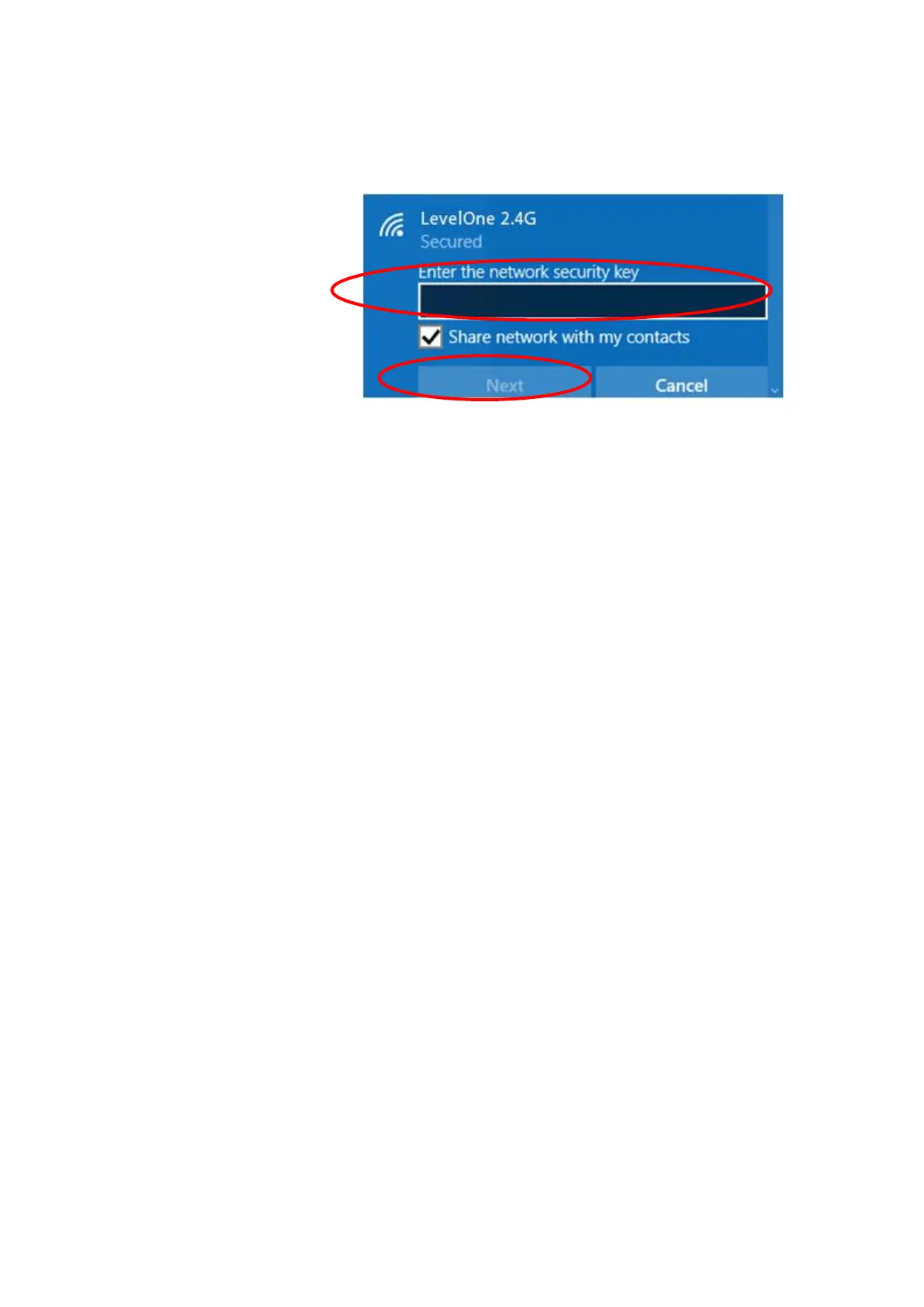
which could be found on the bottom side of the device).
You can later change this network key via the wireless
configuration menu.
15. Click on "Next".
16. Now you are ready to use the Wireless Network to Internet
or intranet.
6 What the Internet/WAN access of your own
Network now is
Now you could check what the Internet/WAN access of your
network is to know how to configure the WAN port of WBR-
6013.
Please follow steps below to check what the Internet/WAN
access if your own Network is DHCP Client, Static IP or PPPoE
Client.



 To Next Page