You must ensure that the single port or range specified does not
overlap with a port or range for an existing common or custom
application. Check the common port ranges listed in.
Port filtering for TCP port 80
Please follow example below to deny the TCP port 80 for both
Outbound and Inbound packet.
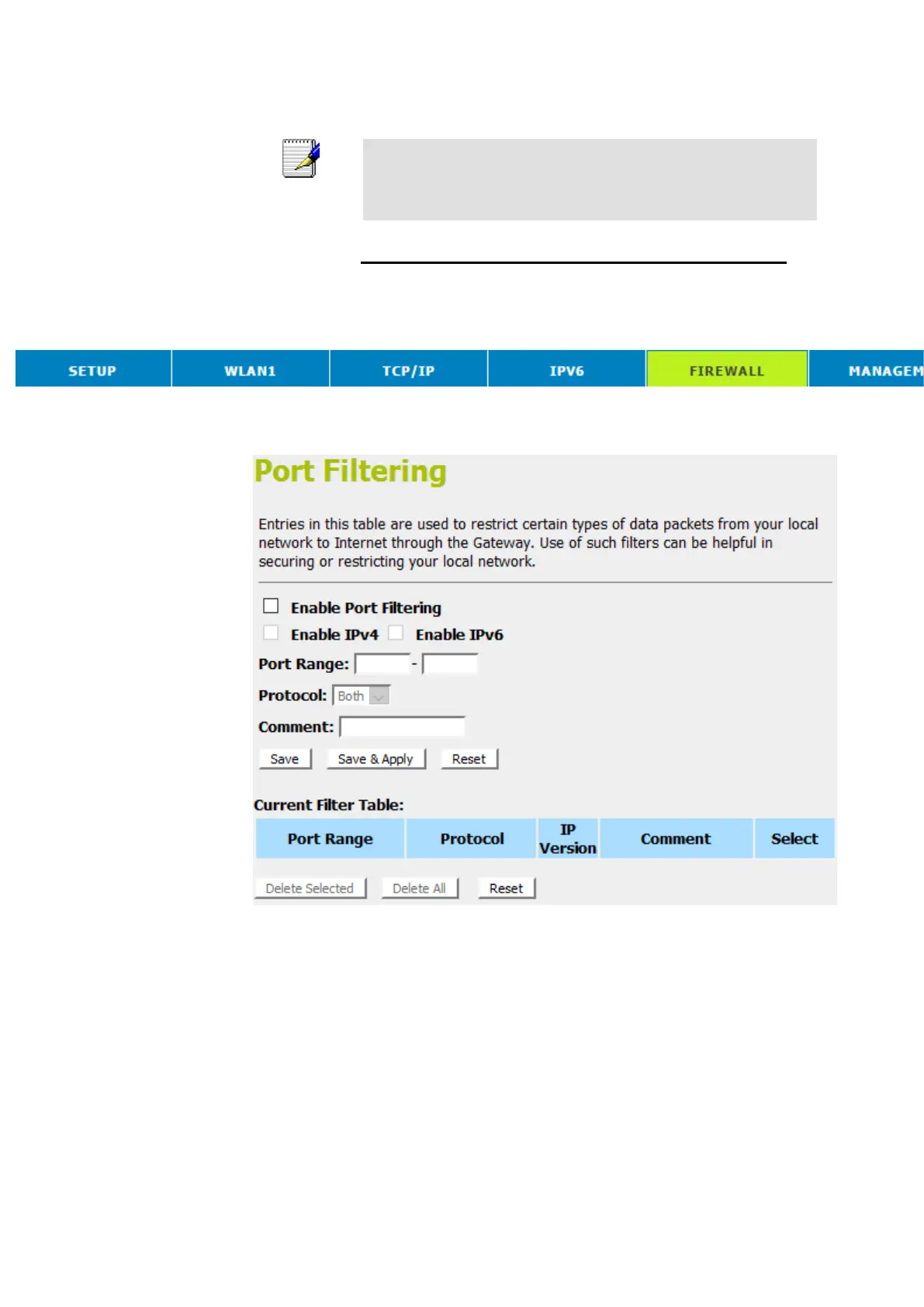
1. From the head menu, click on Firewall.
2. From the left-hand menu, click on Port Filtering. The
following page is displayed:



 To Next Page