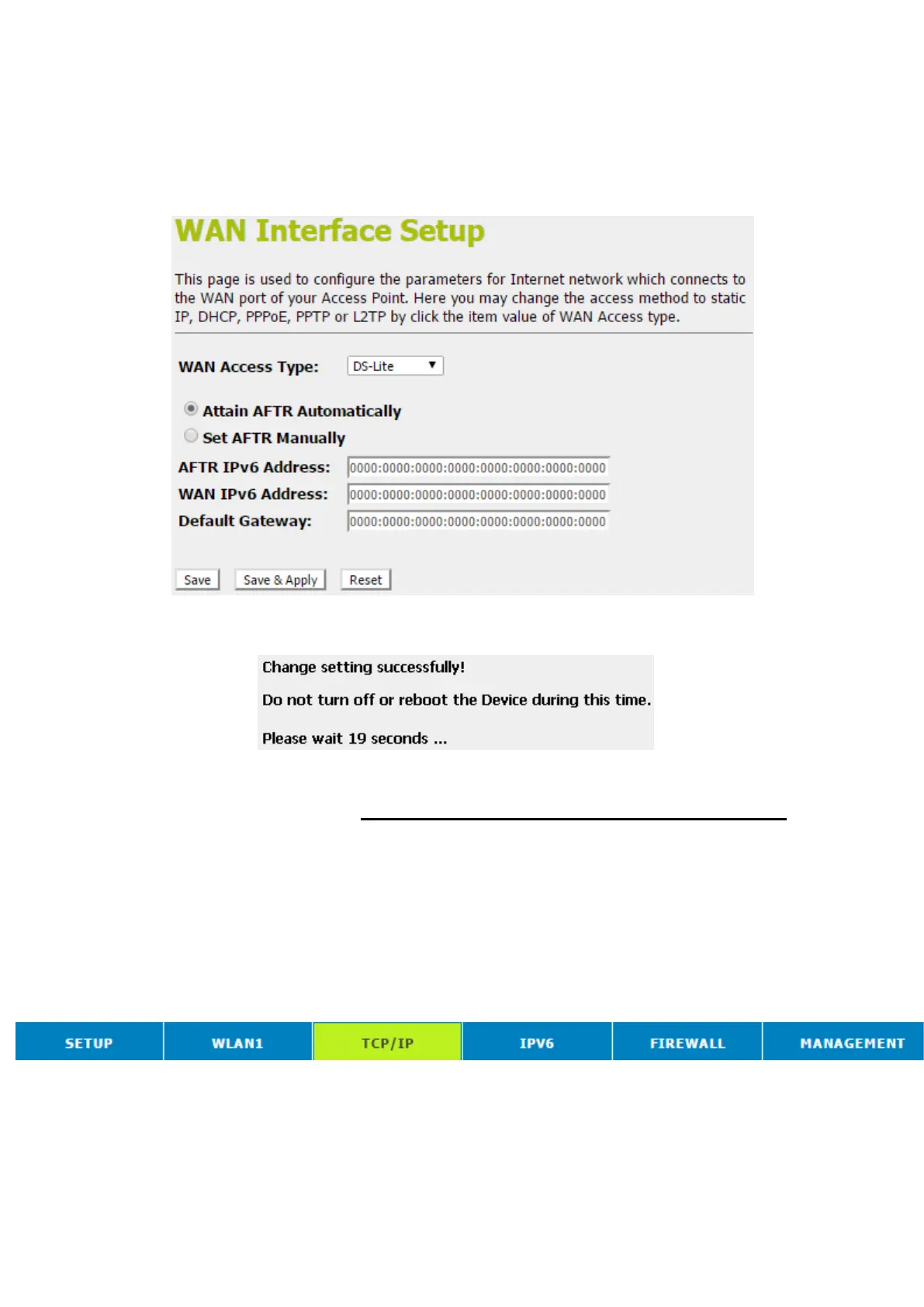
11. From the WAN Access Type drop-down list, select DS-Lite
setting.
12. Configure related settings provided by your ISP. Type them
in the relevant boxes.
13. Click Save & Apply.
14. Change setting successfully! Please wait 20 seconds….
Clone MAC Address
Some particularly ISPs do not want you to have a home
network and have a DSL/Cable modem that allows only 1 MAC
to talk on the internet. If you change network cards, you have to
call them up to change the MAC. The Wireless Gateway can it’s
MAC to computer's one that was originally set up for such an
ISP.
This page allows you to enable or disable Clone MAC Address
option.
1. From the head menu, click on TCP/IP.



 To Next Page